
Your bag 0 items
Your bag is empty.

Free standard delivery



FAQ's
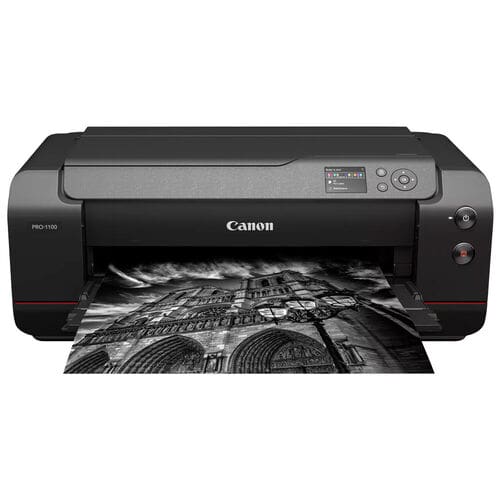
It’s crucial that the printer utilises pigment based inks only, these give light fastness and UV stability, as well as offering higher scratch and water resistance. A printer with 7-12 individual ink colours is best suited, as these offer increased colour gamut, and better tonal gradations.
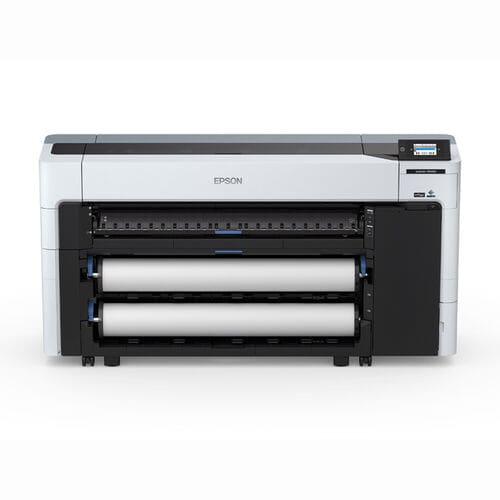
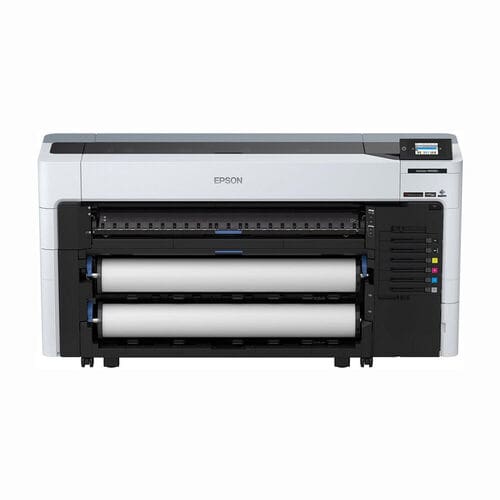
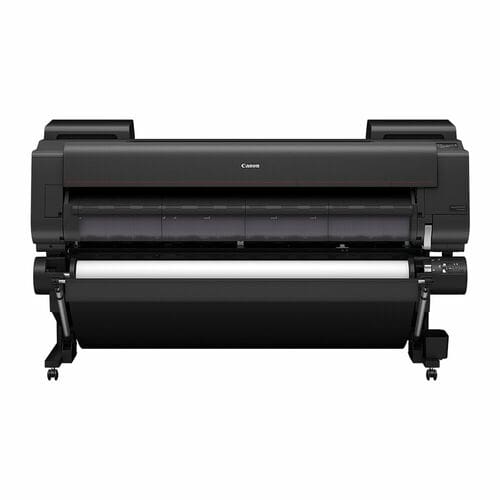
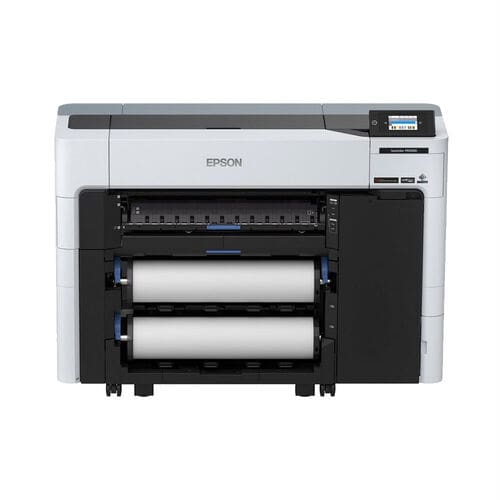
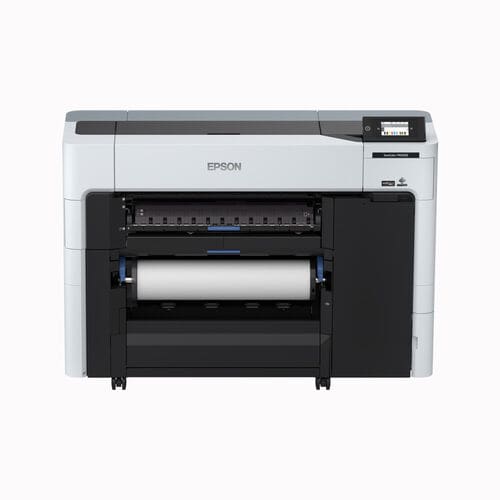
Both Epson SureColor SC-P, and Canon imagePROGRAF Pro series offer these options.
Archival pigment prints on high-quality media are typically rated to last 100+ years without significant fading when stored or displayed correctly.
Acid free Medias which are also free of optical brighteners offer the best longevity, we recommend Hahnemühle, Canson or Innova.
They’re both equally as good, as long as you select a printer with the correct ink set, look for models with at least two grey/light grey inks and both matte and photo black ink cartridges – to ensure neutral tones and avoid “colour casts” like a cyan or warm hue.
If you print images on gloss, also consider a printer with a clear optimiser ink, typically found in 12 colour options.
Not necessarily as there are lots of plug-ins out the box, but a RIP can be useful in production environments for better colour management, nesting multiple images on a single roll, and controlling ink density on media like canvas.
You can also manage ICC colour profiles within the RIP rather than in the printer
An ICC profile is a small digital file that acts as a “translator” between your printer, your ink, and your specific paper.
Every paper (Canvas, Glossy, Cotton Rag) absorbs ink differently.An ICC profile tells the printer exactly how much ink to spray to achieve accurate, predictable colour. Resulting that what you see on a calibrated monitor is what you get on the paper.
ICC profiles, can be built specifically for you, or downloaded from professional paper companies such as Hahnemühle
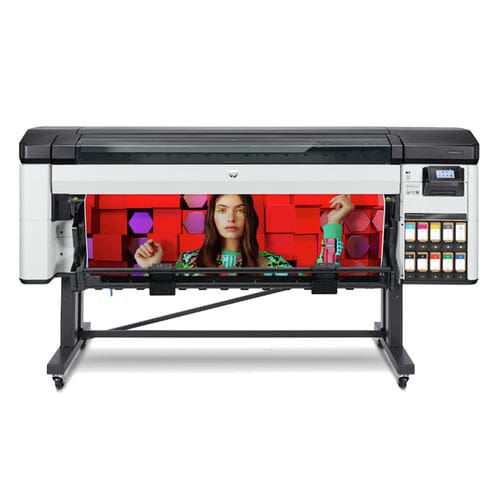
Yes, and no. You can use a plotter to print canvases, it’s essential that the plotter uses pigment, and not dye based ink. Otherwise your prints won’t be light fast, and will quickly fade when displayed.
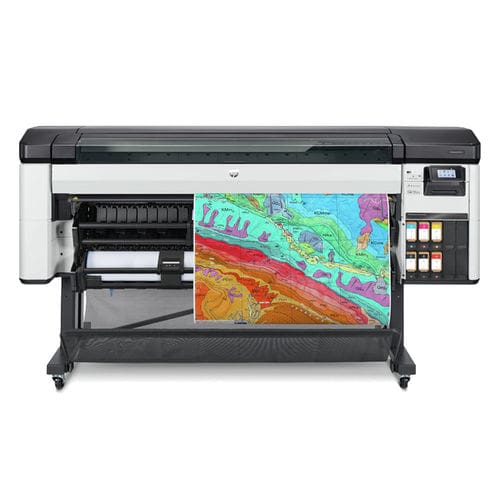
Plotters are typically 4-6 colour and do not offer the breadth of gamut or colour accuracy from dedicated 7-12 colour devices.
There will be fewer media selections as many plotters simply can not take heavier papers, or canvases, due to core sizes, inefficient cutters and the available room where rolls are loaded.
The Canon TM series, is a great example of a plotter that can print canvas, with some of the above limitations. Just ask us for advice.






























We’ve had great reviews
We like new customers to make their purchase decisions on other buyers experiences, as such we partner with Trustpilot and actively seek reviews. Read more on Trustpilot….

Sign up to our newsletter to get the latest news, special offers & exclusive deals.
You can unsubscribe any time, we will use your information in accordance with our Privacy Policy

Privacy Policy | Terms & Conditions | Sitemap
© Copyright 2026 Plot It. All rights reserved. Company No. 06576578 Registered in England & Wales. Website by Fifteen.co.uk