

Key takeaways
- HP SmartStream is workflow software that can double production efficiency on HP PageWide XL and selected DesignJet printers.
- It lets you manage several printers from one dashboard and batch print complex queues of PDF drawings and graphics.
- You can try it free for 60 days with full functionality before buying a licence through a reseller like Plot it.
- Your printer needs PostScript capability, either as standard or as an installable option, to use SmartStream.
HP SmartStream is software built to speed up large format printing. It can double production efficiency on HP PageWide XL and selected DesignJet printers, manage several printers from one dashboard and batch print complex PDF jobs – without changing your existing workflow. Here's what it does, what you need to run it, and how to start a free 60-day trial.
What is HP SmartStream?
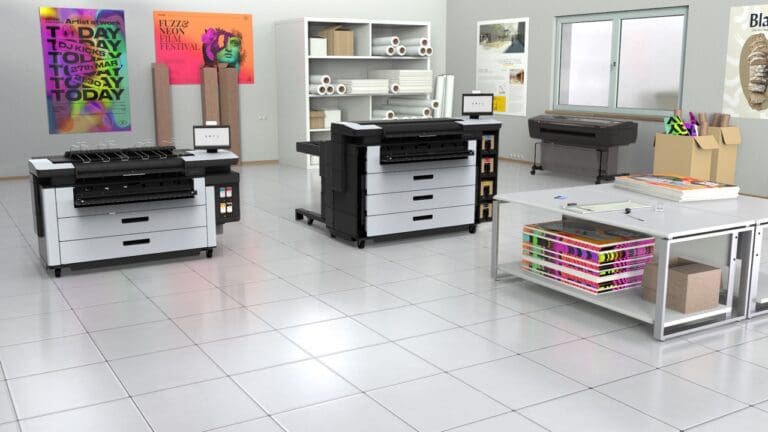
HP SmartStream is dedicated software from HP that improves productivity and operator efficiency, speeds up large format printing workflows and expands colour production. It’s designed specifically for large format printers and works with HP PageWide XL and selected HP DesignJet printers.
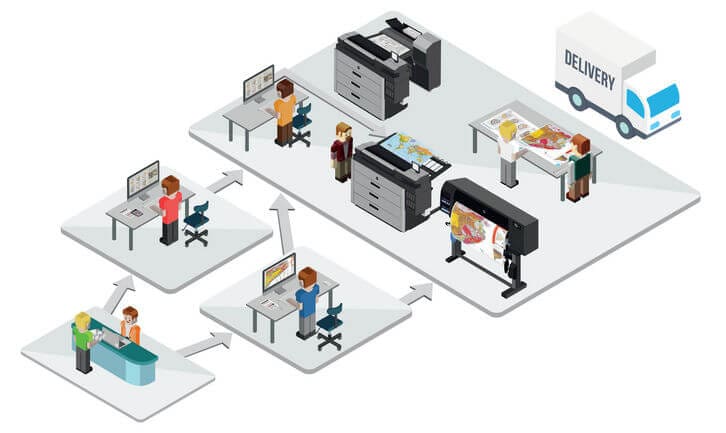
You can manage multiple printers from one dashboard, which makes it particularly well suited to businesses handling high volumes of print jobs, such as:
- Architecture, engineering and construction (AEC) firms
- GIS and mapping professionals
- Reprographic departments
- Technical publishing houses
- Print service providers
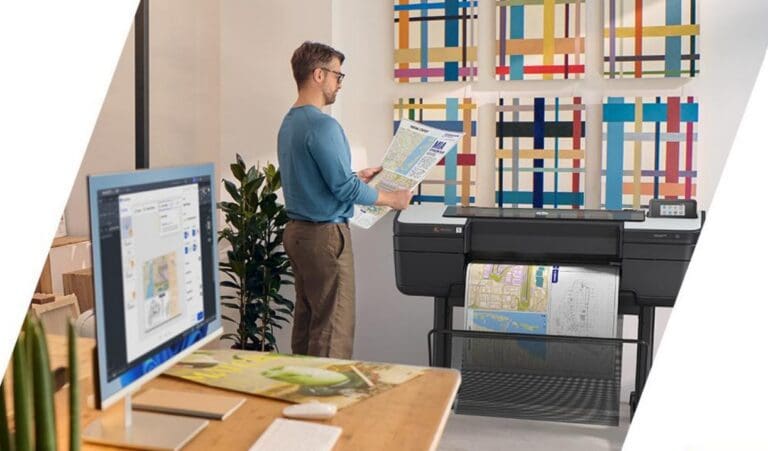
Whether you work alone or across a team, its intuitive interface and automation features turn traditional printing into a streamlined, digital-first workflow.
What are the key benefits of HP SmartStream?
- Twice the efficiency – SmartStream can double production efficiency across colour and monochrome print jobs, without changes to your existing workflow
- Multi-device support – run the software on multiple computers and manage several printers at once from a central dashboard
- Advanced batch printing – process complex job queues with ease, which is especially useful for PDF drawings and graphics
- Expanded colour capabilities – take full advantage of your printer’s colour capabilities, optimising both speed and quality
Everything you need to know about the free trial
You can try SmartStream free for 60 days with full functionality – ideal if you want to test its features before committing to a licence. To get started:
- Get in touch with us to download your free trial
- Install SmartStream on any compatible Windows PC
- Connect your HP DesignJet or PageWide XL printer
- Start batch printing, managing workflows and boosting output efficiency straight away
At the end of the trial, you’ll need to buy a licence to keep using the software – we can guide you through that.
What do you need to run HP SmartStream?
Before you download SmartStream, make sure your printer has PostScript capability. You need it to batch print PDF drawings and graphics and for advanced layout processing. Not sure if your printer has it? Speak to one of our experts.
We stock a range of compatible HP DesignJet and PageWide XL printers with PostScript as standard or as an installable option, so you’re ready to add SmartStream to your print workflow.
HP SmartStream at a glance
- Compatible printers
- HP PageWide XL and selected DesignJet
- Requirement
- PostScript (standard or installable)
- Runs on
- Compatible Windows PCs
- Free trial
- 60 days, full functionality
Plot-It tip: before you start the free trial, gather a typical week's worth of PDF drawing sets. Running your real jobs through SmartStream's batch printing during the 60 days is the quickest way to see how much time it saves your team.