

Key takeaways
- Plot It installed the UK's first two Océ PlotWave 360 devices, building on the PlotWave 300 platform with more speed and functionality.
- The PlotWave 340/360 prints, copies and scans low volumes of technical documents.
- The Océ ClearConnect multi-touch panel lets users pan, zoom and preview documents like on a tablet.
- Files can be printed from the cloud, USB, network locations, a phone or a desktop PC.
- The 340/360 has since been replaced by the PlotWAVE T-series.
Update, October 2026: the PlotWave 340/360 has been replaced by Canon’s PlotWAVE T-series, including the PlotWAVE T30 and PlotWAVE T35. We still supply toner kits for the PlotWave 340/360. The original launch news follows below.
We are proud to have installed the UK's first two Océ PlotWave 360 devices, building on the original PlotWave 300 platform with more speed and functionality.
Print, copy and scan with tablet-style controls
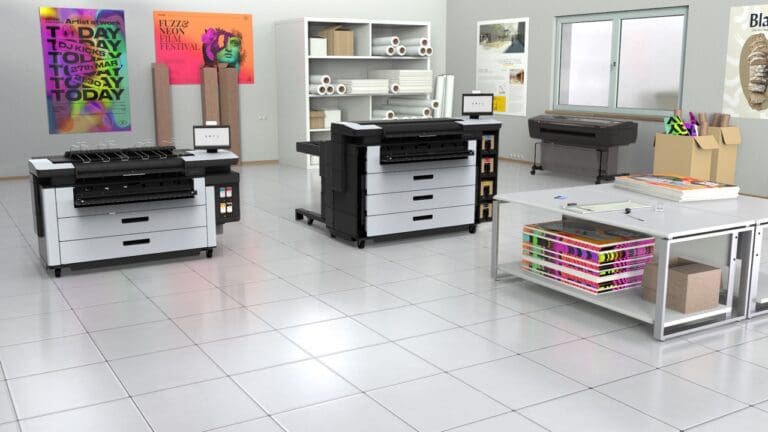
The Océ PlotWave 340/360 sets a new standard in user interaction and cloud integration for technical users who print, copy and scan low volumes of technical documents. This fast and flexible wide-format system helps businesses save time and money on document production.
Technical users are used to handling their work on the latest tablets and phones. The new Océ ClearConnect multi-touch user panel lets users pan, zoom, swipe and spread, making printing as easy as using a tablet. With the gesture-controlled touch software, users can print faster and see the orientation of documents in a live preview while scanning or copying, which helps avoid costly errors. They can pull up a document, zoom out and pan to different areas to check critical details, and the shortcuts save time on every job.
Cloud, USB, mobile and desktop printing
Users working through project portals or in the cloud can access documents directly at the printer using the multi-touch panel. Files can be pulled to the printer from cloud-enabled workflows and scanned to the cloud of choice, which makes it simpler to share documents with other project members.
- Cloud: print from and scan to cloud workflows at the panel.
- USB and network: browse files and print them from a USB stick or network location.
- Mobile: print from a phone with the Océ Publisher Mobile app over an existing Wi-Fi network.
- Desktop: print from a PC with Océ Publisher Select to manage more complex document sets.
PlotWave 340/360 at a glance
- Functions
- Print, copy and scan
- Built on
- Océ PlotWave 300 platform
- User panel
- Océ ClearConnect multi-touch
- Workload
- Low-volume technical documents
- Printing from
- Cloud, USB, network, mobile, desktop
- Successor
- Canon PlotWAVE T-series
Plot-It tip: If you scan as much as you print, test the scan-to-cloud workflow on your own drawings before you buy. A live preview and direct save to your project portal can save more time each week than a faster print speed.