




UltiMaker S6 3D Printer - Flex Variant - Plot it Skip to Main Content

Your bag 1 item

Delivery

Free standard delivery

Learn more about deliveries

Subtotal

£2,945.00 ex VAT

UltiMaker

MPN: 210000007252

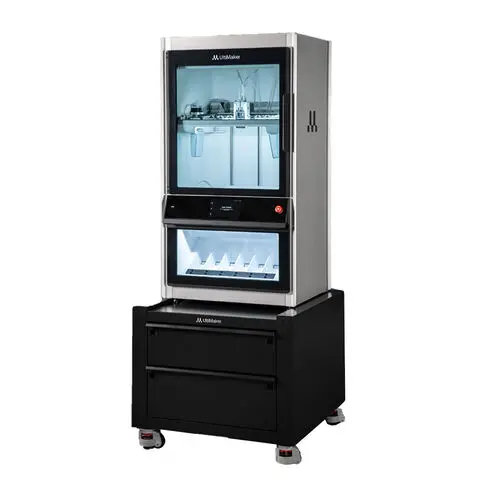
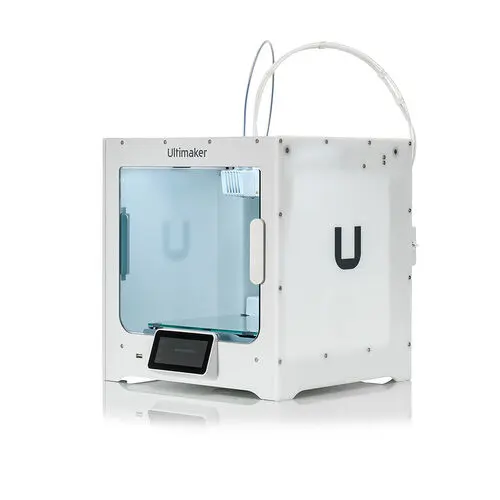
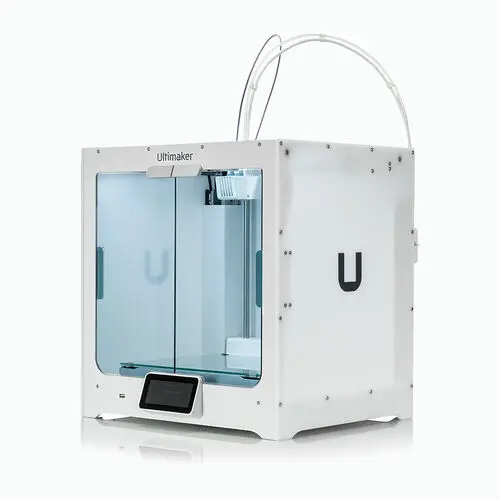
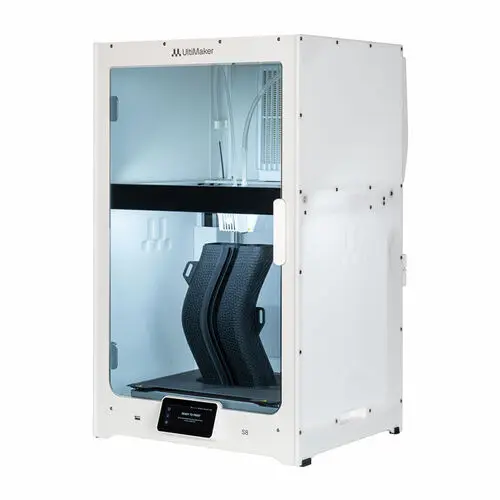
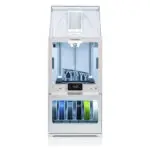
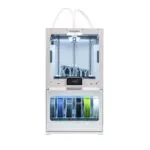
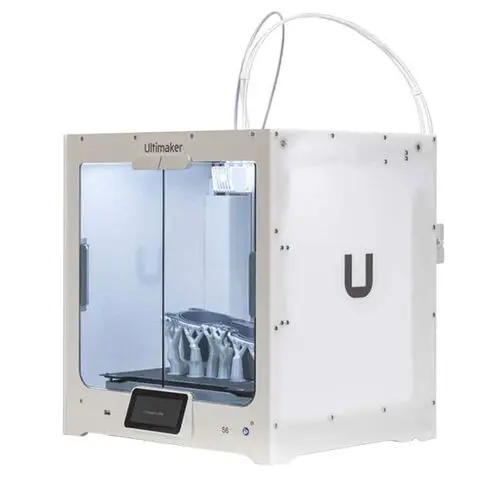
UltiMaker S6 3D Printer - Flex Variant

£4,750.00 ex VAT

£5,700.00 inc VAT

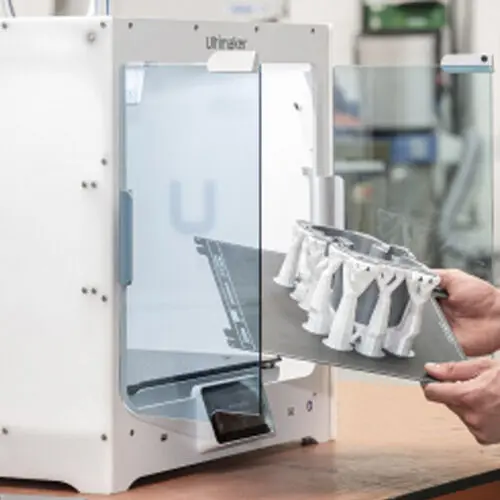
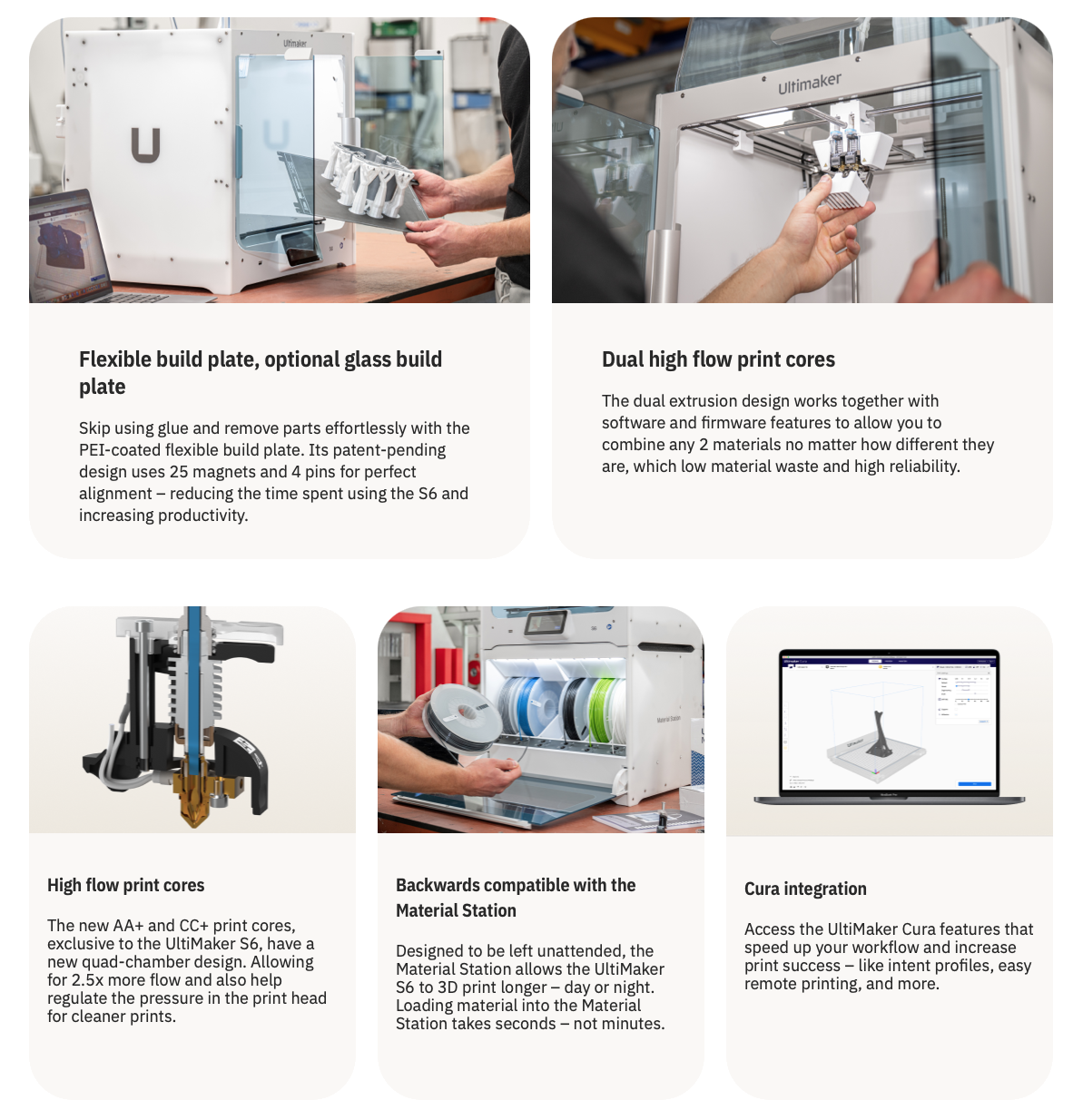
Skip using glue and remove parts effortlessly with the PEI-coated flexible build plate - Precision dual-extrusion 3D printing with built-in Air Manager

What’s included:

Choose with installation and onsite training, or with design for additive training below

Free express delivery

Learn more about deliveries

Lease options available

Find out more

UltiMaker S6 3D Printer with Flexible Build Plate High Speed Dual Extrusion

Professional High-Speed 3D Printing with Flexible Build Plate Versatility

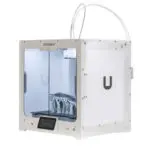
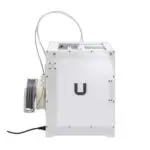
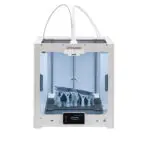
The UltiMaker S6 3D Printer with Flexible Build Plate is a next-generation professional 3D printer designed for engineers, designers, and production environments that demand speed, reliability, and material flexibility.

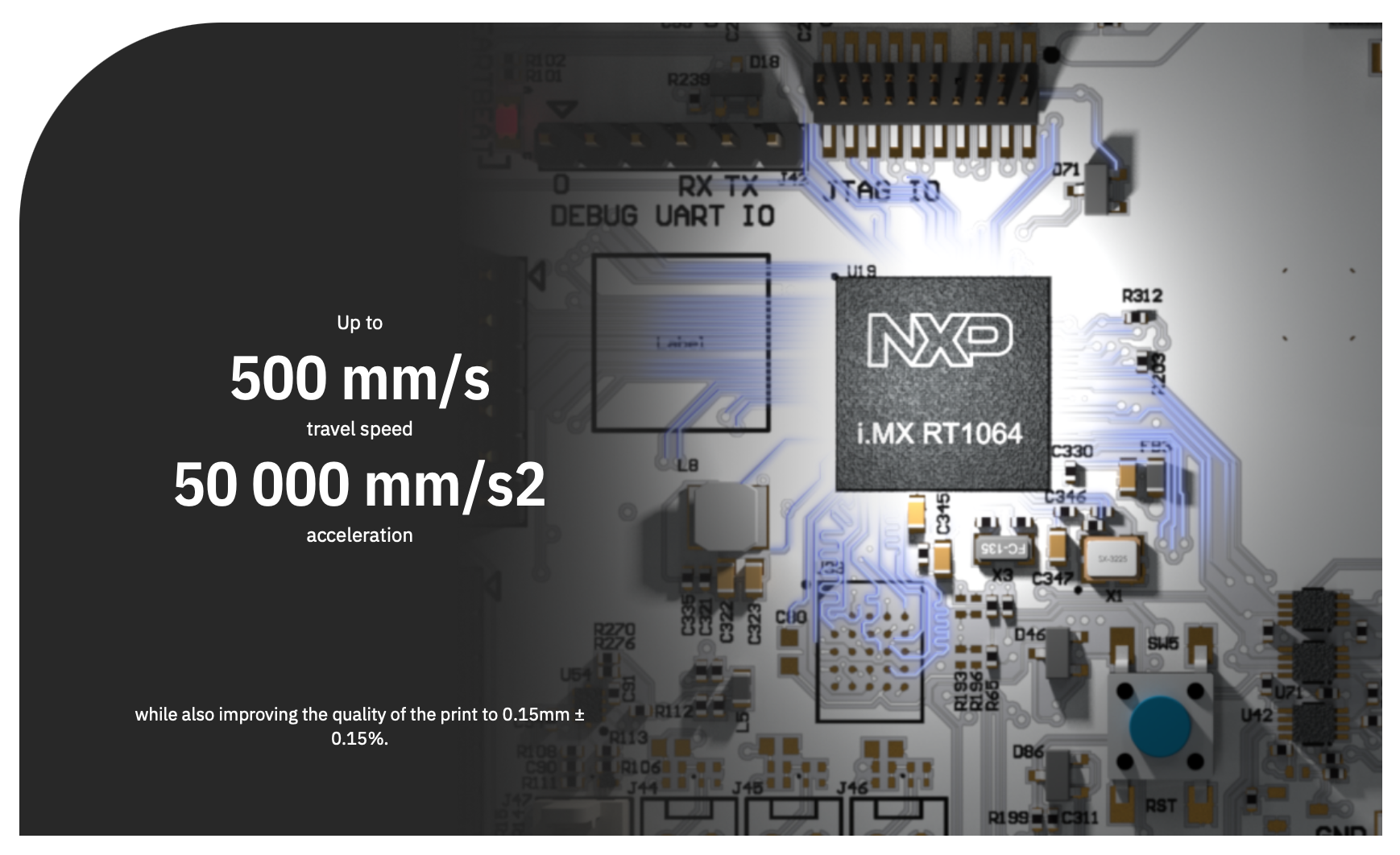
Powered by the new UltiMaker Cheetah motion planner, the S6 delivers print speeds up to 500 mm/s and acceleration up to 50,000 mm/s², enabling significantly faster production without compromising accuracy.

The flexible build plate version is ideal for users who require fast part removal, broad material compatibility, and efficient workflow handling across multiple applications.

Key Features of the UltiMaker S6 Flex Plate Version

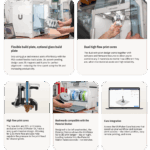
  • Flexible build plate for easy part removal and reduced downtime
  • High-speed printing up to 500 mm/s with advanced motion control
  • Dual extrusion system for multi-material and support printing
  • Closed build chamber for improved thermal stability
  • Compatible with engineering-grade materials and composites
  • Automatic bed levelling for consistent first layer adhesion
  • Dual geared feeder system for reliable filament handling
  • Built for Performance and Productivity

The S6 is engineered to deliver consistent, professional results in demanding environments.

  • Up to 4x faster print times compared to previous models
  • High precision output with reinforced gantry structure
  • Clean support removal using dedicated support materials
  • Stable printing for complex geometries and functional parts

The flexible build plate allows for quick and effortless removal of printed parts, reducing operator intervention and improving workflow efficiency.

Advanced Material Compatibility

Designed for professional use, the S6 supports a wide range of materials including:

  • PLA, ABS and PETG
  • Nylon and polycarbonate
  • Composite and fibre-reinforced filaments
  • Flexible materials

The enclosed build environment improves results with warp-sensitive materials, making it suitable for engineering applications.

Smart Workflow Integration

The UltiMaker S6 integrates seamlessly into modern digital workflows.

  • Compatible with UltiMaker Cura slicing software
  • Cloud-based print management via Digital Factory
  • Wi-Fi, LAN and USB connectivity
  • Built-in HD camera for remote monitoring
  • Full colour touchscreen interface
  • Expandable Professional Ecosystem
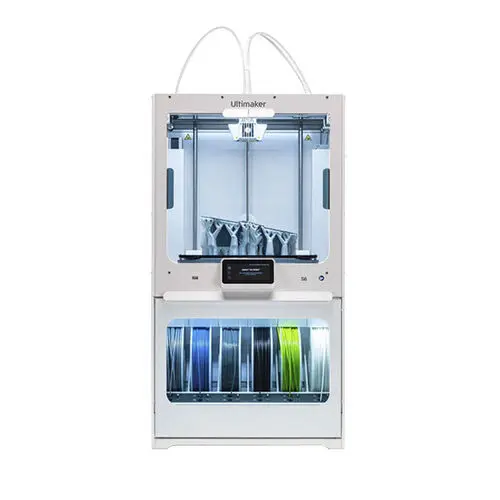
  • Compatible with UltiMaker Material Station for automated filament handling
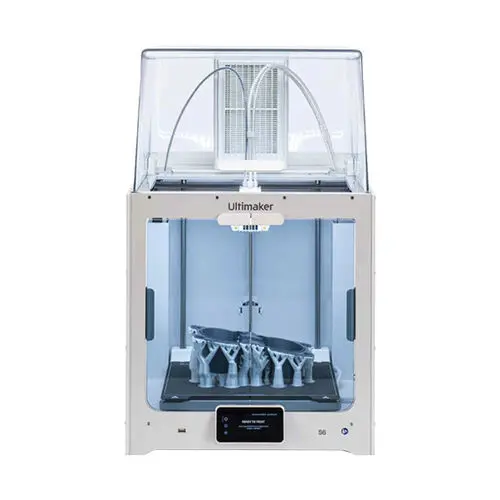
  • Optional Air Manager for improved airflow and HEPA-grade filtration
  • Continuous filament supply with reduced downtime

Ideal For

  • Engineering and product development
  • Functional prototyping
  • Low volume manufacturing
  • Education and research environments
  • Businesses requiring fast, reliable 3D printing

Summary

The UltiMaker S6 with Flexible Build Plate is built for speed, efficiency and versatility. It is the ideal solution for users who need fast turnaround, easy part removal and reliable multi-material printing in a professional environment.
ULTIMAKER S8 CONNECT MATERIAL COMPATIBILITY

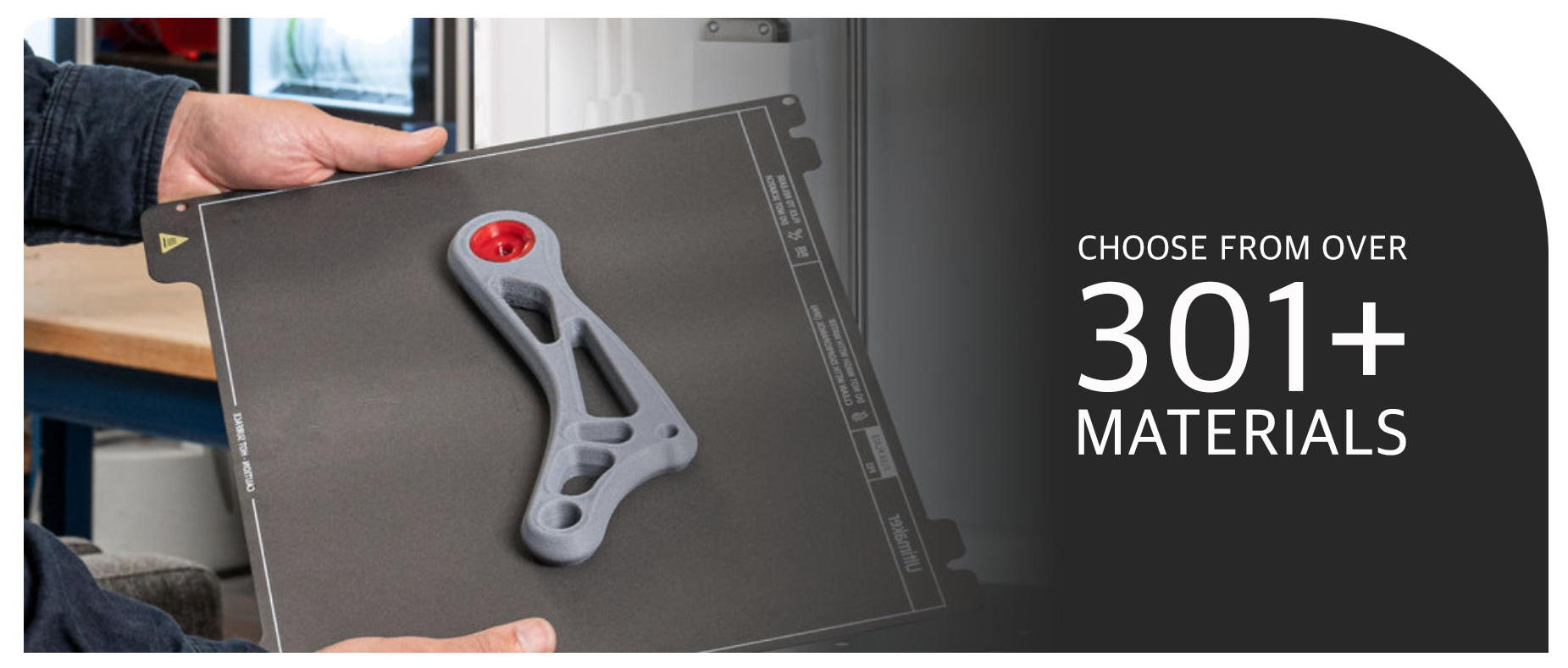
Unlock a wide range of applications with Ultimaker materials or use almost any 2.85mm filament available on the market.
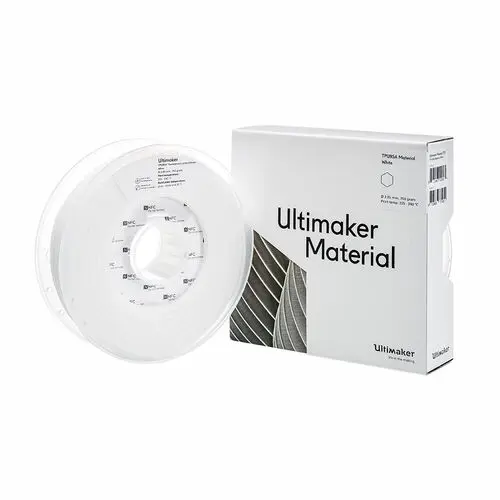
EASY TO PRINT:

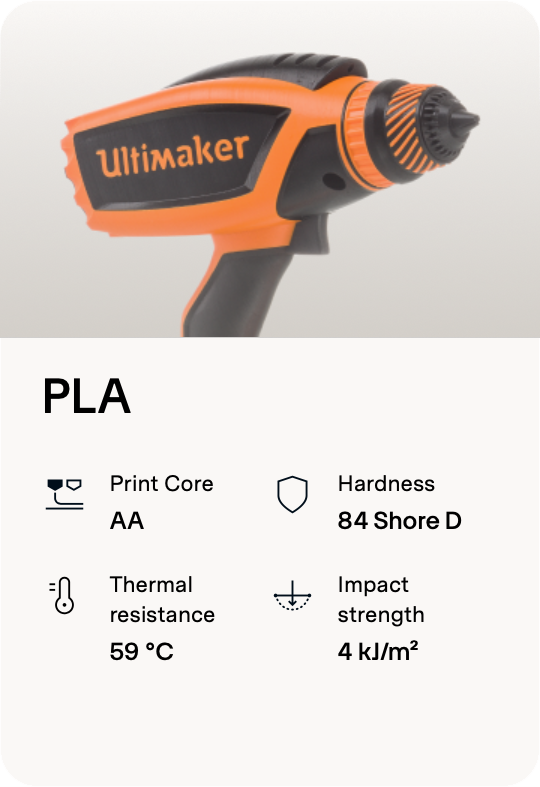
Ultimaker PLA (750g)

PLA GRAPHIC

  • PLA – Green – 750g (1608)
  • PLA – Black -750g (1609)
  • PLA – Silver Metallic – 750g (1612)
  • PLA – White – 750g (1613)
  • PLA – Transparent – 750g (1614)
  • PLA – Orange – 750g (1615)
  • PLA – Blue – 750g (1616)
  • PLA – Magenta – 750g (1617)
  • PLA – Red – 750g (1618)
  • PLA – Yellow – 750g (1619)
  • PLA – Pearl White – 750g (1620)


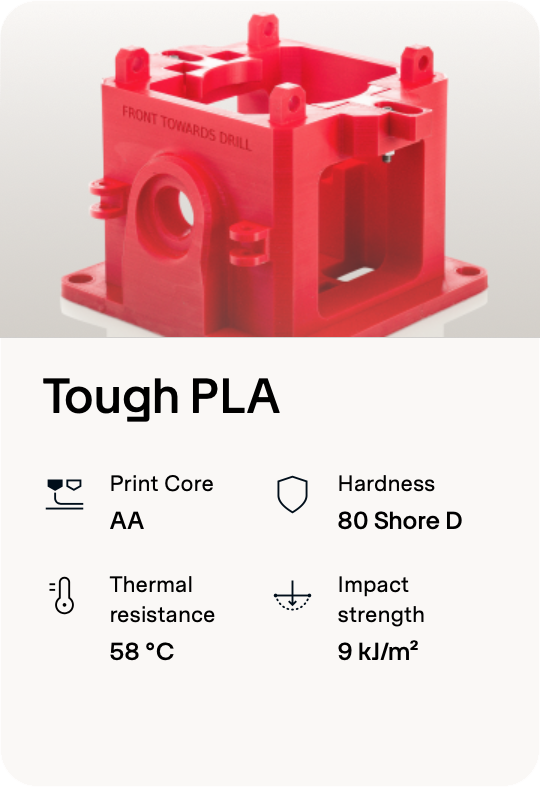
Ultimaker Tough PLA (750g)

TOUGH PLA GRAPHIC

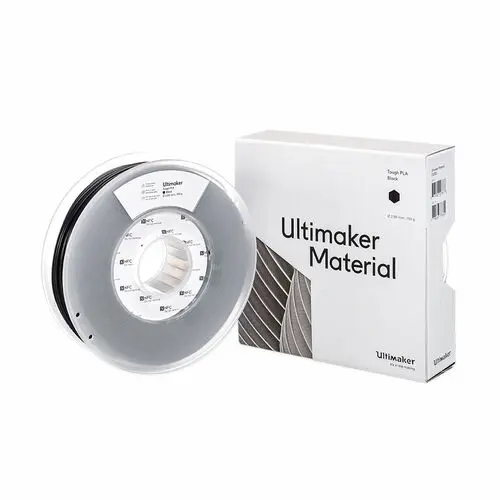
  • Tough PLA – Black – 750g (202300)
  • Tough PLA – White – 750g (202301)
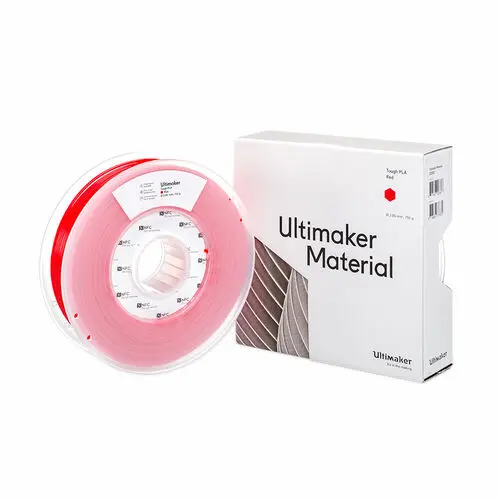
  • Tough PLA – Red – 750g (202302)
  • Tough PLA – Green – 750g (202303)
  • Tough PLA – Grey – 750g (202304)
  • Tough PLA – Yellow – 750g (202305)
  • Tough PLA – Blue – 750g (202306)


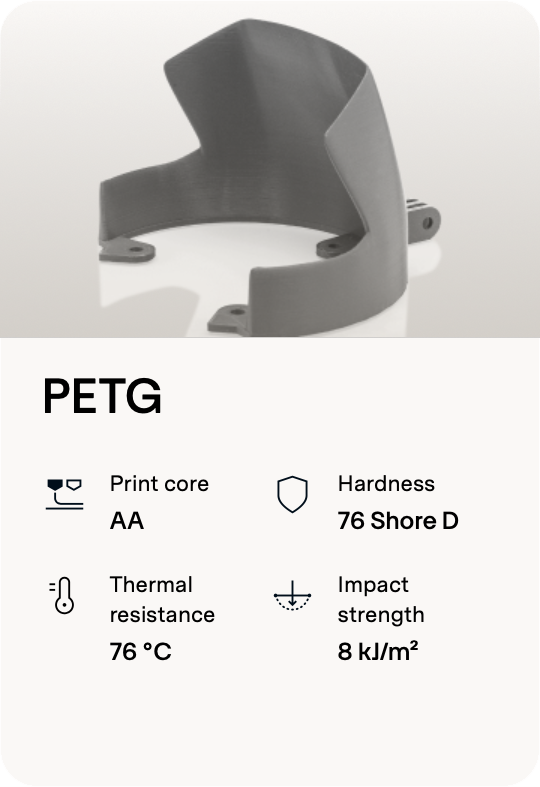
Ultimaker PETG (750g)

PETG GRAPHIC

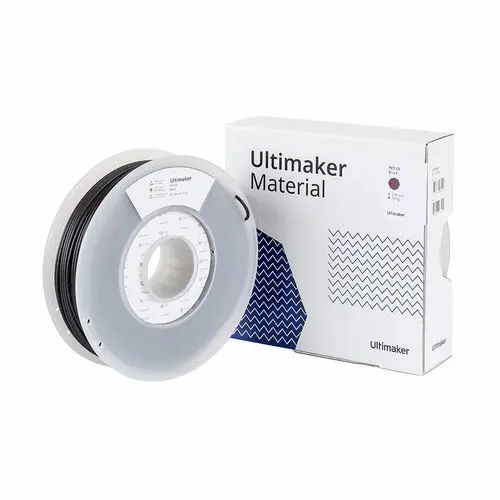
  • PETG – Black – 750g (227282)
  • PETG – White – 750g (227293)
  • PETG – Silver – 750g (227326)
  • PETG – Grey – 750g (227329)
  • PETG – Green – 750g (227330)
  • PETG – Transparent – 750g (227332)
  • PETG – Blue – 750g (227333)
  • PETG – Blue Translucent – 750g (227335)
  • PETG – Red – 750g (227336)
  • PETG – Red Translucent – 750g (227337)
  • PETG – Green Translucent – 750g (227338)
  • PETG – Yellow – 750g (227340)
  • PETG – Yellow Fluorescent – 750g (227342)
  • PETG – Orange – 750g (227343)


MECHANICAL STRENGTH:

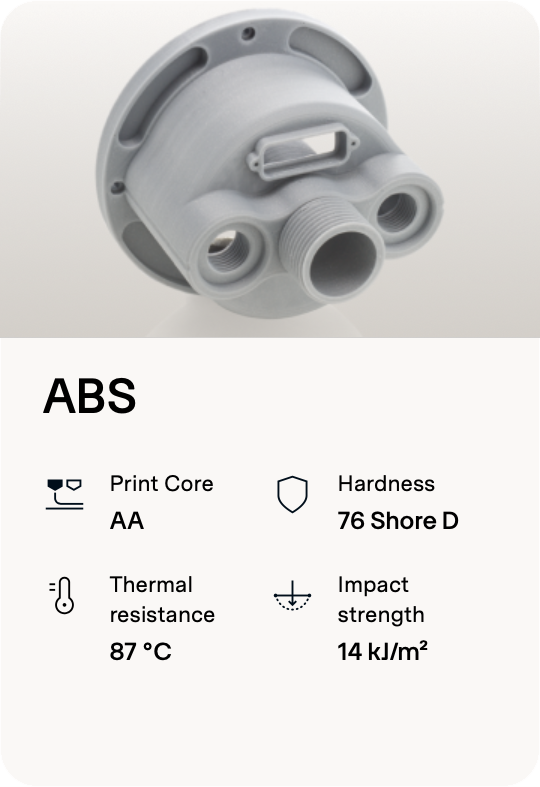
Ultimaker ABS (750g)

ABS GRAPHIC

  • ABS –Black – 750g (1621)
  • ABS –White – 750g (1622)
  • ABS –Red– 750g (1623)
  • ABS –Blue– 750g (1624)
  • ABS –Silver– 750g (1625)
  • ABS –Pearl Gold – 750g (1626)
  • ABS –Green – 750g (1627)
  • ABS –Orange – 750g (1628)
  • ABS –Yellow – 750g (1629)
  • ABS –Grey – 750g (1630)


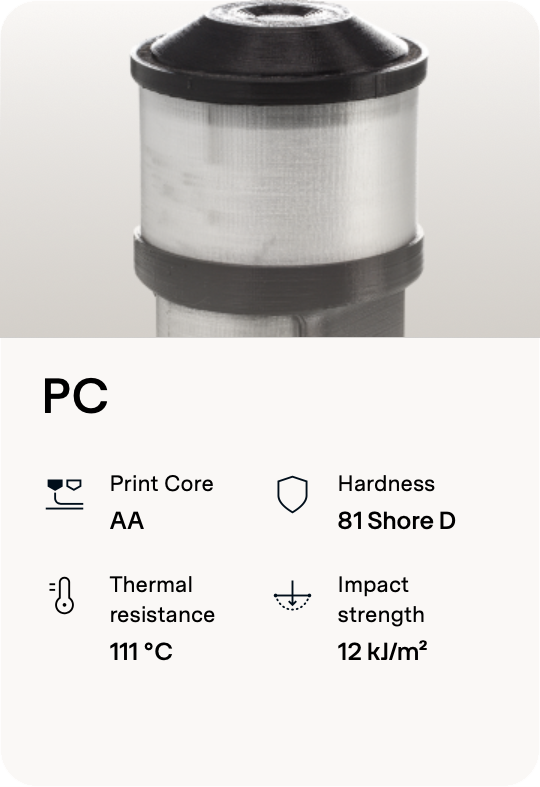
Ultimaker PC (Polycarbonate) (750g)

PC GRAPHIC

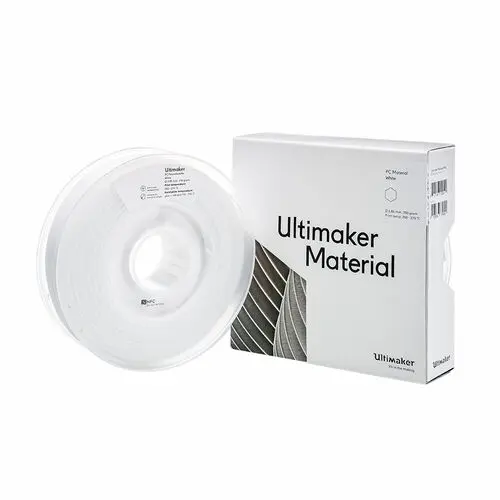
  • Polycarbonate – Transparent – 750g (1640)
  • Polycarbonate – Black – 750g (1641)
  • Polycarbonate – White – 750g (1642)

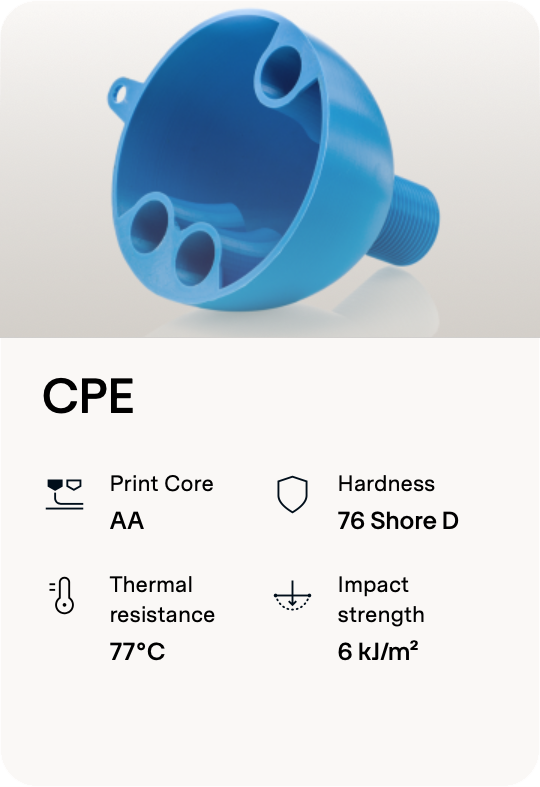
Ultimaker CPE (750g)

CPE GRAPHIC

  • CPE – Black – 750g (1631)
  • CPE – White – 750g (1632)
  • CPE – Light Grey – 750g (1633)
  • CPE – Dark Grey – 750g (1634)
  • CPE – Red – 750g (1635)
  • CPE – Blue – 750g (1636)
  • CPE – Yellow – 750g (1637)
  • CPE – Green – 750g (1638)
  • CPE – Transparent – 750g (1639)


WEAR RESISTANCE:

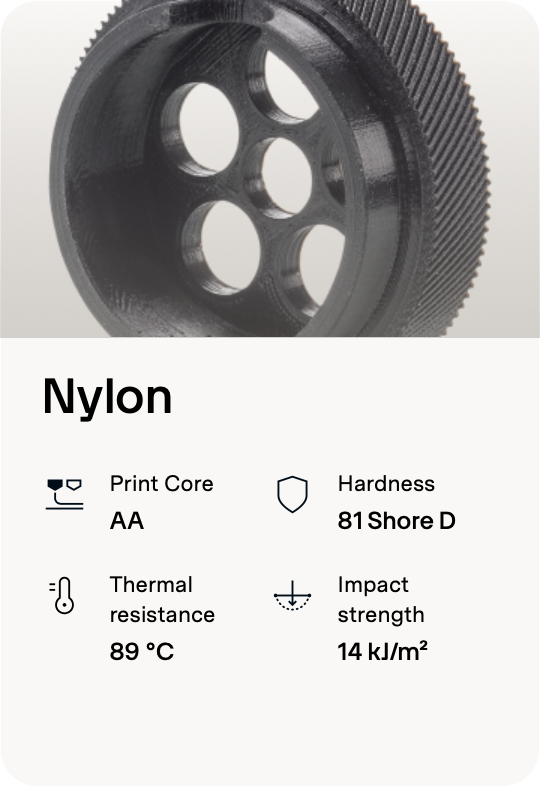
Ultimaker Nylon (750g)

NYLON GRAPHIC

  • Nylon – Black – 750g (1646)
  • Nylon –Transparent – 750g (1647)


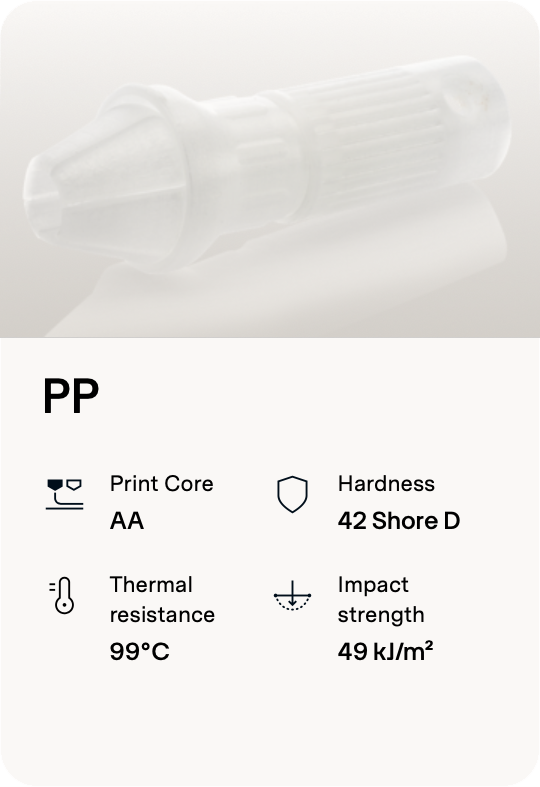
Ultimaker PP (500g)

PP GRAPHIC

  • Polypropylene – Natural – 500g (1785)


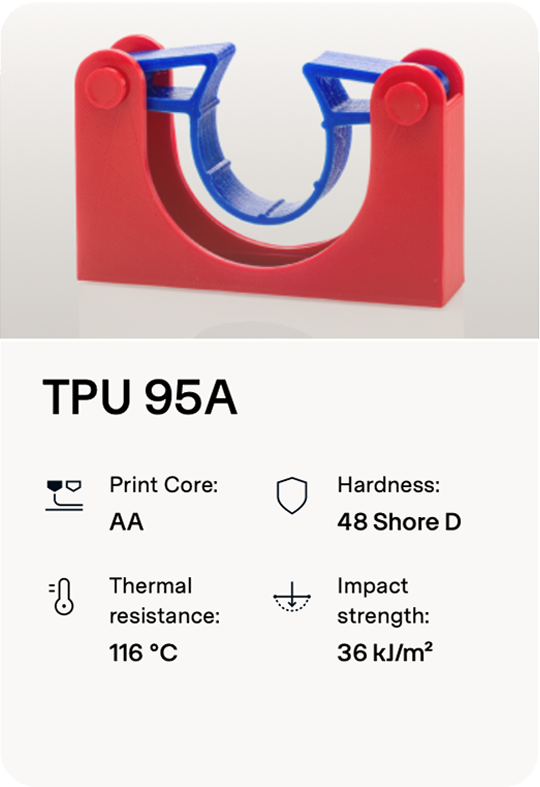
Ultimaker TPU 95A

TPU 95A GRAPHIC

  • Ultimaker TPU 95A Blue Filament 700g (236593)
  • Ultimaker TPU 95A Red Filament 700g (236590)
  • Ultimaker TPU 95A White Filament 700g (236591)
  • Ultimaker TPU 95A Black Filament 700g (236592)

HEAT RESISTANCE:

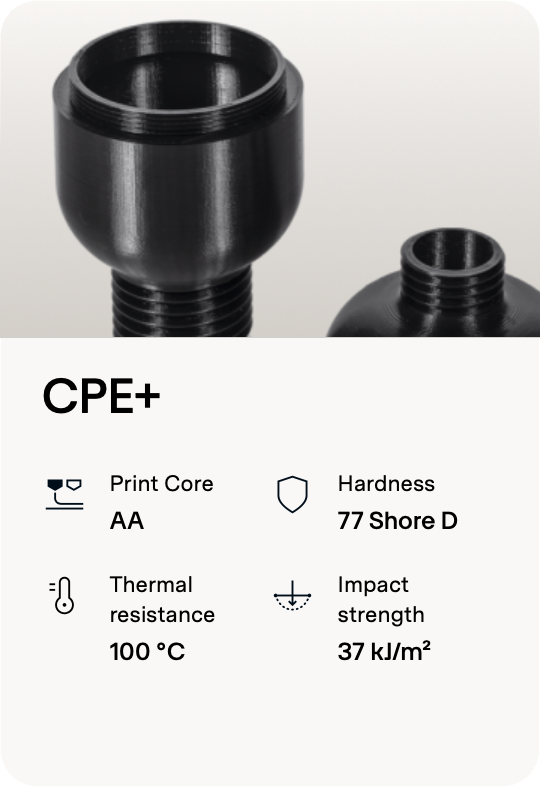
CPE (co-polyester) materials stand out for their exceptional qualities, showcasing chemical resistance, toughness, and impressive dimensional stability. This makes CPE a preferred material for a wide range of applications, including both functional prototypes and mechanical parts. While both CPE and CPE+ share similar performance characteristics, CPE+ offers additional advantages. Notably, it boasts higher temperature resistance and increased impact strength, making it an excellent choice for applications where these specific attributes are crucial. Whether opting for CPE or CPE+, users can rely on these co-polyester materials to deliver durability and reliability in the creation of functional and robust 3D-printed components.
CPE VS CPE+

  • CPE offers a diverse selection of colors, providing users with a broad palette to choose from. This includes the sophisticated greyscale option, which adds a professional touch to 3D-printed models.
  • CPE exhibits notable strength with higher tensile and flexural strength. On the other hand, CPE+ takes toughness to the next level. Formulated to be up to 10 times tougher than standard CPE, CPE+ is engineered to provide enhanced durability and resilience.
  • CPE+ features a temperature resistance of up to 100ºC when compared to CPE, which is only resistant up to 70ºC


Ultimaker CPE+

CPE+ GRAPHIC

  • Ultimaker CPE+ Transparent Filament 700g (1643)
  • Ultimaker CPE+ Black Filament 700g (1644)
  • Ultimaker CPE+ White Filament 700g (1645)

ULTIMAKER S5 MATERIAL STATION

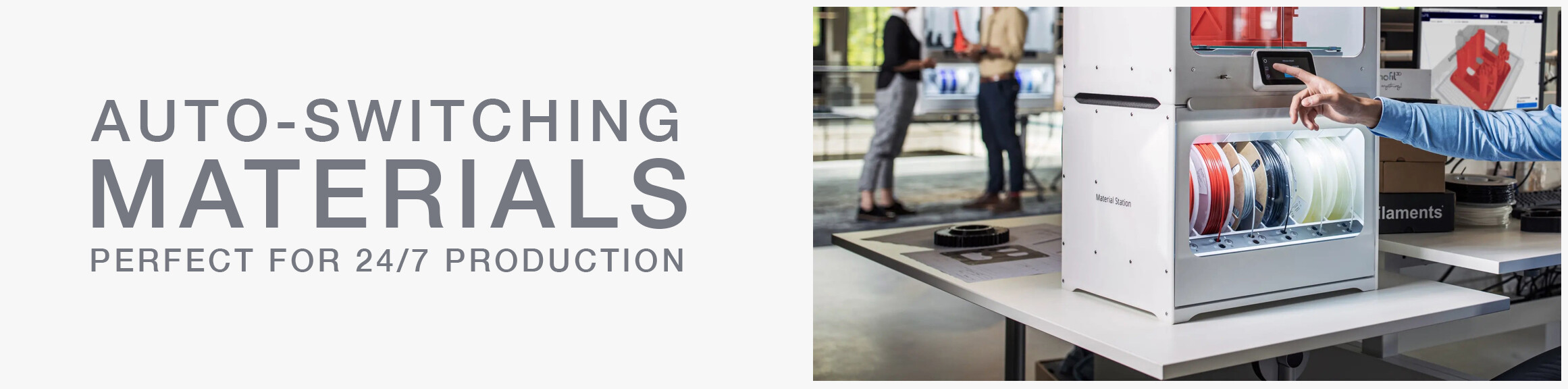
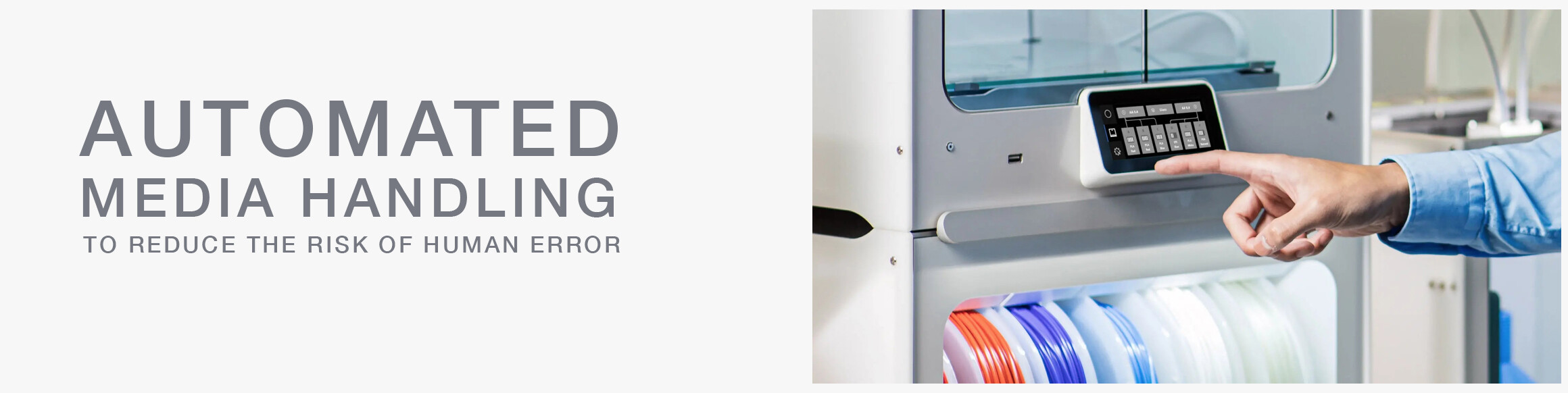
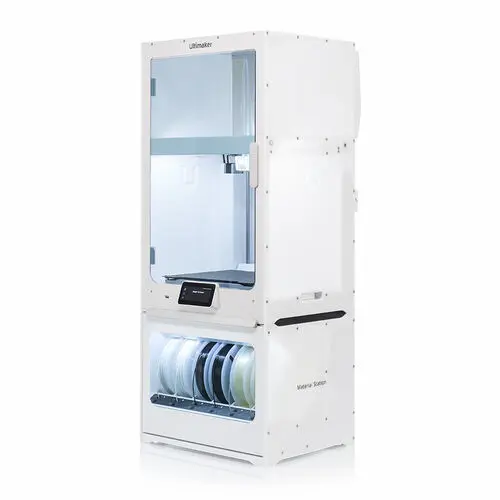
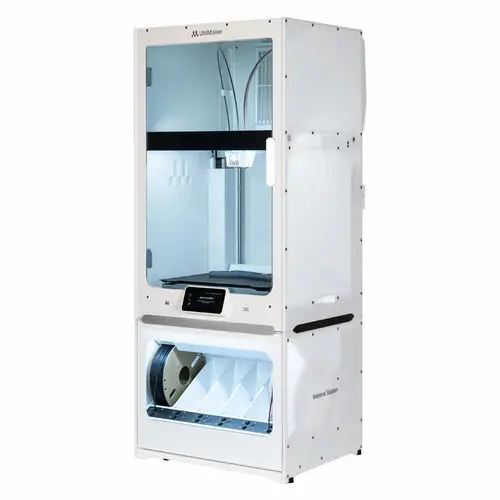
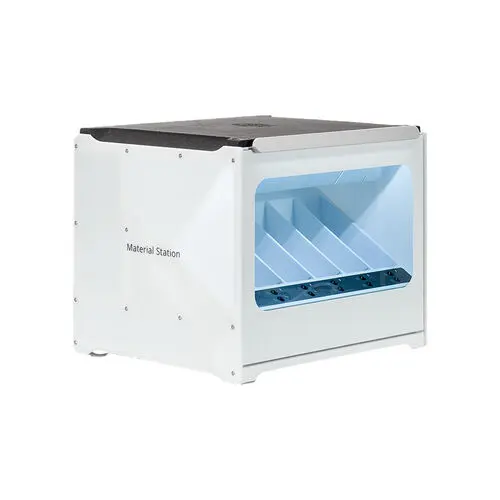
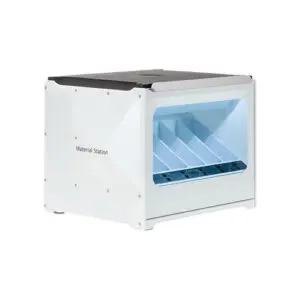
The Ultimaker S5/S6/S7/S8 Material Station marks an important contribution to a ‘no-hassle’ office solution. Features easy front loading for up to six spools of filament, end-of-filament detection, NFC recognition with compatible materials, and automatic material switching.

ULTIMAKER S5 MATERIAL STATION

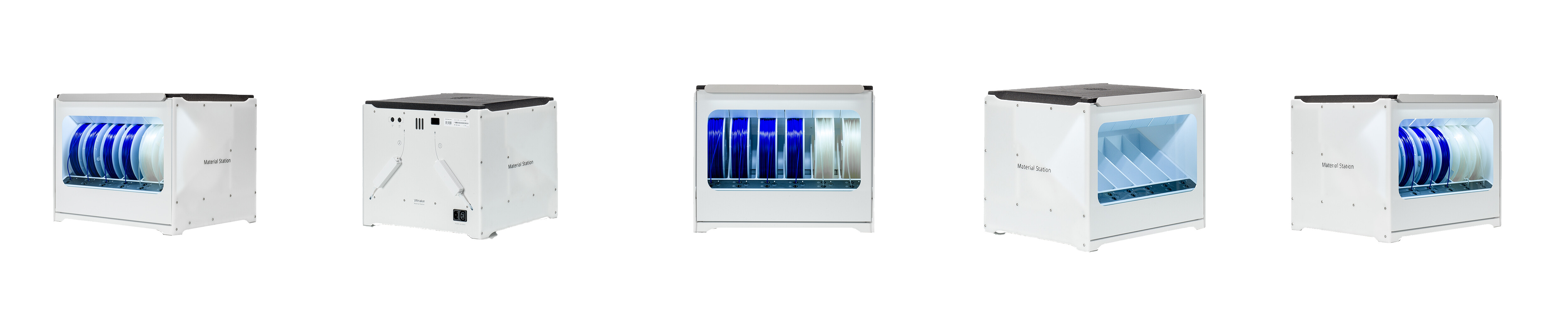
The Ultimaker Material Station stands as an advanced humidity-controlled chamber designed to accommodate six material spools, allowing flexible loading of up to 4.5kg of material in any order. Boasting cutting-edge features, each bay within the station incorporates automatic material switching, composite-ready feeder wheels, and filament flow sensors.


ULTIMAKER S5 MATERIAL STATION

KEY FEATURES:

  • FAST & EASY LOADING: Front-facing bay for up to six materials reduces loading time to a few seconds
  • UNINTERRUPTED PRINTING: Sensors detect when one material spool ends and automatically loads the next
  • HUMIDITY CONTROL: Intelligent atmospheric management keeps relative humidity below 40%
  • EASY SET-UP & MONITORING: NFC material auto- recognition and seamless integration with Ultimaker software
  • COMPOSITE MATERIALS COMPATIBLE: Print parts with high strength and unique properties
  • LIMITLESS CONFIGURATIONS: Keep your most-used materials ready to print when you need – Ultimaker and third-party filaments

ULTIMAKER S5 AIR MANAGER MAIN BANNER

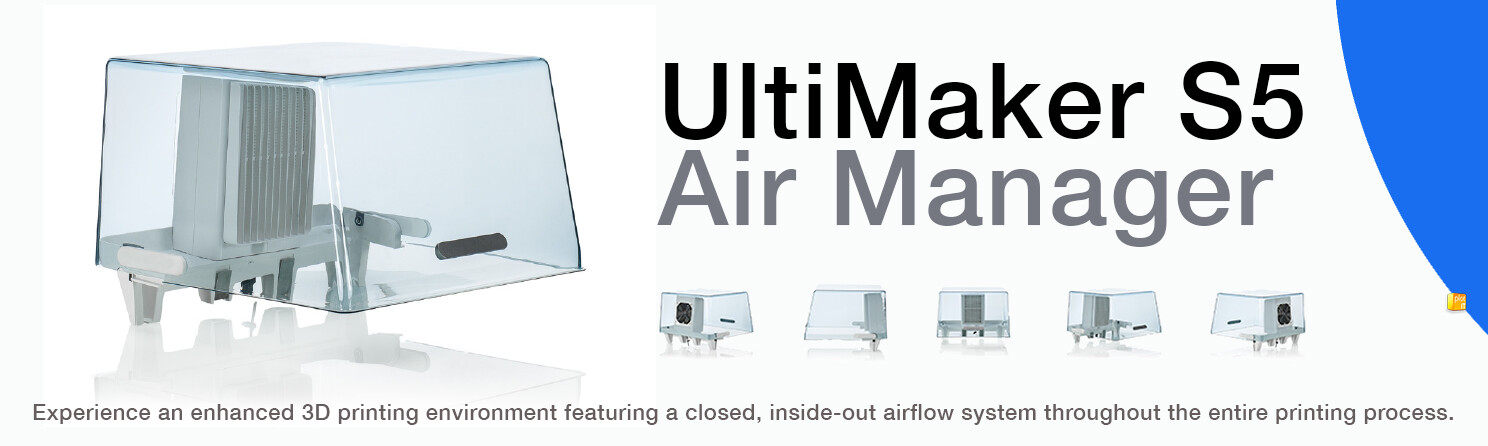
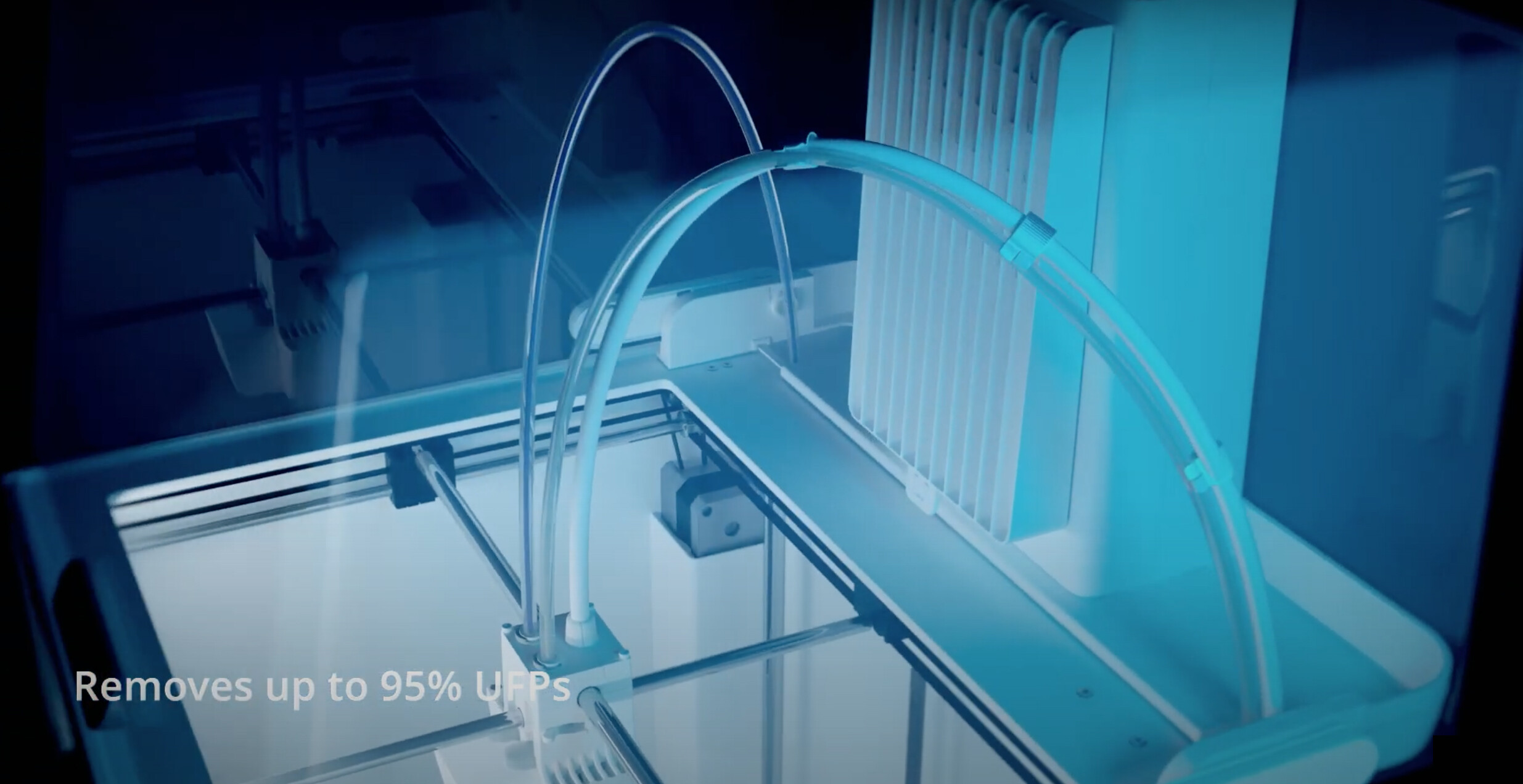
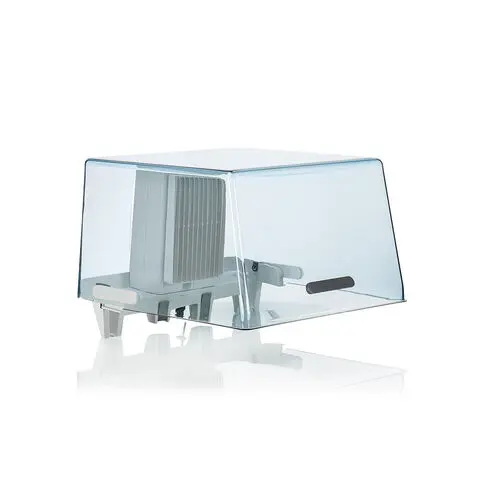
UltiMaker S5 Air Manager (217950): With the Ultimaker S5 Air Manager, experience an enhanced 3D printing environment featuring a closed, inside-out airflow system throughout the entire printing process. This innovative design ensures superior control within the build chamber and effectively filters up to 95% of ultrafine particles generated during printing. The air passes through an E10 filter whereby Ultrafine Particles (UFPs) get trapped.

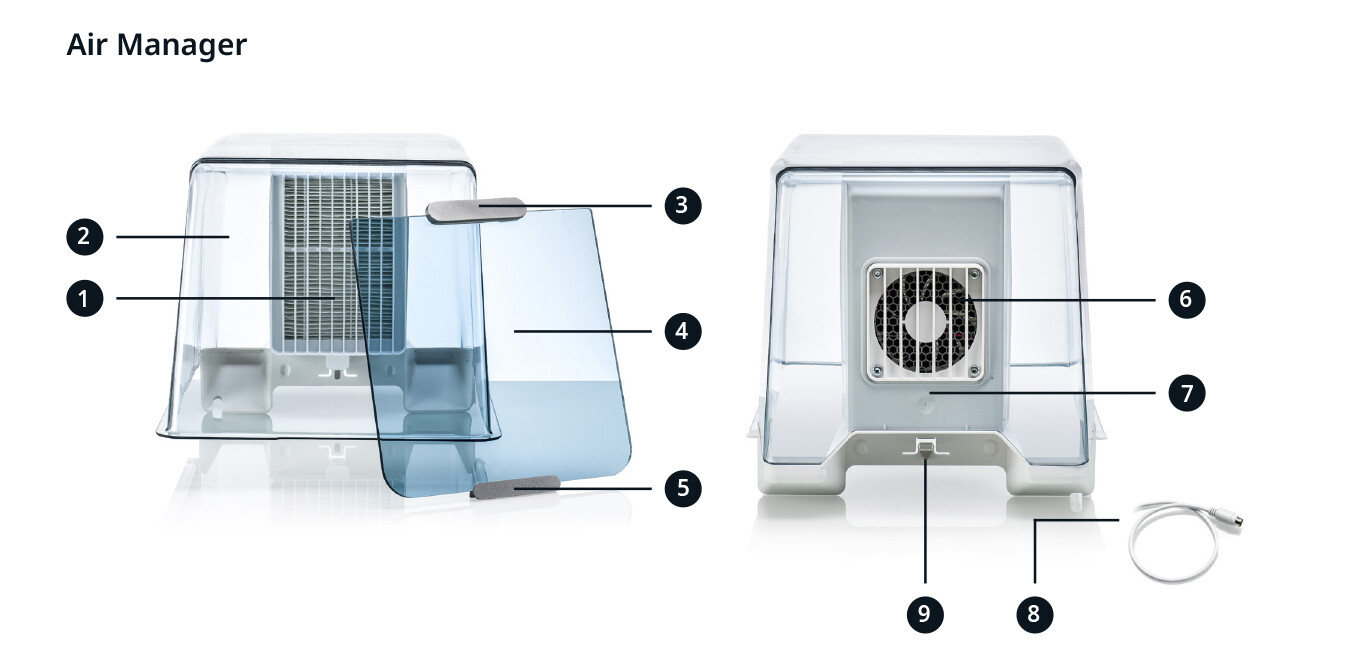
ULTIMAKER 2+ CONNECT AIR MANAGER ANNOTATED GRAPHIC

1. Filter  2. Air Manager cover  3. Handle  4. Front enclosure  5. Hinge profile  6. Fan  7. Filter housing  8. Air Manager cable  9. Air Manager release clip


ULTIMAKER S5 AIR MANAGER


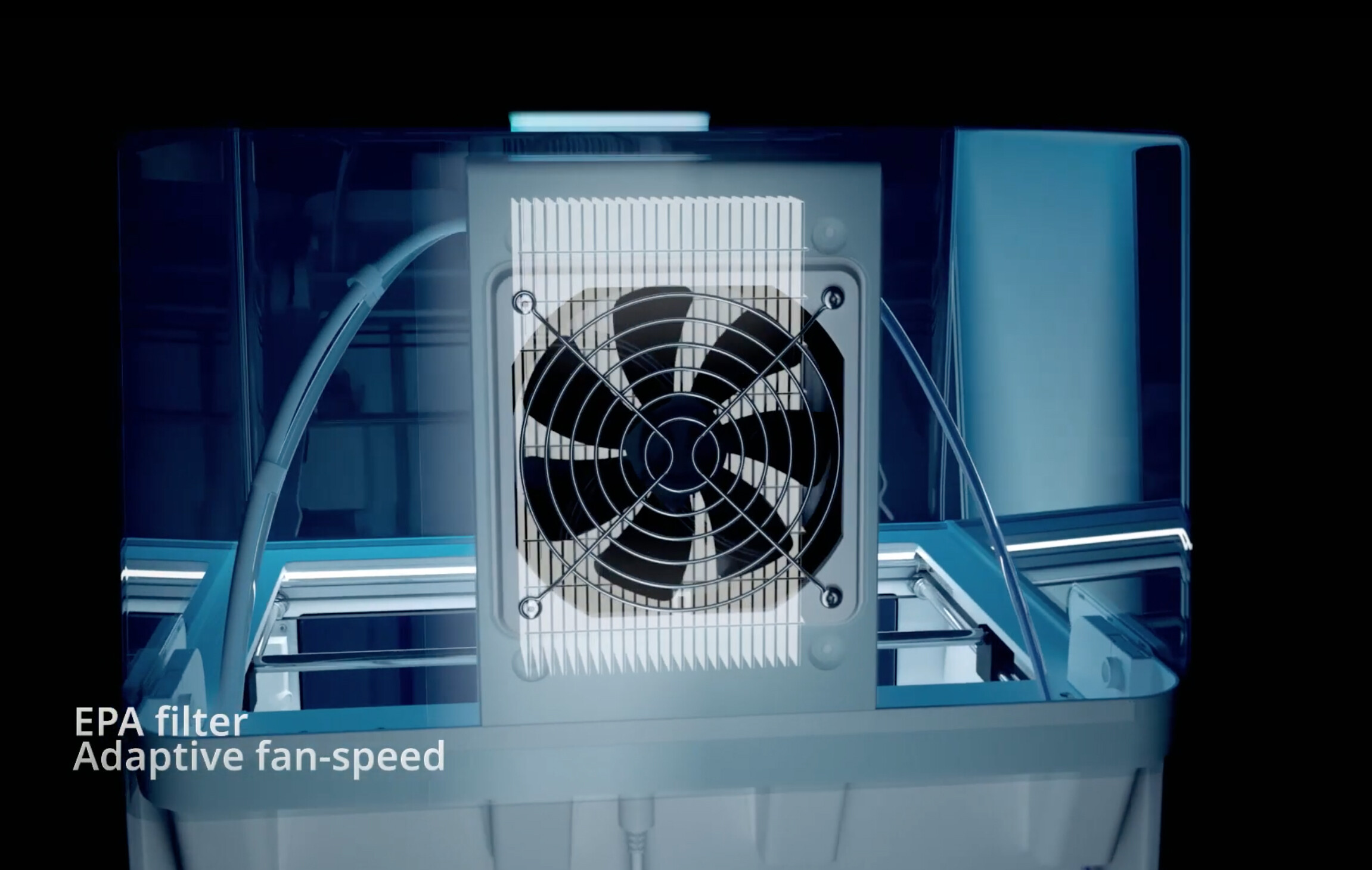
The Air Manager will automatically adjust its fan speed to optimise print quality per material. The enclosed top prevents users from reaching into the machine during operation and ensures particles from the environment do not influence the print result.


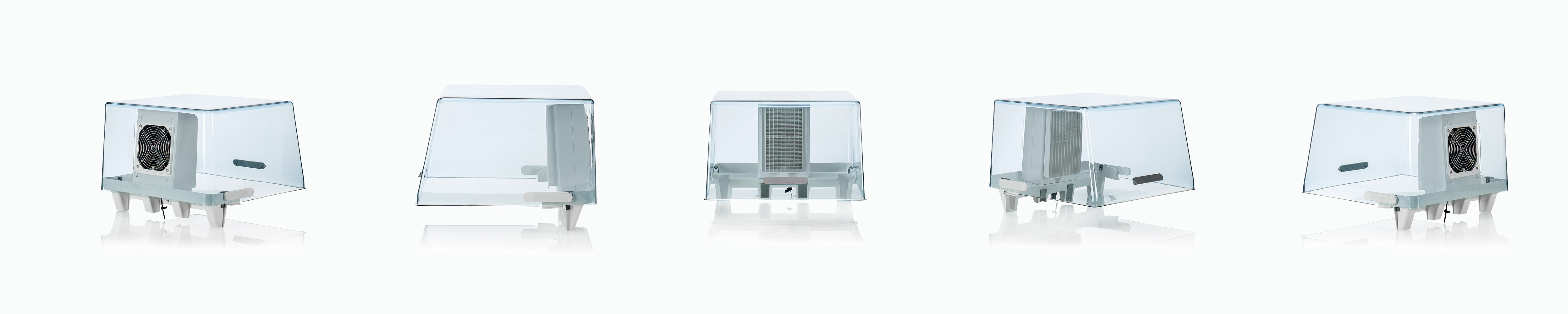
ULTIMAKER S5 AIR MANAGER all angles

IMPROVED QUALITY, SAFER WORKPLACE:

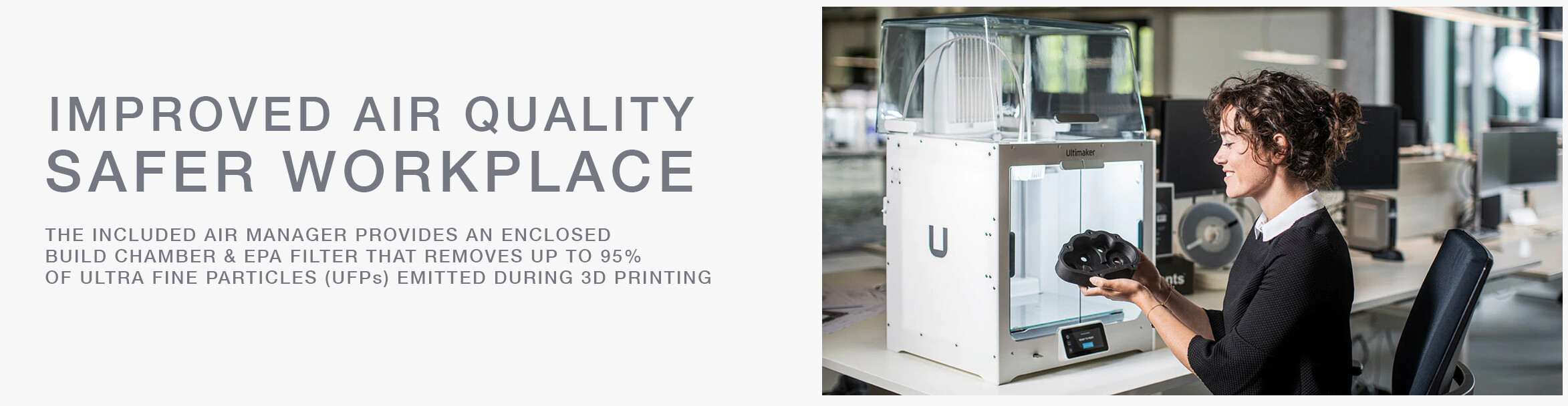
The Ultimaker S5 Air Manager ensures a safer working environment, providing a closed, inside-out airflow for the Ultimaker S5/S6 3D printer. It filters up to 95% of all ultrafine particles (UFPs) emitted during 3D printing and forms a safe, physical barrier to the print area.


ULTIMAKER S5 AIR MANAGER

MORE MATERIALS, LESS HASSLE:

Optimised software profiles precisely control filtering for every Ultimaker material and over 40 third-party filaments. So you can focus on creating the perfect 3D printed part with any material you choose. No worries about UFPs, and no extra time configuring your printer.


ULTIMAKER S5 AIR MANAGER

KEY FEATURES:

  • EPA FILTER: Removes up to 95% of UFPs
  • CONTROLLED EXTRACTION: Inside-out airflow optimised for filtering and print quality
  • ENHANCED SAFETY: Physical barrier prevents reaching inside the printer
  • OPTIMISED FOR YOUR APPLICATIONS: Detects material being used and adjusts airflow
  • EASY SETUP: Printer detects when the Air Manager is connected
  • SMART MONITORING: Printer tracks filter usage and prompts replacement


ULTIMAKER TRAINING MAIN BANNER

ULTIMAKER TRAINING WHY CHOOSE US

Ultimaker 3D Printer training is available to cover all aspects of your new 3D printer including advanced level with the “Design for Additive” half day extension course, training is for up to 3 people on site with delivery of your new Ultimaker & we also run regular training courses at our Stoke Offices and for larger groups at our Worcester HQ , Bristol or Derby facilities.

INST002 INSTALLATION & TRAINING PACKAGES *

* INSTALLATION (IN CONJUNCTION WITH CUSTOMER):

Unboxing of printer and material station – connect units together Setup of Printer onto the network Setup of the printer into Cura and the Digital factory

* TRAINING (SOFTWARE & HARDWARE):

  • Using Cura Slicing software to prepare parts for printing
  • Cura setting
  • Preview of time to print and cost to print
  • Submitting prints
  • Monitoring prints
  • Loading and unloading of material on the printer
  • Changing Cores
  • Maintenance of the printer
  • Tips and tricks

DfAM002 DESIGN FOR ADDITIVE (½ DAY) * & **

** DESIGN FOR ADDITIVE MANUFACTURING COURSE:

  • Design rules for manufacturing
  • Designing for FDM
  • Exporting from CAD
  • Orientation considerations
  • Walls and Ribs
  • Slice height and toolpaths
  • Self-supporting designs
  • Sectioning parts
  • Assemblies / Moving parts
  • Threads / Inserts
  • Infills Tolerances
  • Design samples discussed
  • Various exercises to be completed though out the session
Light shape background
Bricsys
C300
Canon
Canson
CAD Plot
Clustarack
Colortrac
Contex
Epson
Es-te
Gateway
Gera
GOframe
Goldline
Hahnemühle
HP
Innova
JetMaster
Kodak
Linex
Oce
Olmec
Neolt
Onyx
Plot it
Neschen
Ricoh
SiHL
Stratasys
Summa
Tervakoski
UltiMaker
Vistaplan
Xativa
Xerox
3M
Bricsys
C300
Canon
Canson
CAD Plot
Clustarack
Colortrac
Contex
Epson
Es-te
Gateway
Gera
GOframe
Goldline
Hahnemühle
HP
Innova
JetMaster
Kodak
Linex
Oce
Olmec
Neolt
Onyx
Plot it
Neschen
Ricoh
SiHL
Stratasys
Summa
Tervakoski
UltiMaker
Vistaplan
Xativa
Xerox
3M
Quote icon

We’ve had great reviews

We like new customers to make their purchase decisions on other buyers experiences, as such we partner with Trustpilot and actively seek reviews. Read more on Trustpilot….

Shape background

Sign up to our newsletter to get the latest news, special offers & exclusive deals.

You can unsubscribe any time, we will use your information in accordance with our Privacy Policy

Sign up

Privacy Policy | Terms & Conditions | Sitemap

© Copyright 2026 Plot It. All rights reserved. Company No. 06576578 Registered in England & Wales. Website by Fifteen.co.uk