





UltiMaker S5 3D Printer (202256) - Plot it Skip to Main Content

📣 Last few days remaining – NEC UK Photo Show 2026 Special: 5% off Hahnemühle with code TPSEVENT 

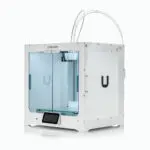
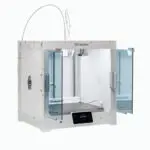
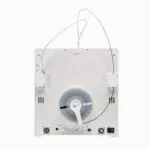
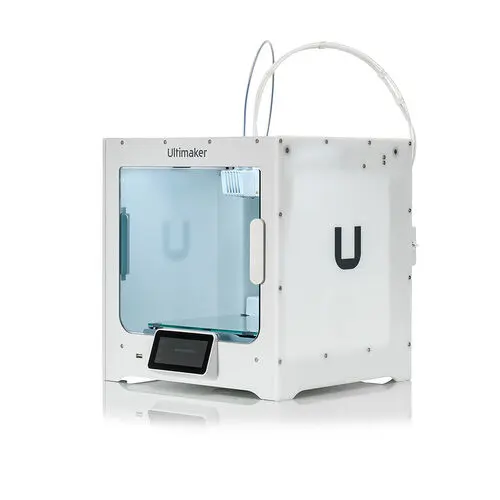
UltiMaker S5 3D Printer (202256)

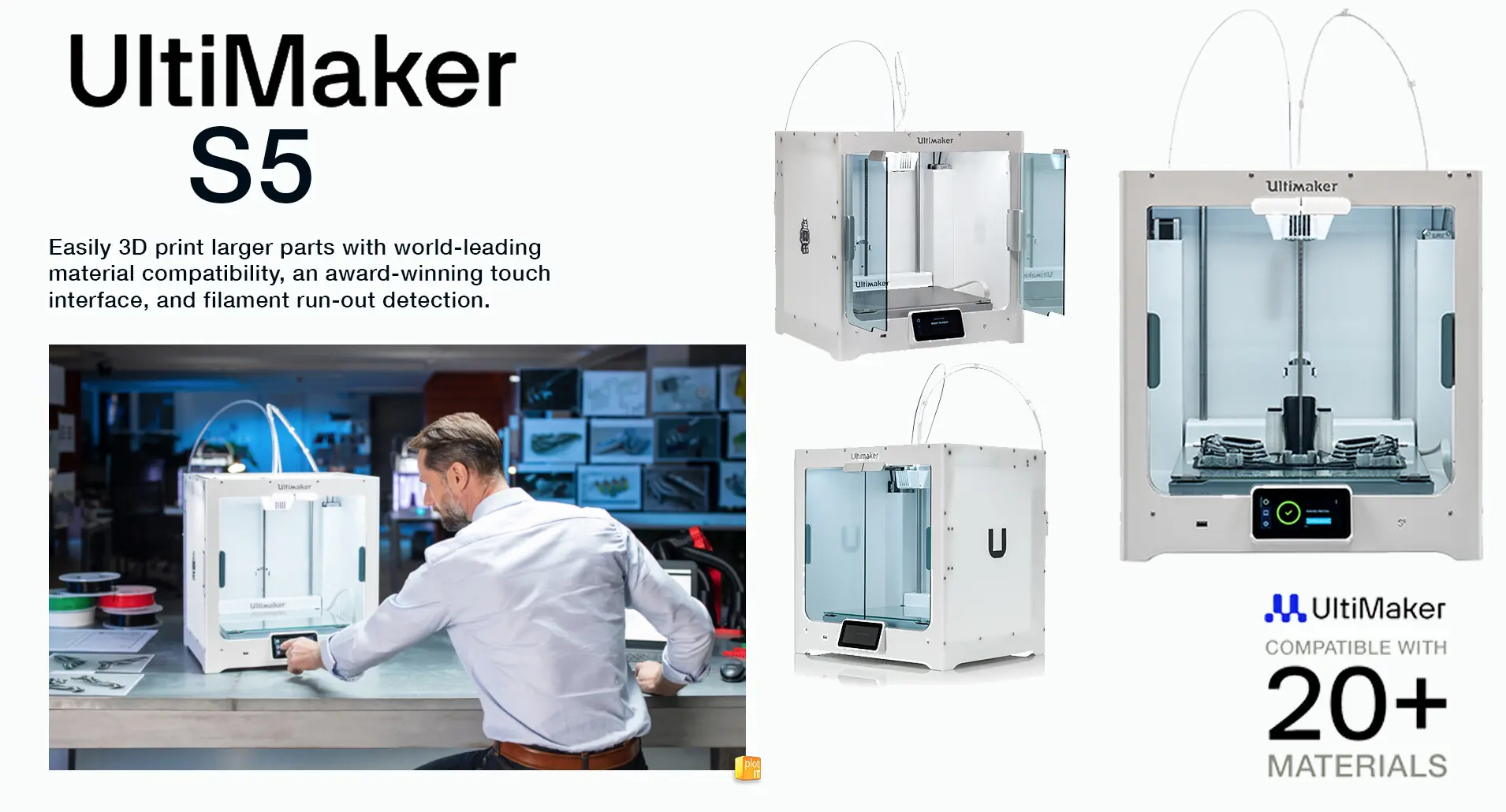
Easily 3D print larger parts with world-leading material compatibility, an award-winning touch interface, and filament run-out detection.

£4,794.00 inc VAT

£3,995.00 ex VAT

Options

Would you like to talk to a specialist about this product?

Make the UltiMaker S5 3D Printer (202256) even better with one of our great bundles

Lorem ipsum dolor sit amet, consectetur adipiscing elit maximus ultricies nunc in elementum.

UltiMaker
UltiMaker S3 3D Printer (216934)

UltiMaker S3 3D Printer (216934)

From

£4,710.00inc VAT

£3,925.00ex VAT

All you need to know about the UltiMaker S5 3D Printer (202256)

UltiMaker S5 3D Printer (202256)

Professional Large Format 3D Printing with Reliability, Precision and Workflow Integration

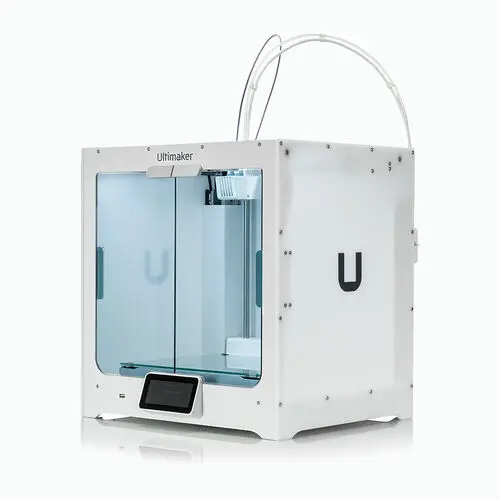
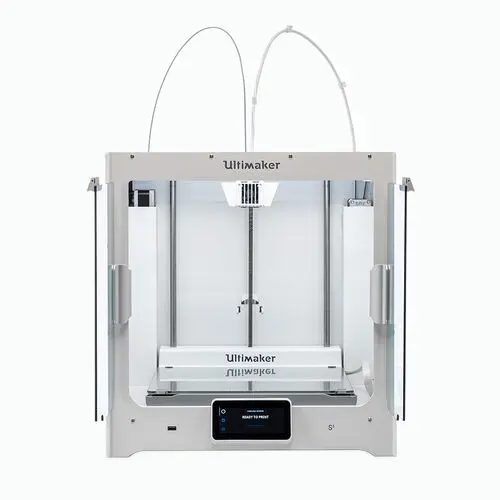
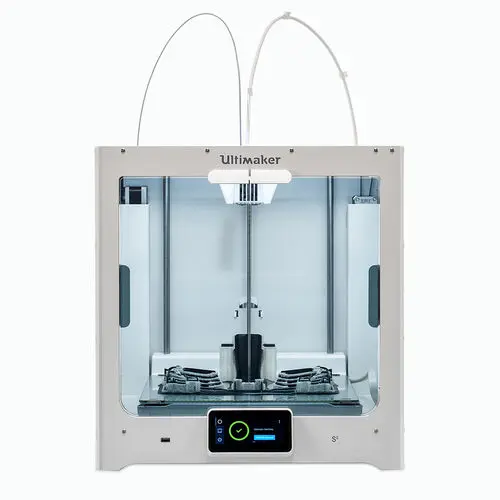
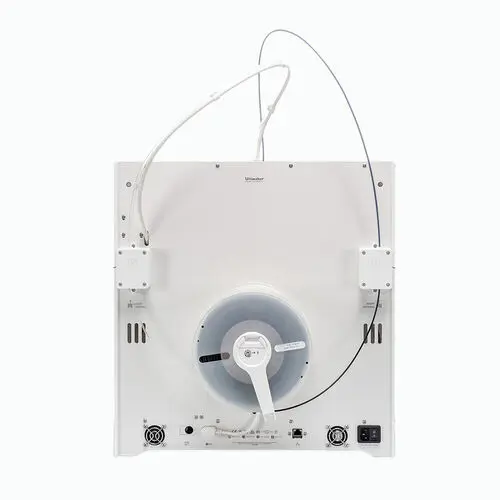
The UltiMaker S5 3D Printer (202256) is a professional dual extrusion 3D printer designed for engineers, designers and production environments that require consistent, high-quality results.

With a large build volume, advanced active bed levelling and seamless integration into the UltiMaker ecosystem, the S5 delivers reliable performance for prototyping, tooling and low-volume manufacturing.

What is the UltiMaker S5 3D Printer?

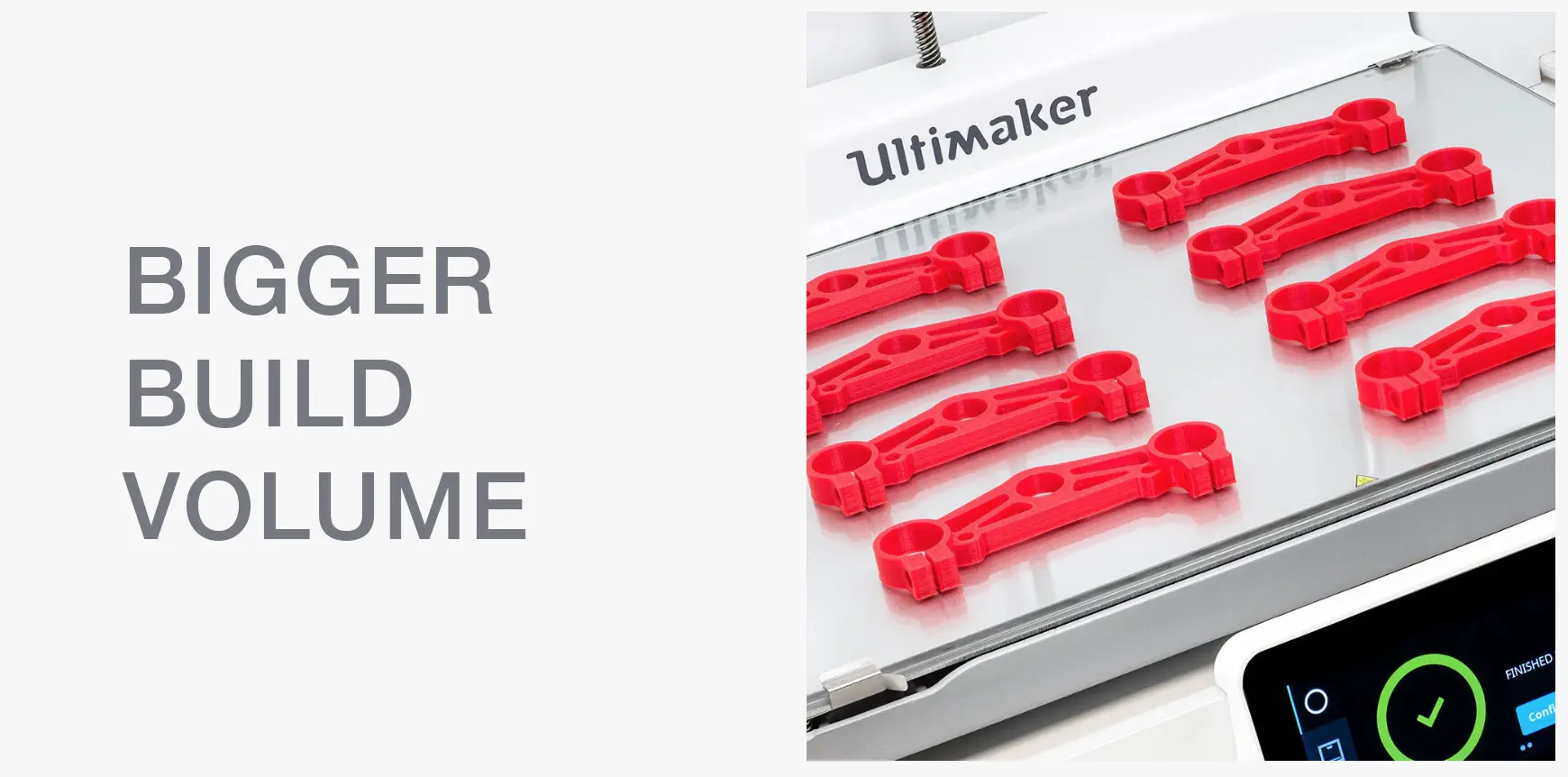
The UltiMaker S5 is a professional dual extrusion 3D printer with a large build volume of 330 x 240 x 300 mm. It features automatic bed levelling, an open filament system and integration with UltiMaker Cura and Digital Factory, enabling reliable, high-quality printing for engineering, prototyping and production applications.

Key Features of the UltiMaker S5

Reliable First Layer and Print Accuracy

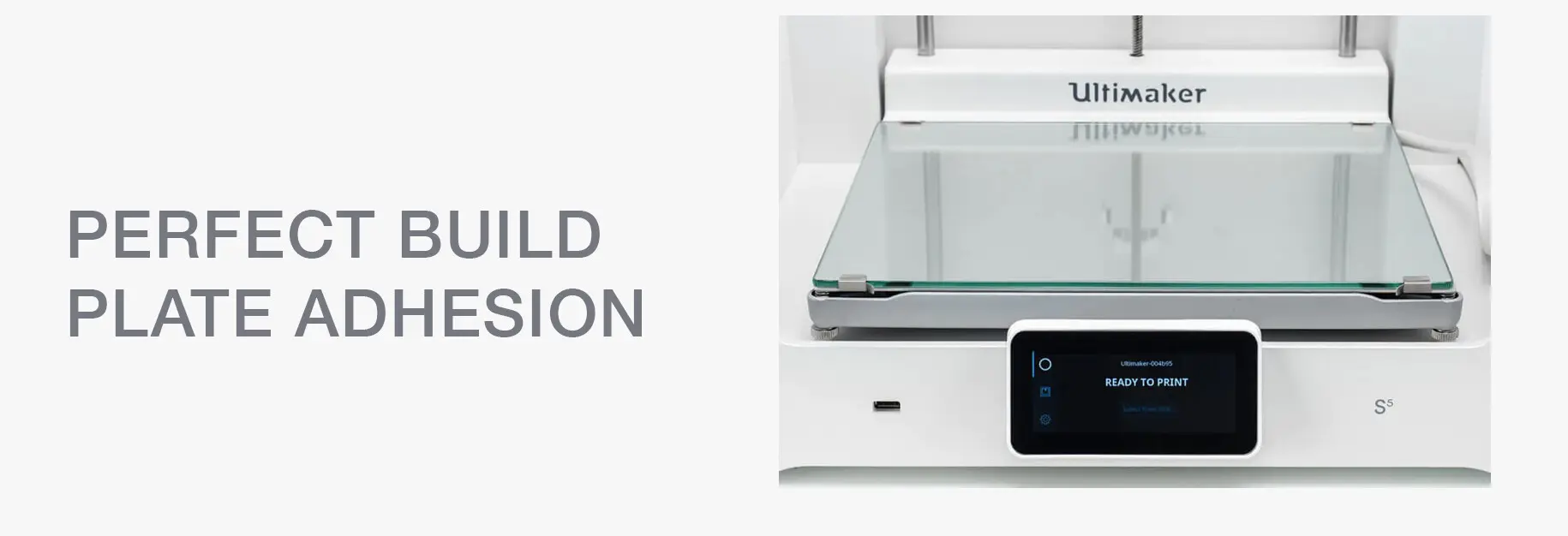
  • Advanced active bed levelling for consistent adhesion
  • Multi-point probing compensates for surface variation
  • High precision output with layer resolution down to 20 microns

Large Build Volume for Versatile Production

  • Build size: 330 x 240 x 300 mm
  • Print large parts or multiple components in one job
  • Ideal for prototyping and batch production

Dual Extrusion for Complex Applications

  • Print with two materials simultaneously
  • Use dedicated support materials for clean removal
  • Suitable for complex geometries and functional parts

Open Material System

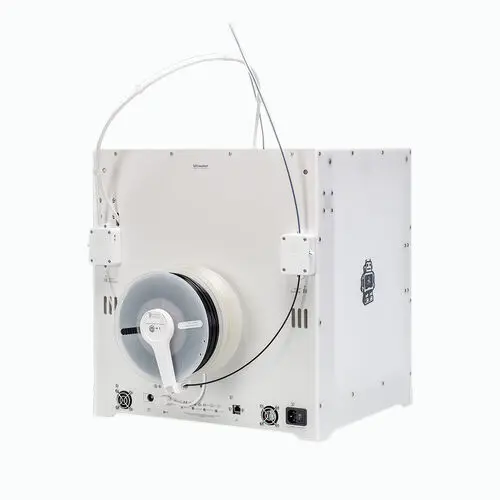
  • Compatible with a wide range of 2.85 mm filaments
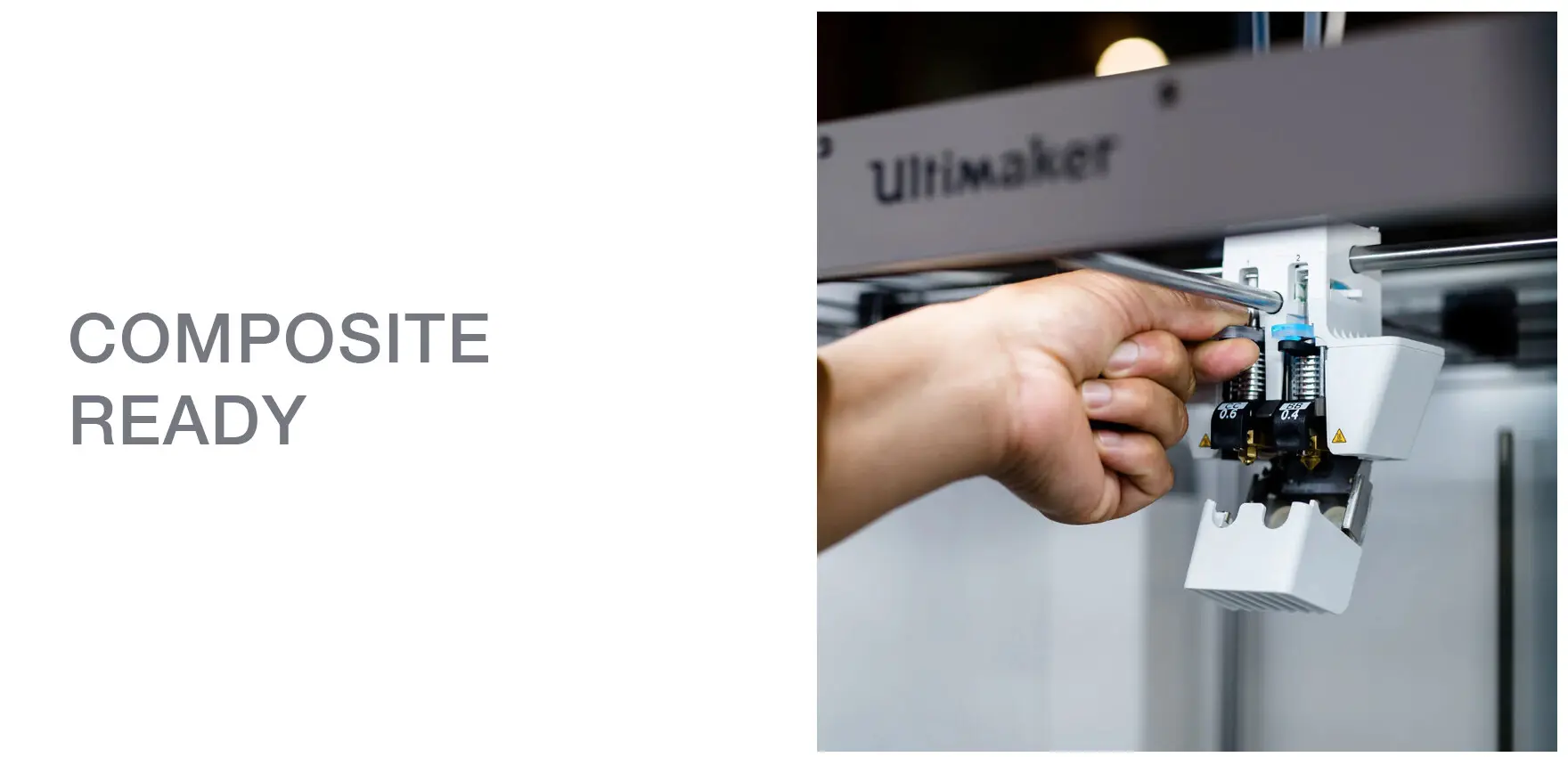
  • Supports engineering materials including carbon fibre composites
  • Flexibility to choose materials based on application requirements

Seamless Workflow and Software Integration

The UltiMaker S5 is part of a complete professional 3D printing ecosystem.

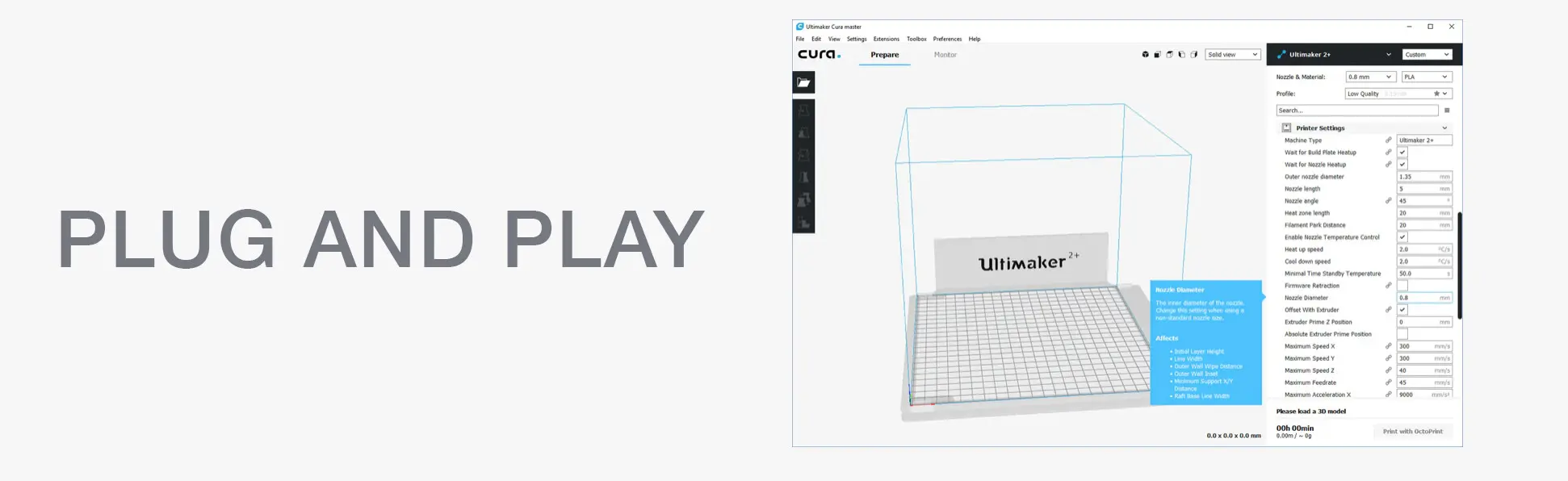
  • Fully compatible with UltiMaker Cura slicing software
  • Access to the UltiMaker Marketplace for material profiles and plugins
  • Cloud-based workflow via Digital Factory
  • Remote print monitoring and job management

Connectivity Options

  • Wi-Fi, LAN and USB connectivity
  • Integrated HD camera for real-time monitoring
  • NFC material recognition for simplified setup
  • Designed for Productivity and Ease of Use

The S5 is built to minimise downtime and maximise output.

  • 4.7 inch colour touchscreen with intuitive interface
  • Award-winning design (iF Design Award 2019)
  • Dual filament flow sensors to detect run-out and pause prints
  • Glass doors to maintain stable internal airflow
  • Minimal training required for operation
  • Material Capability and Print Flexibility

The UltiMaker S5 supports a wide range of professional materials, including:

  • PLA, ABS and PETG
  • Nylon and engineering polymers
  • Glass and carbon fibre composites (with appropriate print core)
  • Flexible filaments

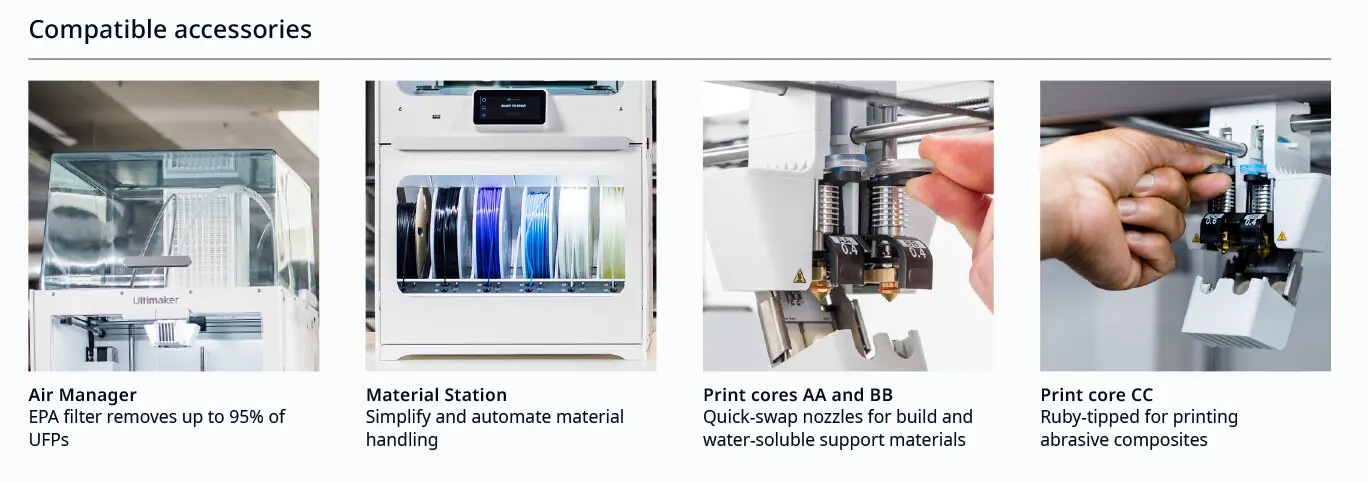
Interchangeable print cores (0.25 mm, 0.4 mm, 0.8 mm) allow users to prioritise either speed or detail depending on the application.

Built for Continuous Professional Use

Designed and tested for long-term operation, the UltiMaker S5 offers:

  • Reliable performance across extended print jobs
  • Reduced operator intervention through automation features
  • Consistent, repeatable results for professional environments
  • Expandable Ecosystem

The UltiMaker S5 can be expanded to enhance workflow and productivity:

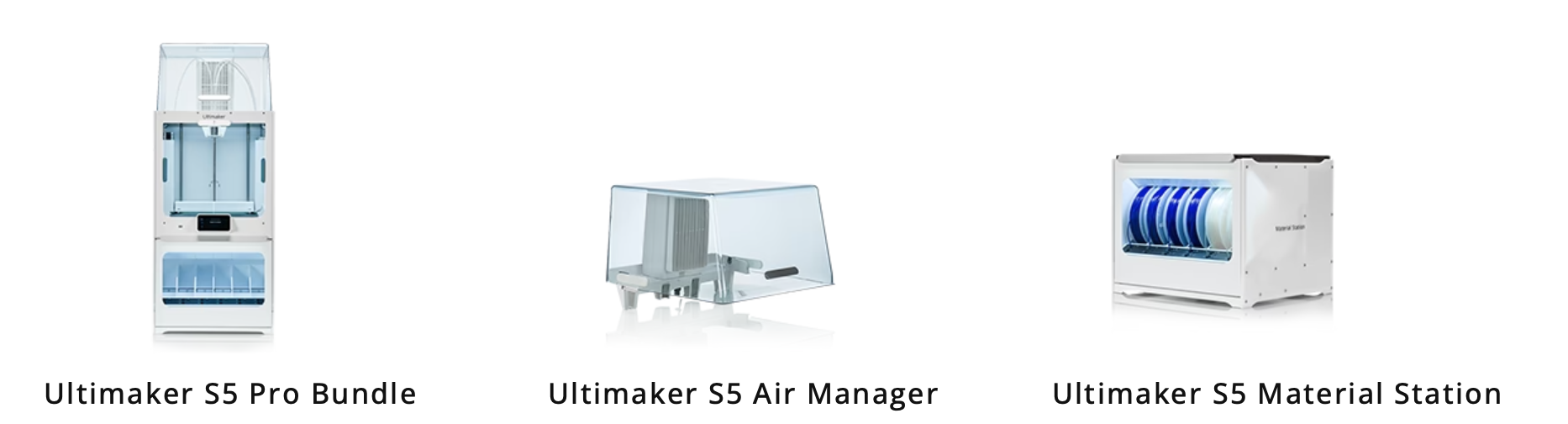
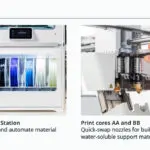
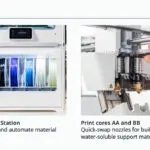
  • Compatible with UltiMaker Material Station for automated filament handling
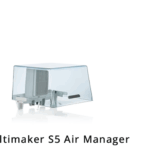
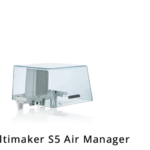
  • Optional Air Manager for improved airflow and safety
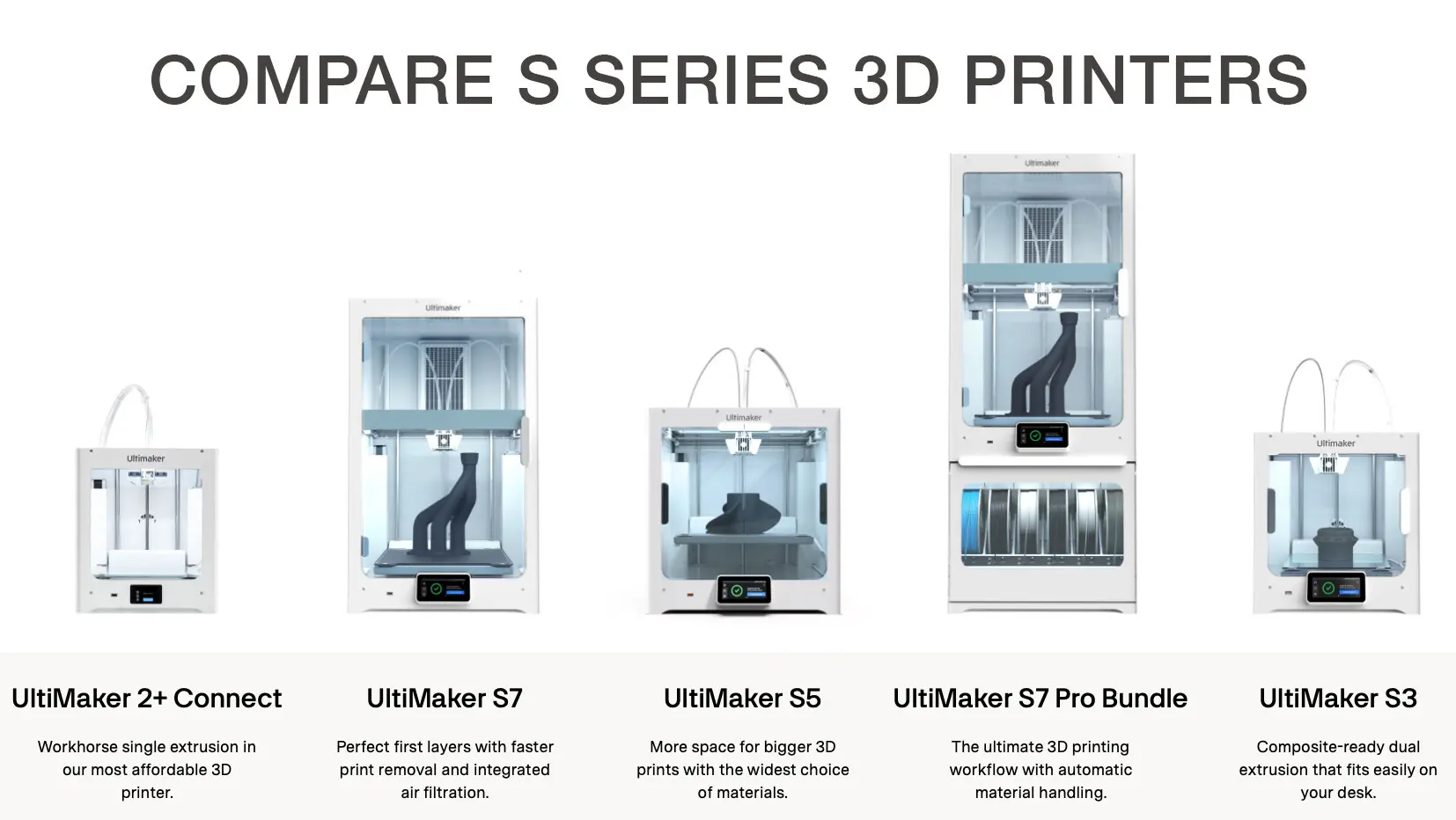
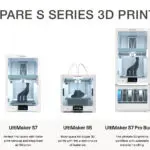
  • Upgrade options including S5 Pro Bundle configurations


Ideal Applications

  • Functional prototyping
  • Product design and development
  • Tooling and manufacturing aids
  • Education and research
  • Low-volume production

Product Specifications

Model UltiMaker S5 (202256)
Build Volume 330 x 240 x 300 mm
Layer Resolution Down to 20 microns
Extrusion Dual extrusion
Filament Diameter 2.85 mm
Connectivity Wi-Fi LAN USB
Display 4.7 inch touchscreen
Camera Integrated HD camera
Material System Open filament system

Why Choose the UltiMaker S5

The UltiMaker S5 combines precision, reliability and ease of use in a professional 3D printing platform. With its large build volume, advanced features and full ecosystem integration, it is an ideal solution for organisations looking to scale their additive manufacturing capabilities.

Summary

The UltiMaker S5 3D Printer delivers professional-grade performance with large format capability, dual extrusion and seamless workflow integration. It is a reliable solution for producing high-quality parts across a wide range of applications.
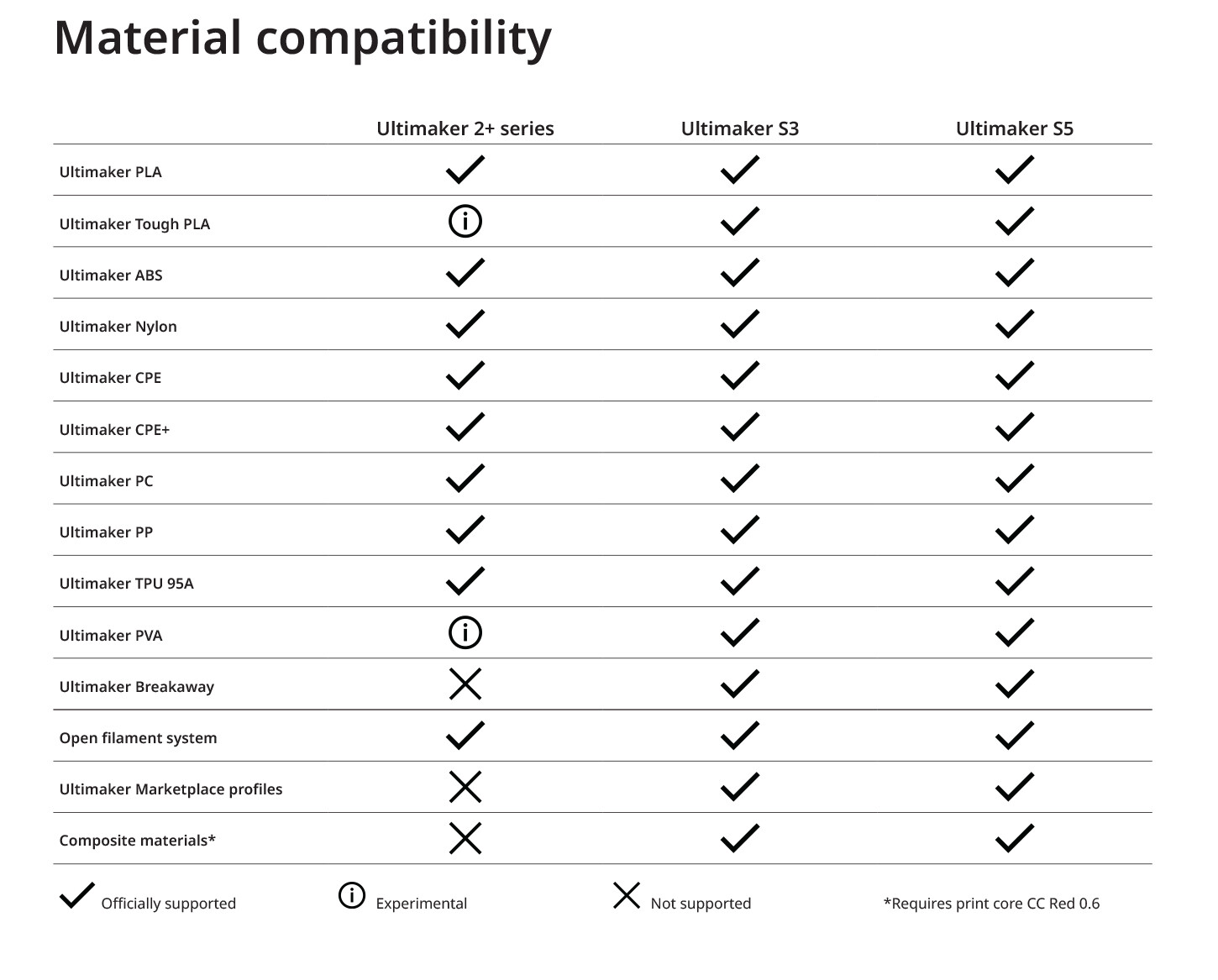
S SERIES MATERIAL COMPATIBILITY

ULTIMAKER 2+ CONNECT MATERIAL COMPATIBILITY

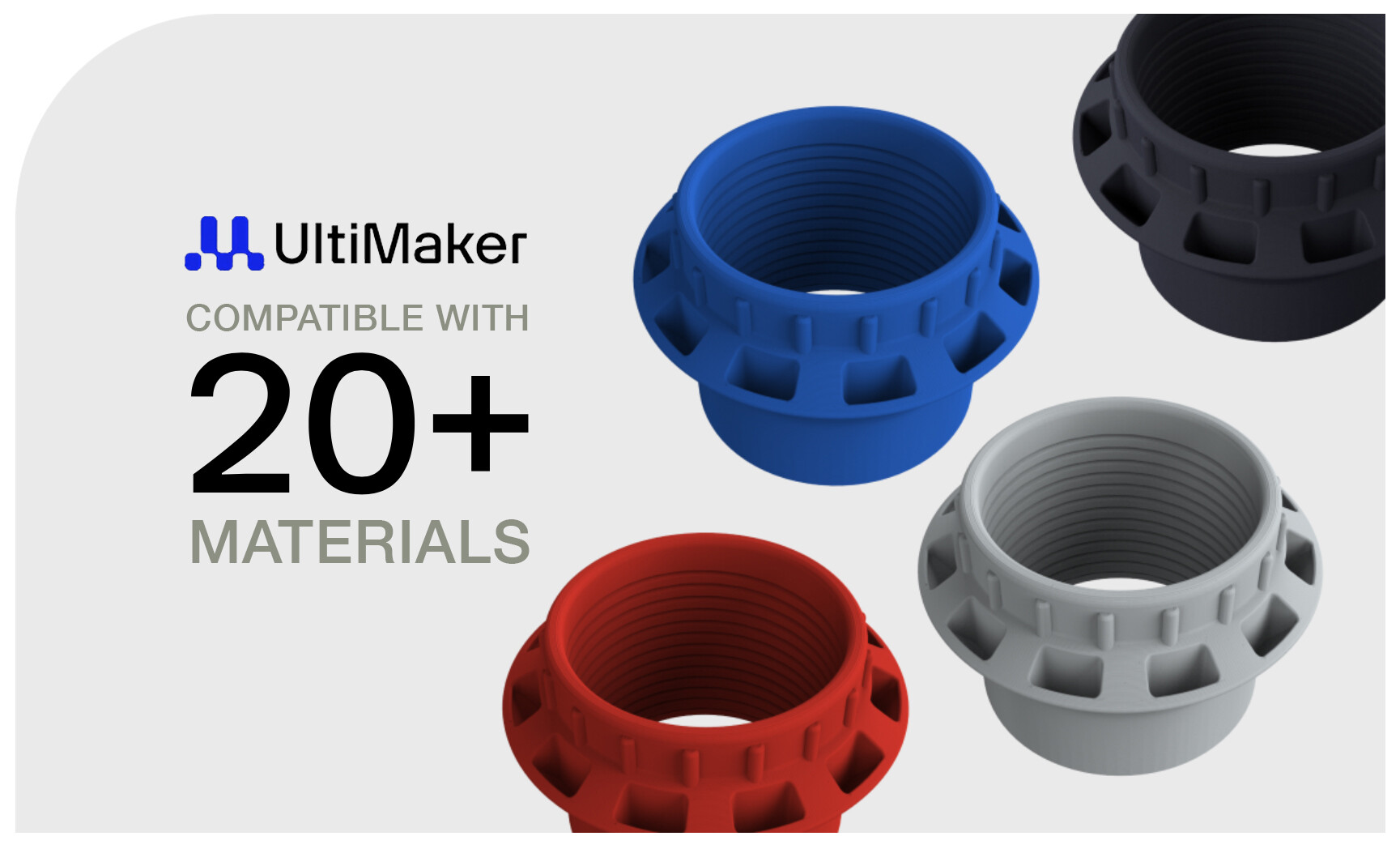
Unlock a wide range of applications with Ultimaker materials or use almost any 2.85mm filament available on the market.

EASY TO PRINT:

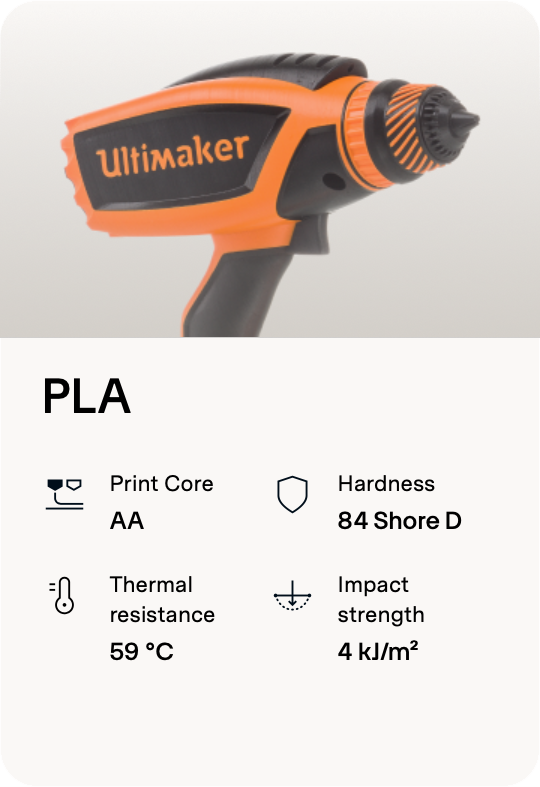
Ultimaker PLA (750g)

PLA GRAPHIC

  • PLA – Green – 750g (1608)
  • PLA – Black -750g (1609)
  • PLA – Silver Metallic – 750g (1612)
  • PLA – White – 750g (1613)
  • PLA – Transparent – 750g (1614)
  • PLA – Orange – 750g (1615)
  • PLA – Blue – 750g (1616)
  • PLA – Magenta – 750g (1617)
  • PLA – Red – 750g (1618)
  • PLA – Yellow – 750g (1619)
  • PLA – Pearl White – 750g (1620)


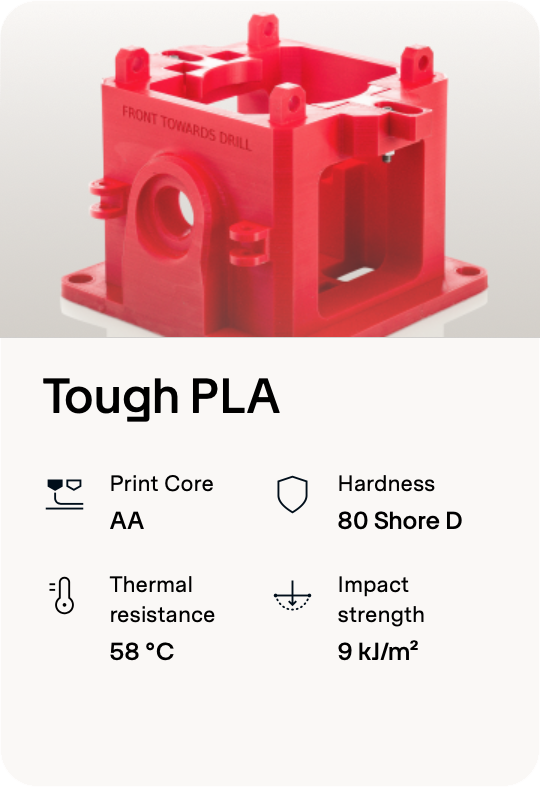
Ultimaker Tough PLA (750g)

TOUGH PLA GRAPHIC

  • Tough PLA – Black – 750g (202300)
  • Tough PLA – White – 750g (202301)
  • Tough PLA – Red – 750g (202302)
  • Tough PLA – Green – 750g (202303)
  • Tough PLA – Grey – 750g (202304)
  • Tough PLA – Yellow – 750g (202305)
  • Tough PLA – Blue – 750g (202306)


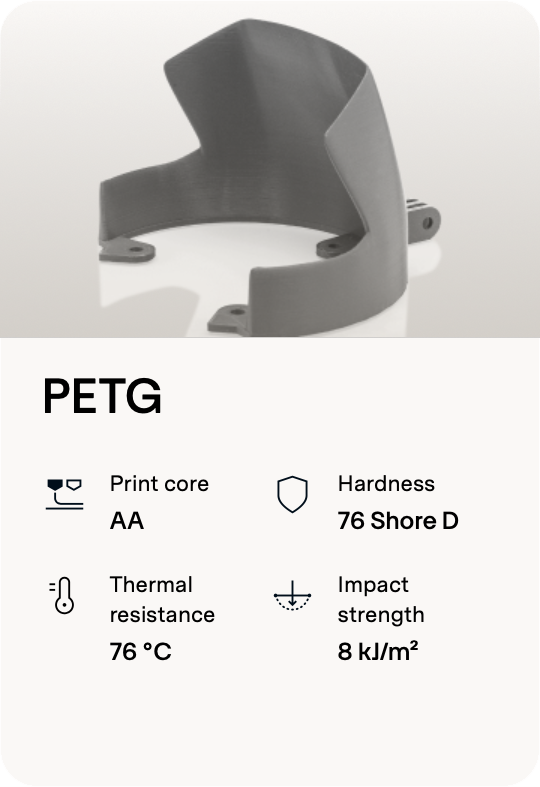
Ultimaker PETG (750g)

PETG GRAPHIC

  • PETG – Black – 750g (227282)
  • PETG – White – 750g (227293)
  • PETG – Silver – 750g (227326)
  • PETG – Grey – 750g (227329)
  • PETG – Green – 750g (227330)
  • PETG – Transparent – 750g (227332)
  • PETG – Blue – 750g (227333)
  • PETG – Blue Translucent – 750g (227335)
  • PETG – Red – 750g (227336)
  • PETG – Red Translucent – 750g (227337)
  • PETG – Green Translucent – 750g (227338)
  • PETG – Yellow – 750g (227340)
  • PETG – Yellow Fluorescent – 750g (227342)
  • PETG – Orange – 750g (227343)


MECHANICAL STRENGTH:

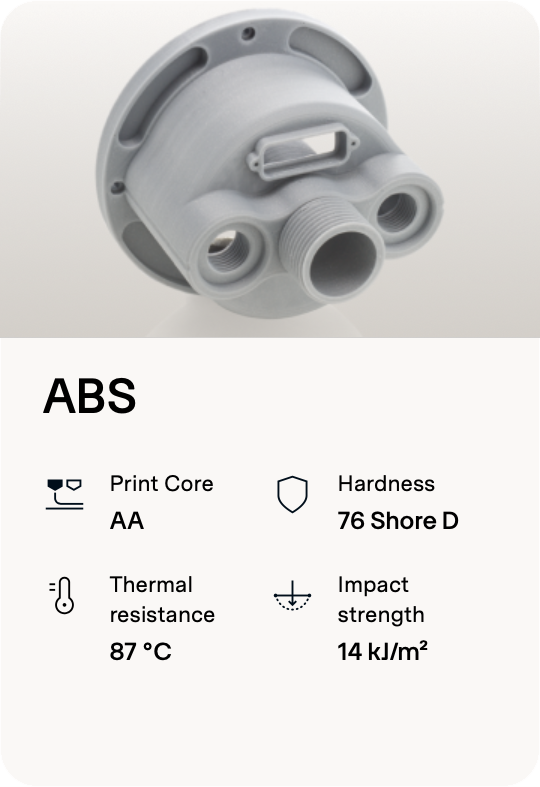
Ultimaker ABS (750g)

ABS GRAPHIC

  • ABS –Black – 750g (1621)
  • ABS –White – 750g (1622)
  • ABS –Red– 750g (1623)
  • ABS –Blue– 750g (1624)
  • ABS –Silver– 750g (1625)
  • ABS –Pearl Gold – 750g (1626)
  • ABS –Green – 750g (1627)
  • ABS –Orange – 750g (1628)
  • ABS –Yellow – 750g (1629)
  • ABS –Grey – 750g (1630)


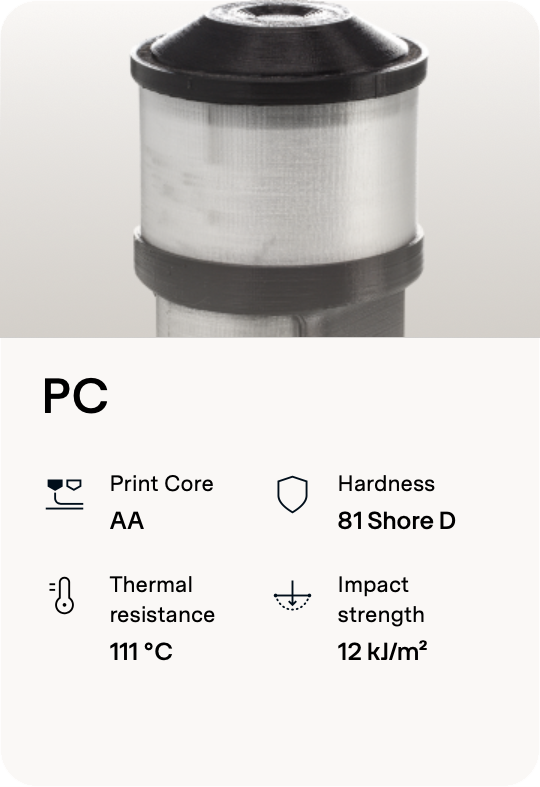
Ultimaker PC (Polycarbonate) (750g)

PC GRAPHIC

  • Polycarbonate – Transparent – 750g (1640)
  • Polycarbonate – Black – 750g (1641)
  • Polycarbonate – White – 750g (1642)

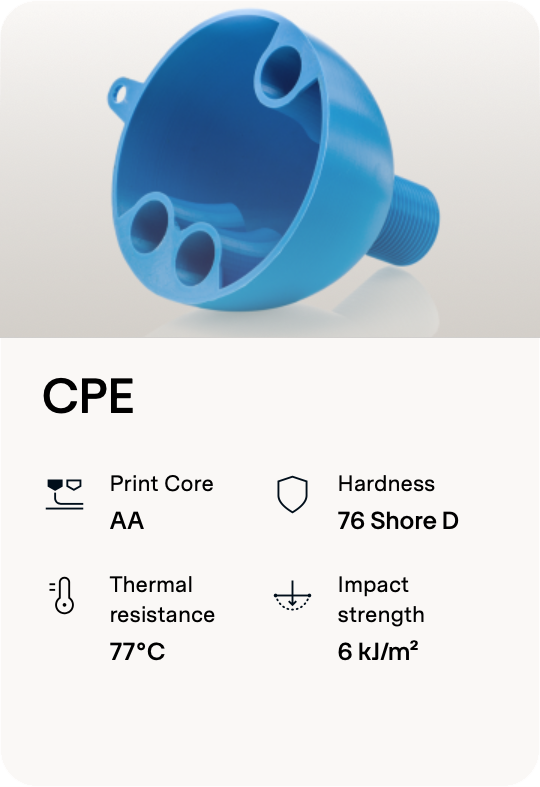
Ultimaker CPE (750g)

CPE GRAPHIC

  • CPE – Black – 750g (1631)
  • CPE – White – 750g (1632)
  • CPE – Light Grey – 750g (1633)
  • CPE – Dark Grey – 750g (1634)
  • CPE – Red – 750g (1635)
  • CPE – Blue – 750g (1636)
  • CPE – Yellow – 750g (1637)
  • CPE – Green – 750g (1638)
  • CPE – Transparent – 750g (1639)


WEAR RESISTANCE:

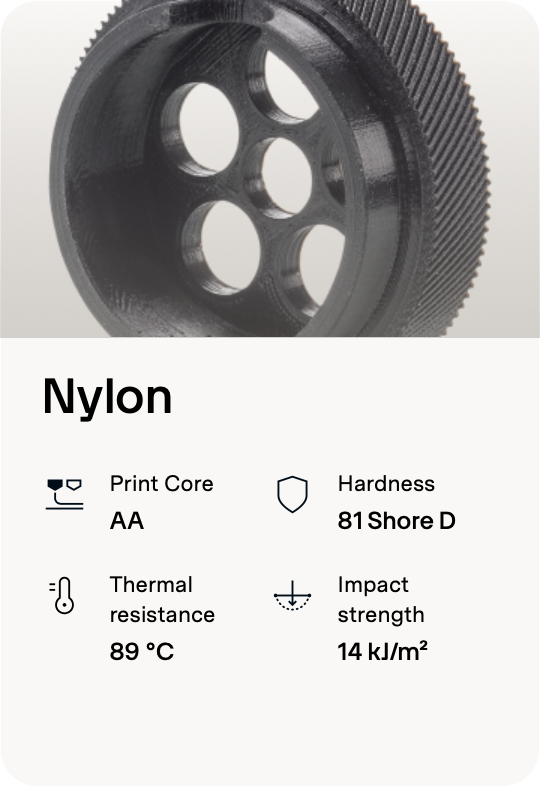
Ultimaker Nylon (750g)

NYLON GRAPHIC

  • Nylon – Black – 750g (1646)
  • Nylon –Transparent – 750g (1647)


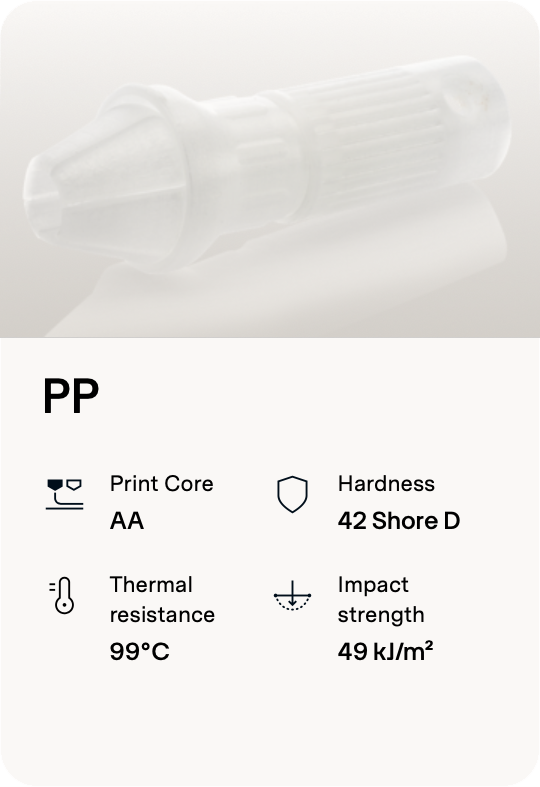
Ultimaker PP (500g)

PP GRAPHIC

  • Polypropylene – Natural – 500g (1785)


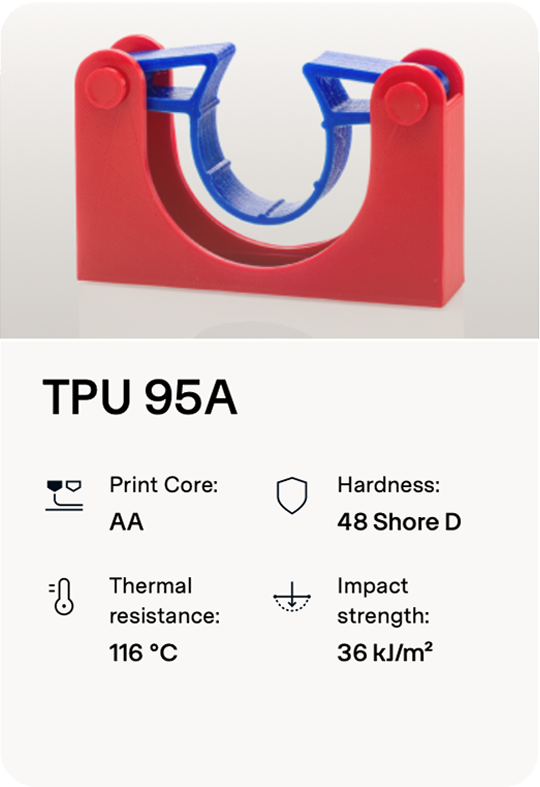
Ultimaker TPU 95A

TPU 95A GRAPHIC

  • Ultimaker TPU 95A Blue Filament 700g (236593)
  • Ultimaker TPU 95A Red Filament 700g (236590)
  • Ultimaker TPU 95A White Filament 700g (236591)
  • Ultimaker TPU 95A Black Filament 700g (236592)

HEAT RESISTANCE:

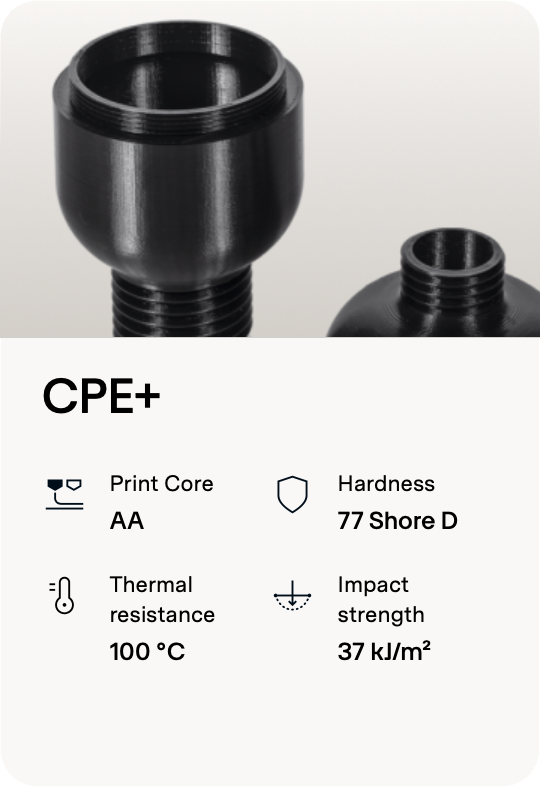
CPE (co-polyester) materials stand out for their exceptional qualities, showcasing chemical resistance, toughness, and impressive dimensional stability. This makes CPE a preferred material for a wide range of applications, including both functional prototypes and mechanical parts. While both CPE and CPE+ share similar performance characteristics, CPE+ offers additional advantages. Notably, it boasts higher temperature resistance and increased impact strength, making it an excellent choice for applications where these specific attributes are crucial. Whether opting for CPE or CPE+, users can rely on these co-polyester materials to deliver durability and reliability in the creation of functional and robust 3D-printed components.

CPE VS CPE+

  • CPE offers a diverse selection of colors, providing users with a broad palette to choose from. This includes the sophisticated greyscale option, which adds a professional touch to 3D-printed models.
  • CPE exhibits notable strength with higher tensile and flexural strength. On the other hand, CPE+ takes toughness to the next level. Formulated to be up to 10 times tougher than standard CPE, CPE+ is engineered to provide enhanced durability and resilience.
  • CPE+ features a temperature resistance of up to 100ºC when compared to CPE, which is only resistant up to 70ºC


Ultimaker CPE+

CPE+ GRAPHIC

  • Ultimaker CPE+ Transparent Filament 700g (1643)
  • Ultimaker CPE+ Black Filament 700g (1644)
  • Ultimaker CPE+ White Filament 700g (1645)

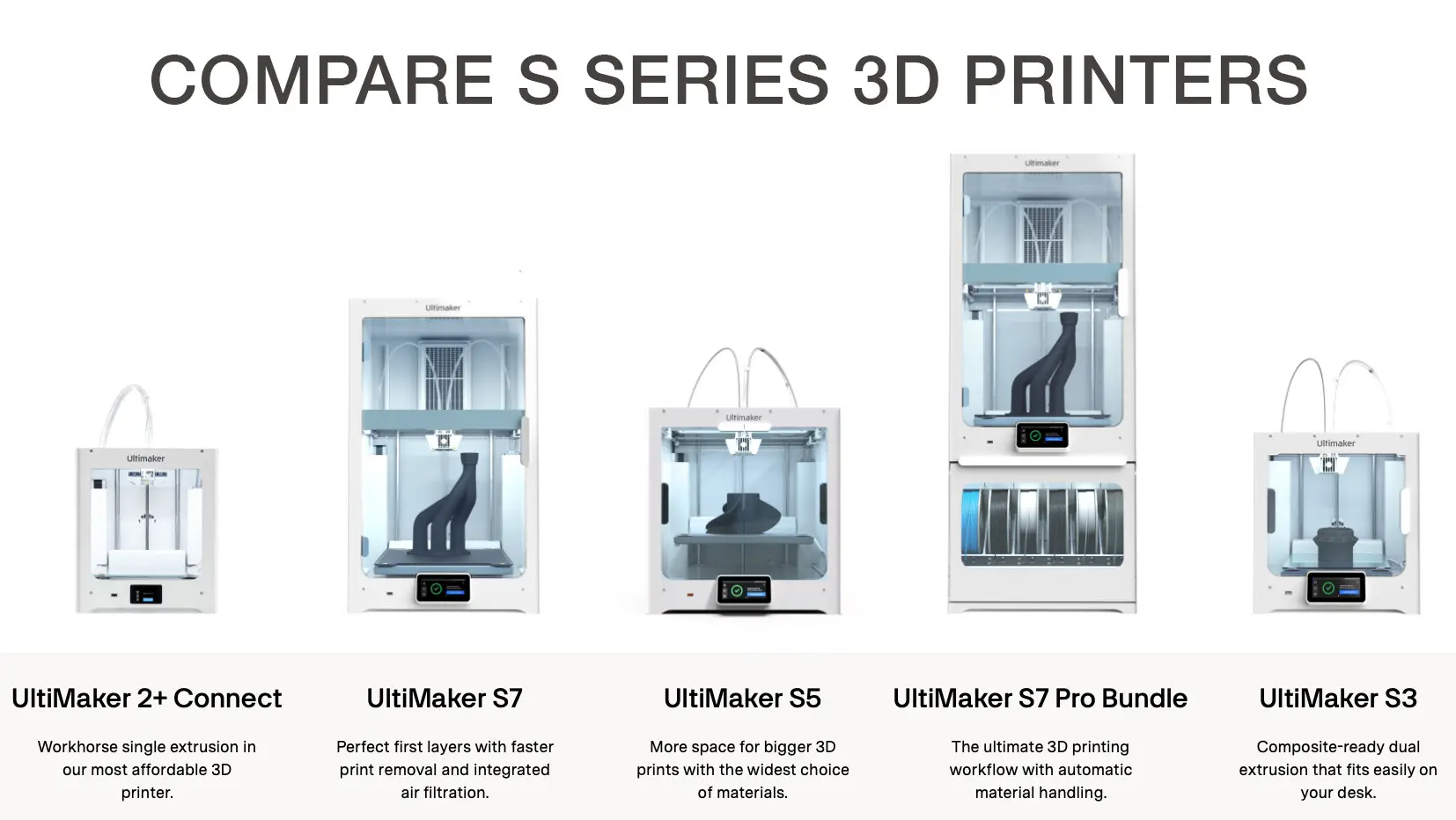
Are there differences in the print profiles between the Ultimaker S3 and Ultimaker S5?

The print profiles are printer specific. Notably, the retraction settings are different due to the difference in the printer size.

Will the Ultimaker S3 use the same firmware as the Ultimaker S5?

No. They will have dedicated firmware images available for download from our website.

Is there a difference between the Ultimaker S3 and Ultimaker S5 mainboards?

The mainboards of the Ultimaker S3 and Ultimaker S5 are different and not interchangeable. The dimensions are different, and the Ultimaker S3 board has different integrated electronics (SOM instead of Olimex). For all spare parts, please view our compatibility matrix on the Partner Portal.

ULTIMAKER S5 ACCESSORIES

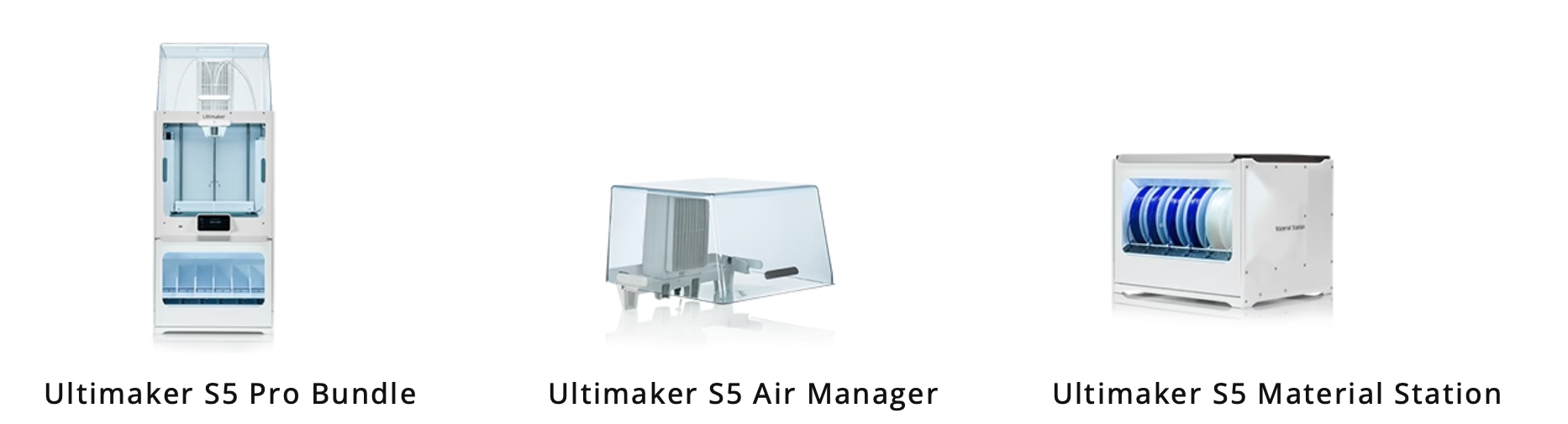
ULTIMAKER S5 PRO BUNDLE:

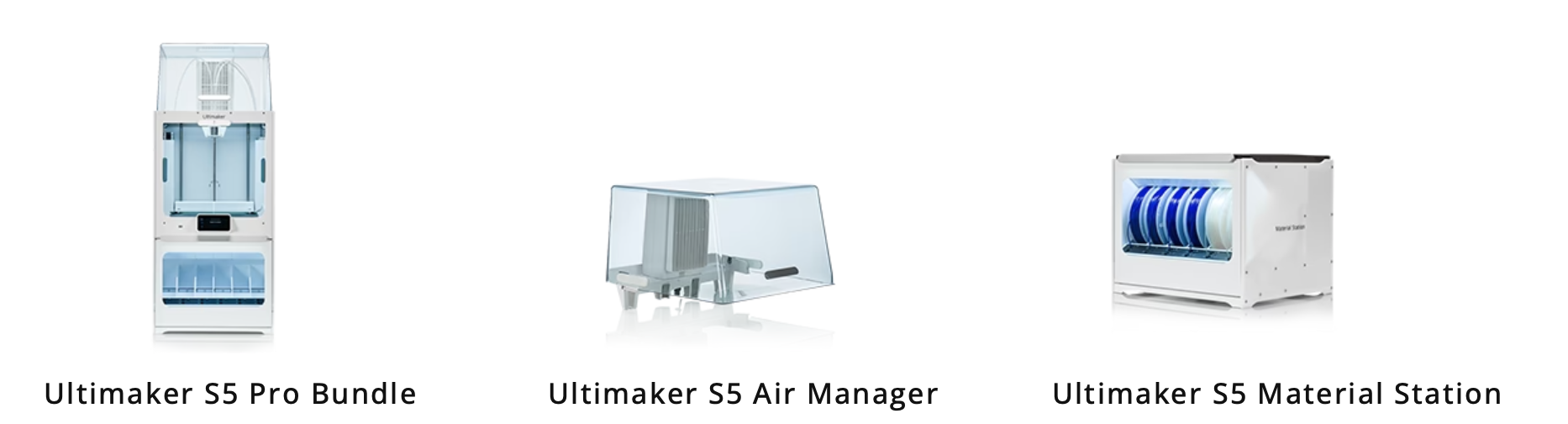
The Pro Bundle optimises your 3D printing process through its automatic material handling, effective air filtering, and precise filament humidity control. Collectively, these capabilities open the door to continuous 24/7 productivity, catering to the needs of demanding applications and accommodating a broader spectrum of materials for your creative endeavors.  This option includes the S5 AIR MANAGER and S5 MATERIAL STATION.  These add-ons are also available seperately.


ULTIMAKER S5 AIR MANAGER:

With the Ultimaker S5 Air Manager, experience an enhanced 3D printing environment featuring a closed, inside-out airflow system throughout the entire printing process. This innovative design ensures superior control within the build chamber and effectively filters up to 95% of ultrafine particles generated during printing.


ULTIMAKER S5 MATERIAL STATION:

A meticulously designed, humidity-controlled chamber equipped with six material spools, allowing for flexible loading of up to 4.5 kg of material in any order. Each bay is equipped with automatic material switching, composite-ready feeder wheels, and filament flow sensors.

ULTIMAKER TRAINING MAIN BANNER

ULTIMAKER TRAINING WHY CHOOSE US

Ultimaker 3D Printer training is available to cover all aspects of your new 3D printer including advanced level with the “Design for Additive” half day extension course, training is for up to 3 people on site with delivery of your new Ultimaker & we also run regular training courses at our Stoke Offices and for larger groups at our Worcester HQ , Bristol or Derby facilities.

INST002 INSTALLATION & TRAINING PACKAGES *

* INSTALLATION (IN CONJUNCTION WITH CUSTOMER):

Unboxing of printer and material station – connect units together Setup of Printer onto the network Setup of the printer into Cura and the Digital factory

* TRAINING (SOFTWARE & HARDWARE):

  • Using Cura Slicing software to prepare parts for printing
  • Cura setting
  • Preview of time to print and cost to print
  • Submitting prints
  • Monitoring prints
  • Loading and unloading of material on the printer
  • Changing Cores
  • Maintenance of the printer
  • Tips and tricks

DfAM002 DESIGN FOR ADDITIVE (½ DAY) * & **

** DESIGN FOR ADDITIVE MANUFACTURING COURSE:

  • Design rules for manufacturing
  • Designing for FDM
  • Exporting from CAD
  • Orientation considerations
  • Walls and Ribs
  • Slice height and toolpaths
  • Self-supporting designs
  • Sectioning parts
  • Assemblies / Moving parts
  • Threads / Inserts
  • Infills Tolerances
  • Design samples discussed
  • Various exercises to be completed though out the session

Sign up to our newsletter to get the latest news, special offers & exclusive deals.

Sign up
Trustpilot