

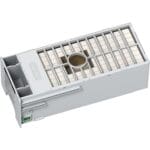


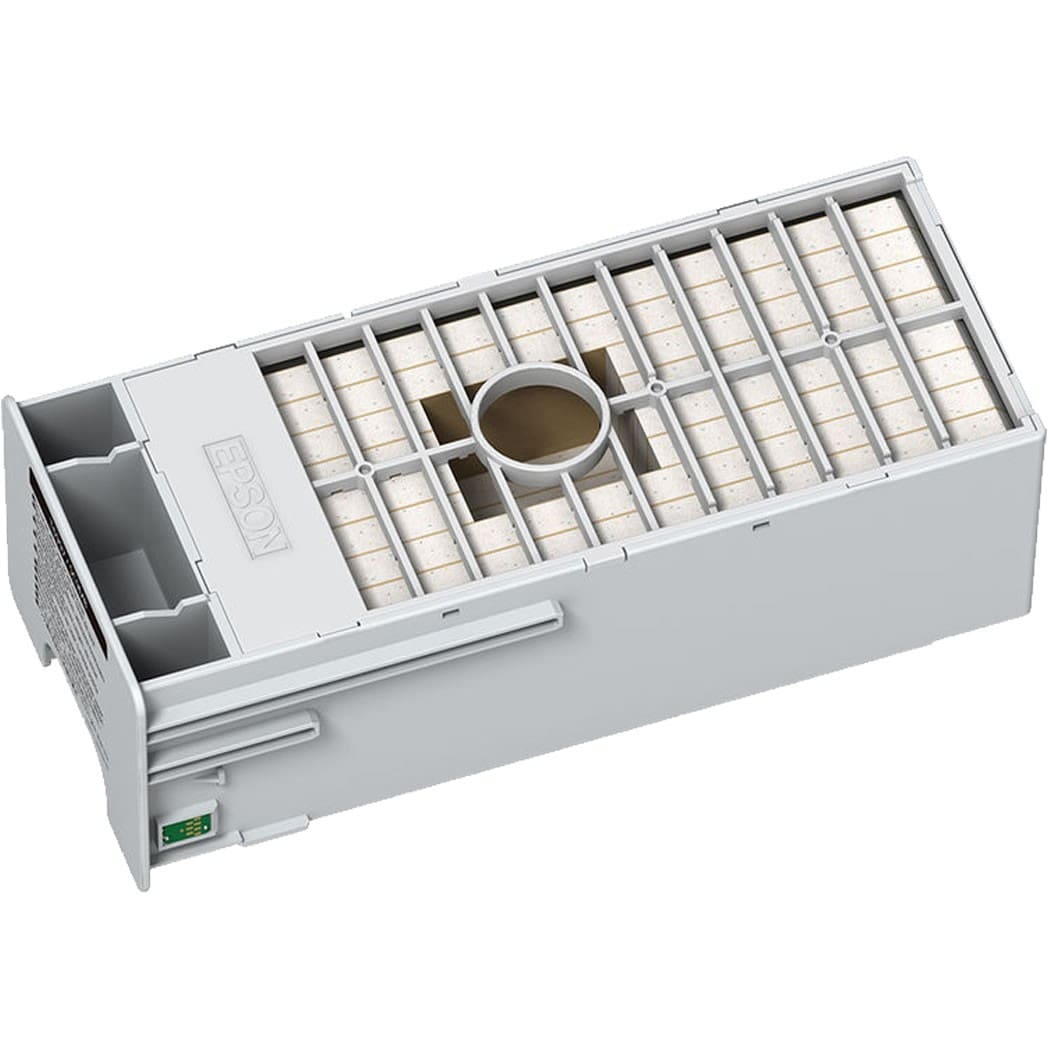
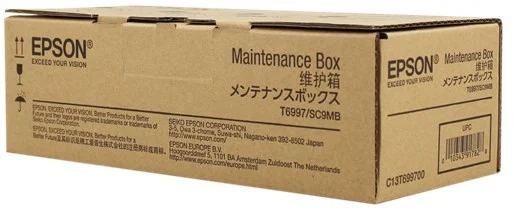

Epson T699700 C13T699700 Ink Maintenance Box:
Designed for exact compatibility with epson products. Epson accessories ensure maximum performance, longevity and ultimate cost-effectiveness and are an integral part of the fundamental design of its printer and fax products, combining with other key elements of their design to deliver optimum durability, reliability and print quality.
Epson T699700 Maintenance Box – Ultimate Guide
The Epson T699700 / C13T699700 maintenance box is essential for keeping your Epson printer running smoothly. It collects excess ink during printing and ensures your printer stays clean and efficient.
What is the Epson T699700 Maintenance Box?
The maintenance box is a consumable part of Epson SureColor wide-format printers. It stores waste ink that builds up during printing and cleaning cycles. Replacing it regularly prevents printer errors and maintains print quality.
Compatible Printers
The T699700 maintenance box works with several Epson models. These include:
- SureColor P7300
- SureColor P9300
- SureColor SC-P6000
- SureColor SC-P7000
- SureColor SC-P7500
- SureColor SC-P8000
- SureColor SC-P9000
- SureColor SC-P9500
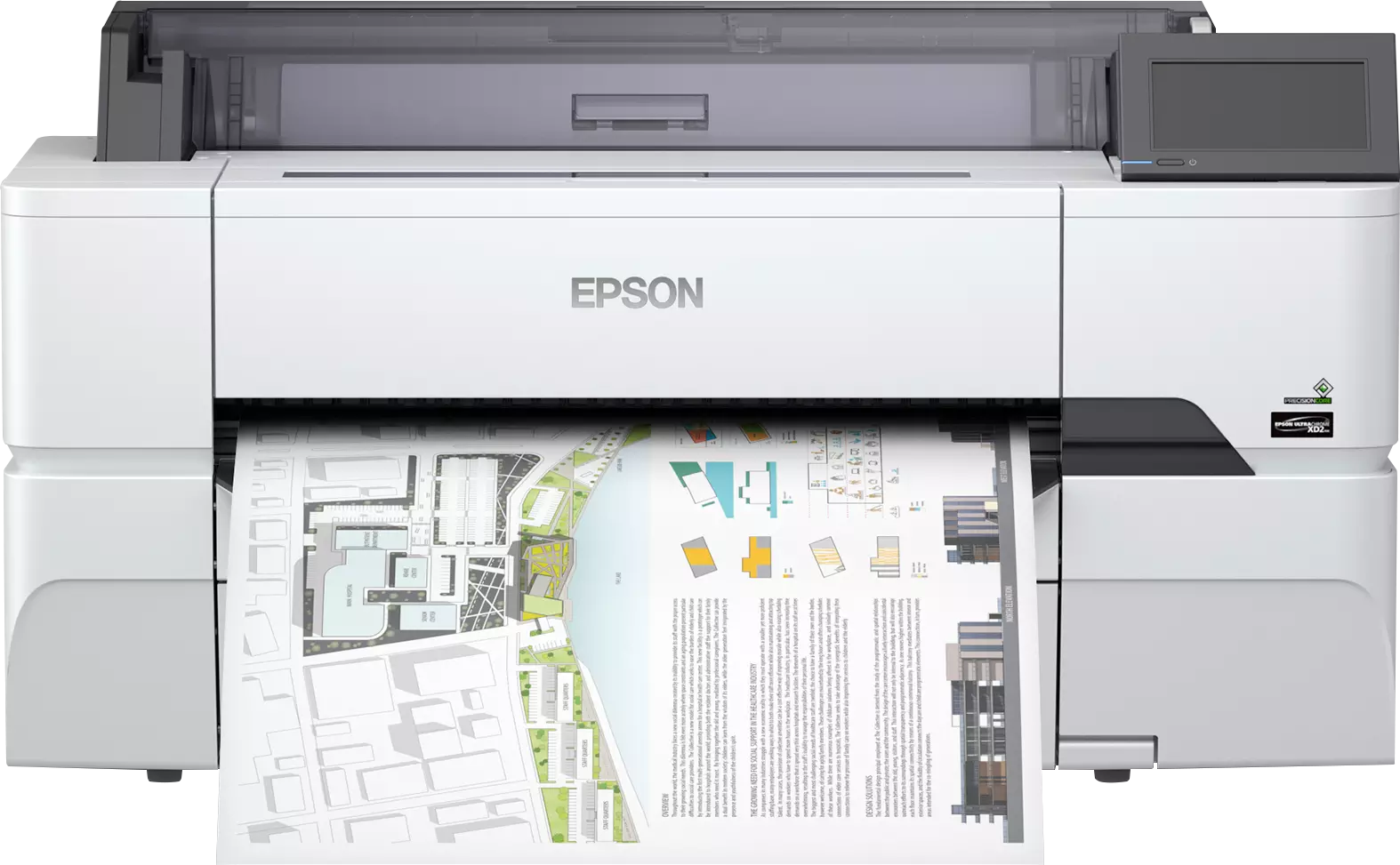
- SureColor SC-T3400
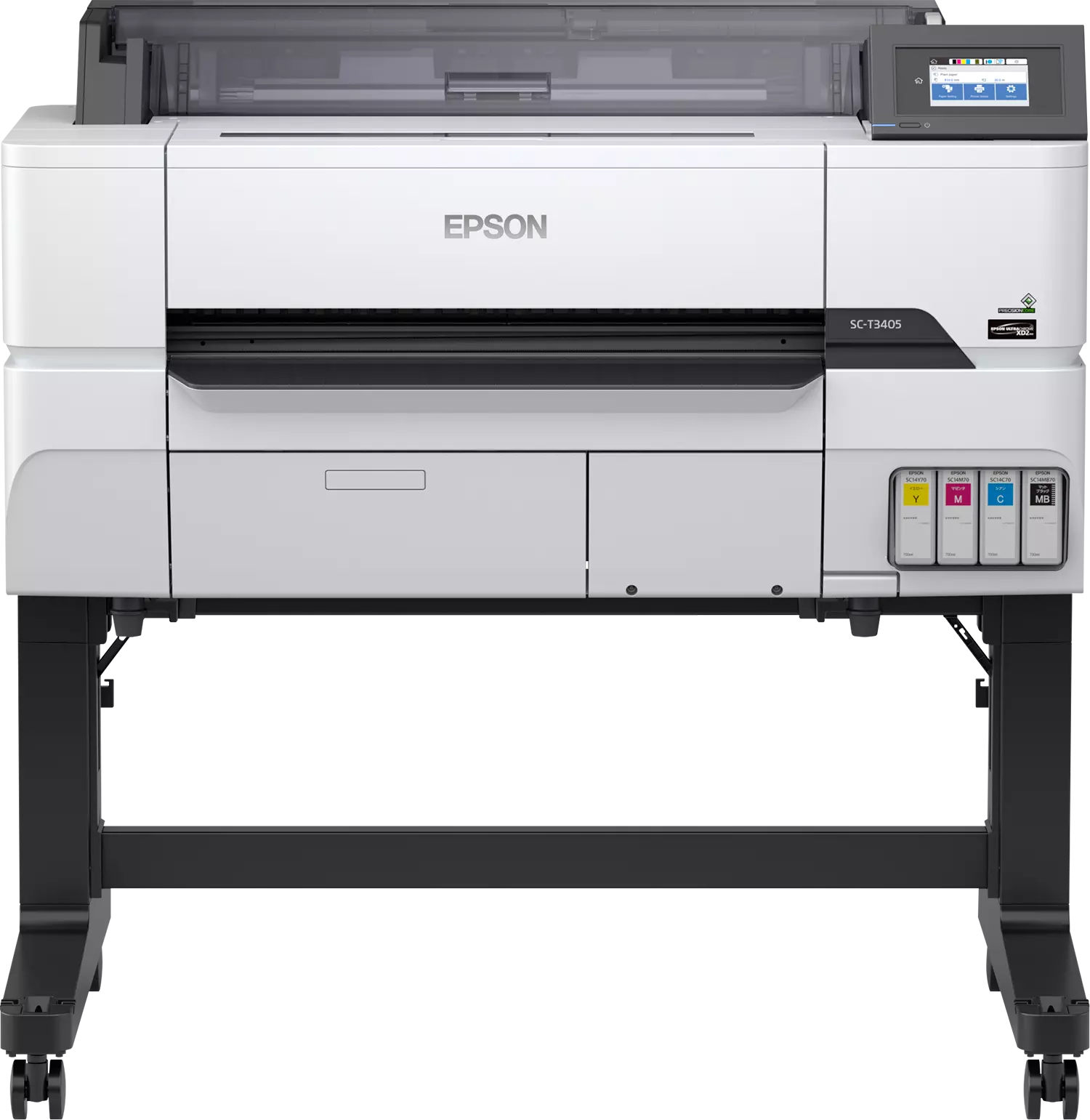
- SureColor SC-T3405
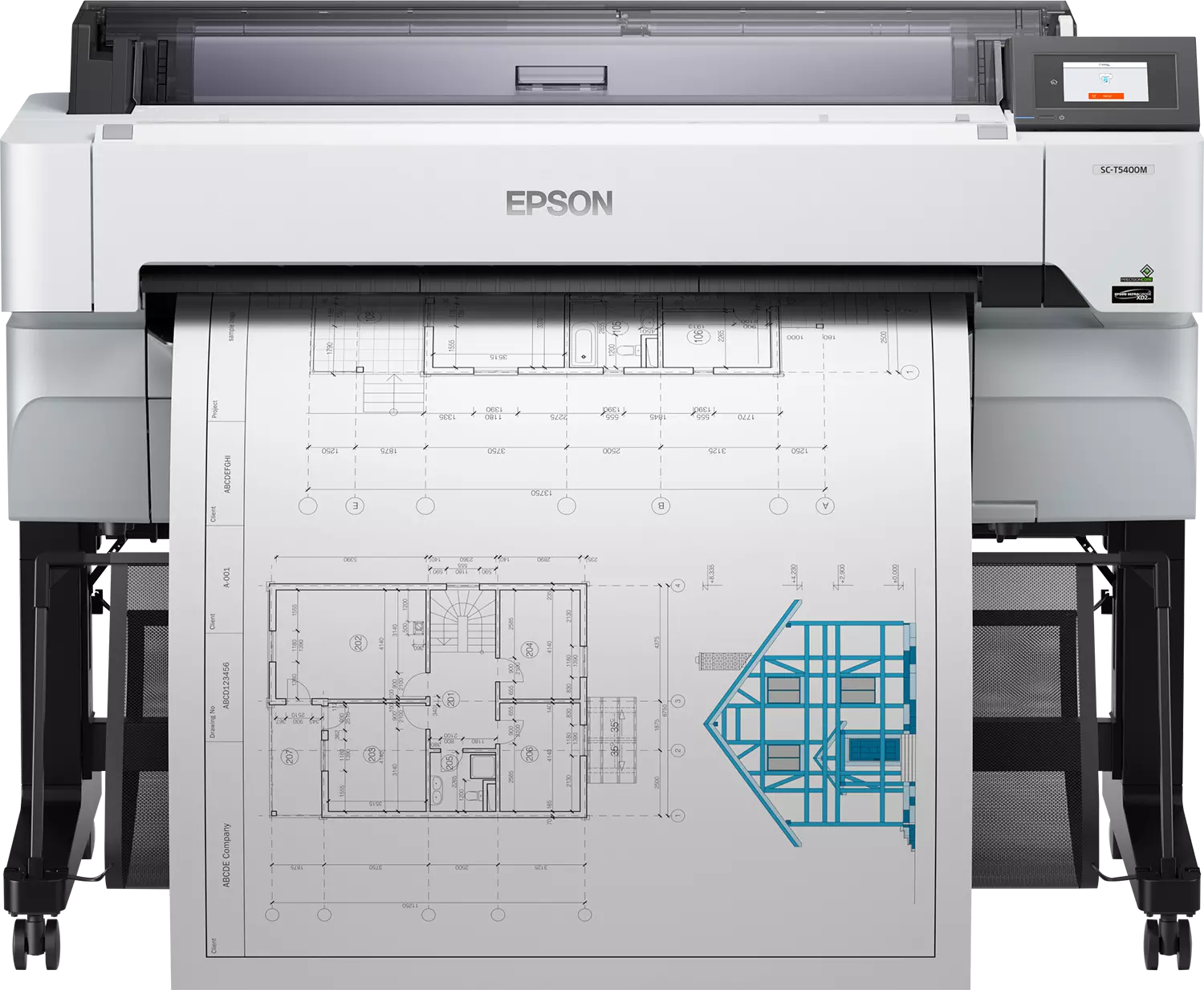
- SureColor SC-T5400
- SureColor SC-T5400M-MFP
- SureColor SC-T5405
Always check your printer manual before purchasing.
Why Replace the Maintenance Box?
Replacing the box on time avoids:
- Ink overflow and leakage
- Printer error messages
- Poor print quality
- Unexpected downtime
- A fresh maintenance box ensures consistent performance.
How to Replace the Epson T699700
Follow these simple steps:
- Turn off the printer and unplug it.
- Open the printer cover.
- Carefully remove the full maintenance box.
- Insert the new T699700 box until it clicks.
- Close the cover and restart the printer.
- Always handle the box carefully to avoid spills.