

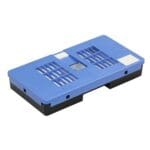
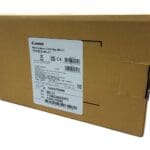


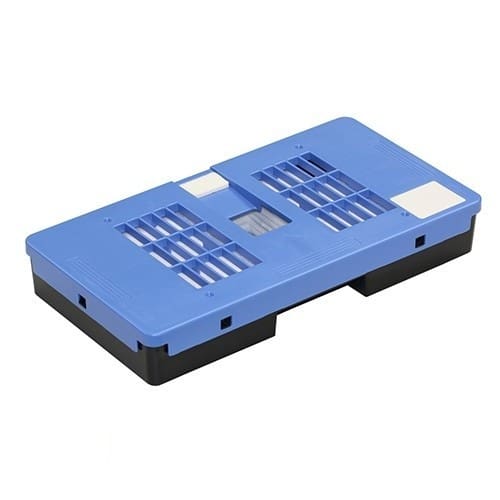
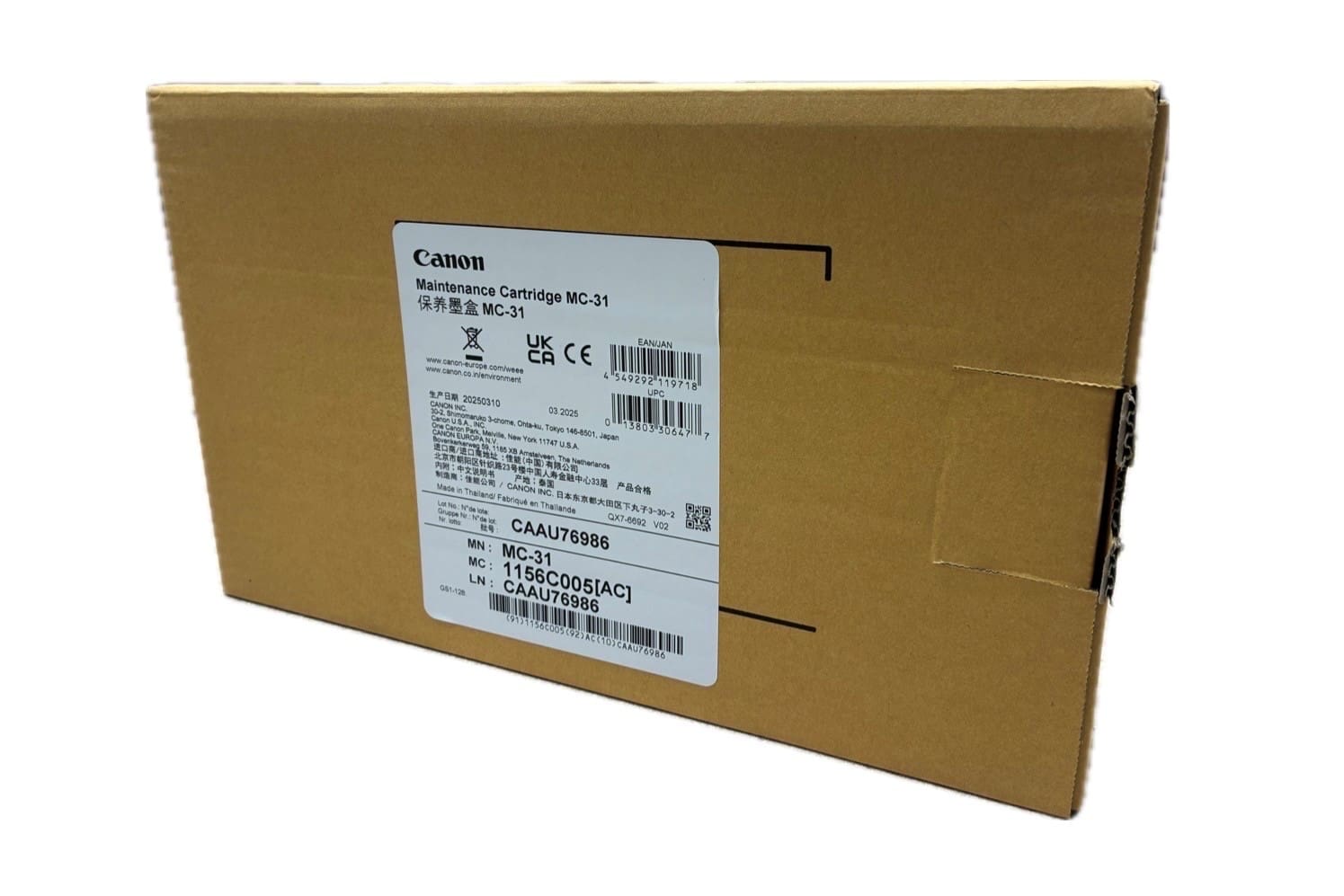

Canon MC-31 Maintenance Cartridge 1156C005AA Waste Ink Tank
The Canon MC-31 Maintenance Cartridge (1156C005AA) is a genuine waste ink tank designed for Canon imagePROGRAF printers. It collects excess ink generated during printhead cleaning and maintenance cycles, helping to maintain print quality and prevent internal ink overflow.
This user-replaceable maintenance cartridge ensures your printer continues to run smoothly, reducing downtime and supporting consistent, professional output.
Product Overview
What is the Canon MC-31 Maintenance Cartridge: The Canon MC-31 is a waste ink tank that collects excess ink during cleaning cycles in Canon imagePROGRAF printers.
What does it do: It safely stores waste ink produced during operation, helping prevent errors and maintain performance.
Who is it for: It is designed for users of Canon TM, TA and GP series printers who want reliable, uninterrupted printing.
Key Features
- Canon MC-31 Maintenance Cartridge 1156C005AA
- Genuine Canon waste ink tank for imagePROGRAF printers
- Collects excess ink during cleaning and maintenance cycles
- Helps prevent waste ink overflow and printer errors
- Easy, tool-free installation
- High-capacity design for longer service life
- Maintains consistent print quality and reliability
- Print Performance and Reliability
The MC-31 plays a key role in keeping your printer operating efficiently.
By managing waste ink effectively, it helps maintain clean internal components and ensures consistent print output. This is particularly important for technical drawings, CAD work and high-quality graphics where precision matters.
Compatible Printers
The Canon MC-31 maintenance cartridge is compatible with the following Canon imagePROGRAF printers
TM Series
TM-200, TM-205, TM-240, TM-250, TM-255
TM-300, TM-305, TM-340, TM-350, TM-355
TA Series
TA-20, TA-30
GP-Series
GP Series – GP-200, GP-300
Always check your printer model before ordering to ensure compatibility.
Installation and Replacement
Replacing the MC-31 maintenance cartridge is quick and simple.
- Open the maintenance access panel
- Remove the used cartridge
- Insert the new cartridge
The printer will automatically detect the replacement and resume normal operation.
For best results, replace the cartridge as soon as prompted by the printer.
Why You Need a Maintenance Cartridge
During normal use, your printer generates waste ink as part of cleaning and maintenance routines.
The maintenance cartridge safely stores this ink. Without it, your printer cannot operate correctly.
Replacing the MC-31 when required helps prevent
- Printer errors
- Downtime and workflow interruptions
- Potential internal ink contamination
Why Choose Genuine Canon Consumables
Using genuine Canon maintenance cartridges ensures full compatibility and reliable performance.
Third-party alternatives may cause errors, reduce print quality or lead to unnecessary service issues.
With original Canon parts, you maintain consistent output and long-term reliability.
Specifications
- Part Number 1156C005AA
- Product Type Maintenance Cartridge Waste Ink Tank
- Function Waste ink collection
- Replacement Type User replaceable
- Packaging Individually boxed
- Compatible Inks and Accessories
Works alongside
Canon PFI-031 ink cartridges
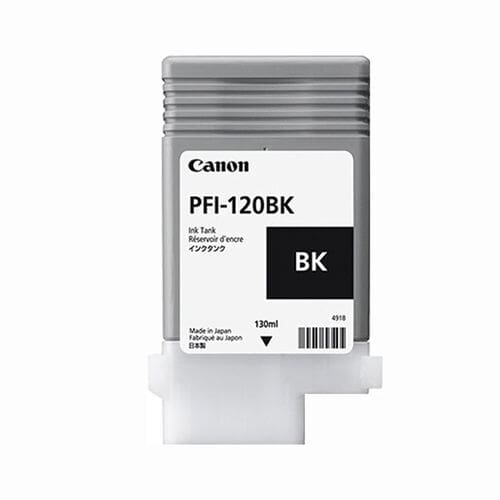
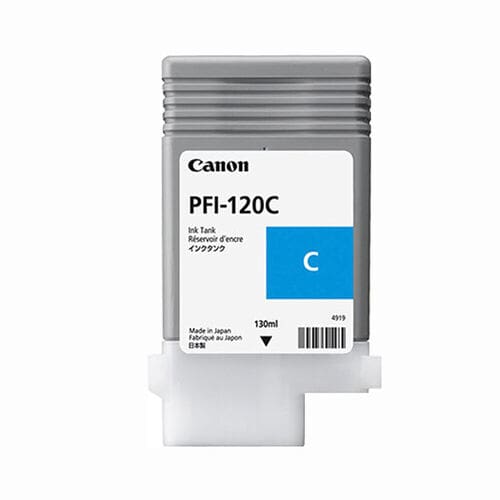
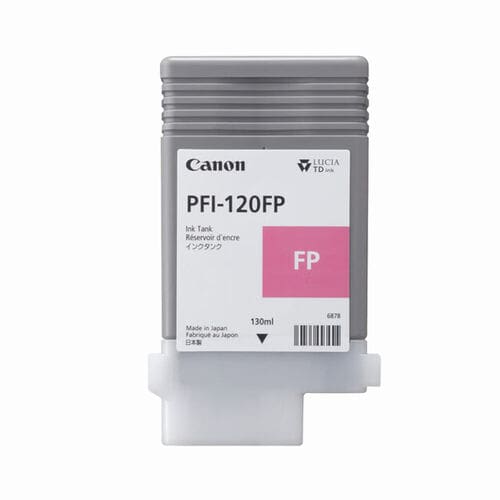
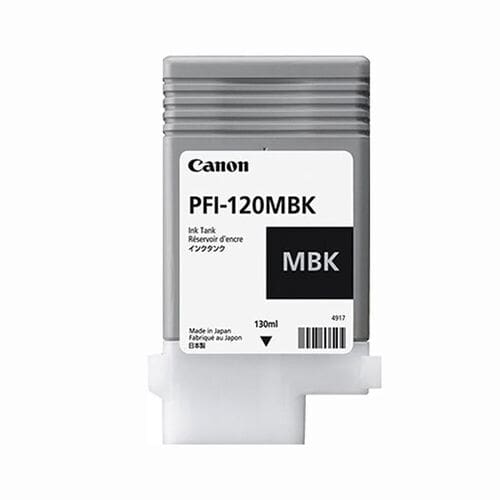
Canon PFI-120 ink cartridges
Canon PFI-320 ink cartridges
Summary
The Canon MC-31 Maintenance Cartridge is a small but essential component that keeps your printer running efficiently.
By safely managing waste ink, it helps maintain print quality, reduce downtime and protect your device.
Reliable performance starts with the right consumables.