



Canon imagePROGRAF TM-350 36" A0 Printer - Plot it Skip to Main Content

Your bag 0 items

Your bag is empty.

Delivery

Free standard delivery

Learn more about deliveries

Subtotal

£0.00 ex VAT

Canon

MPN: 6246C003AA

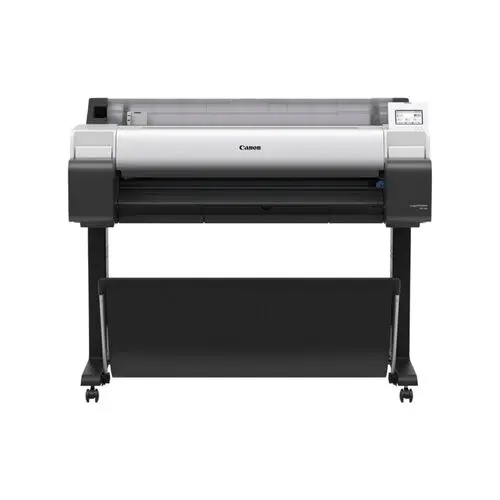
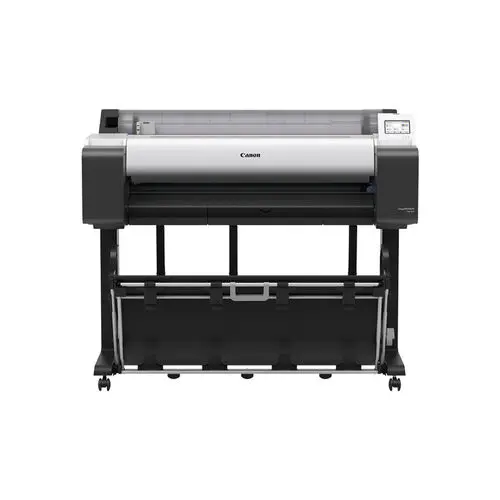
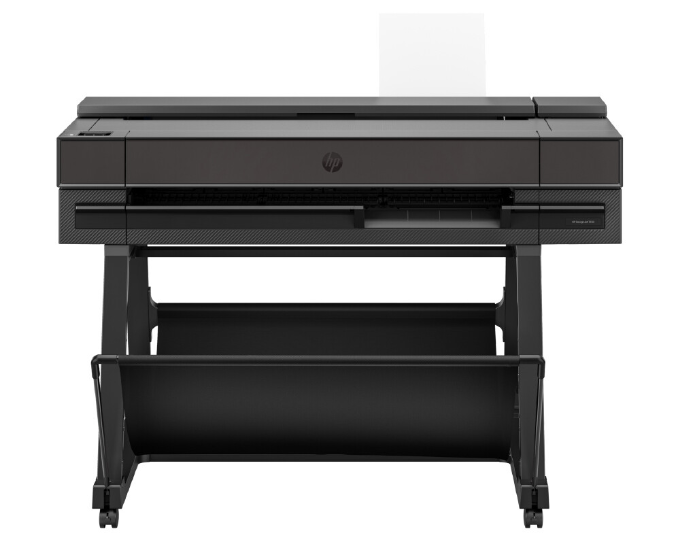
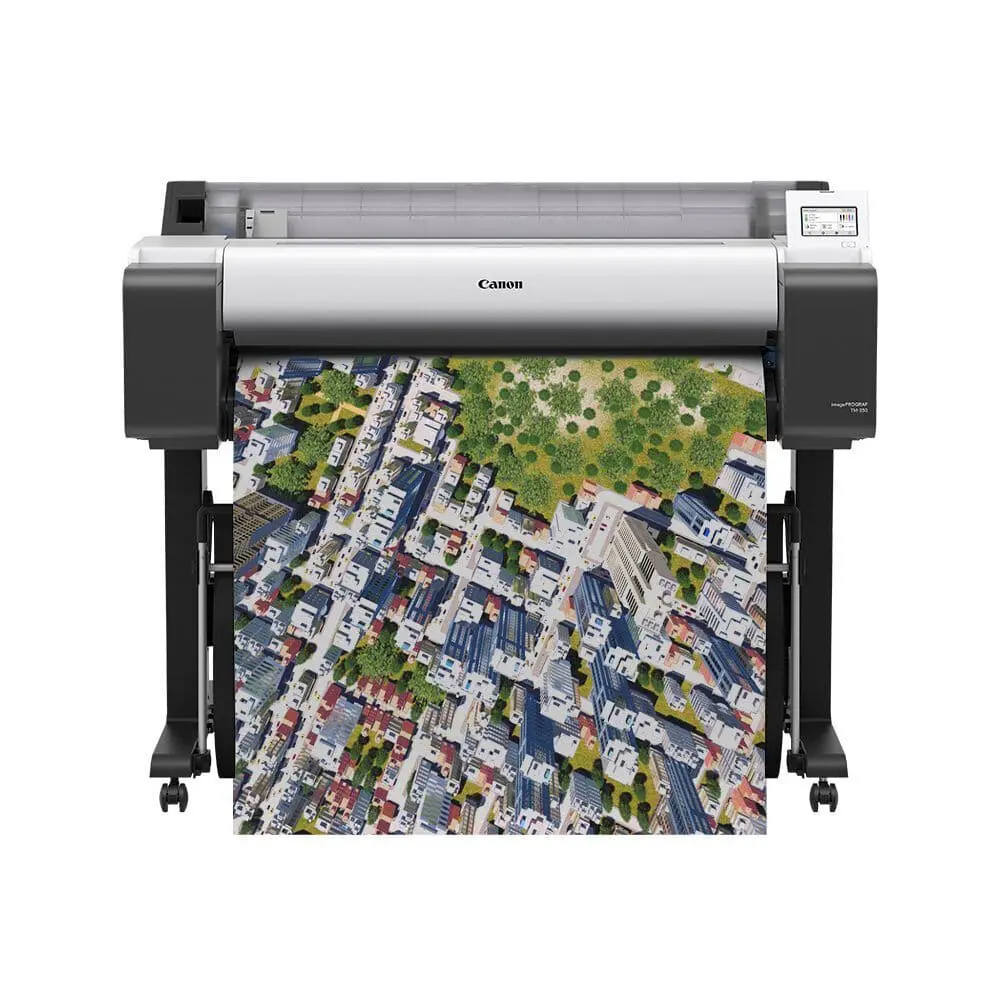
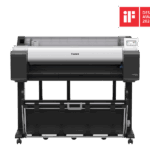
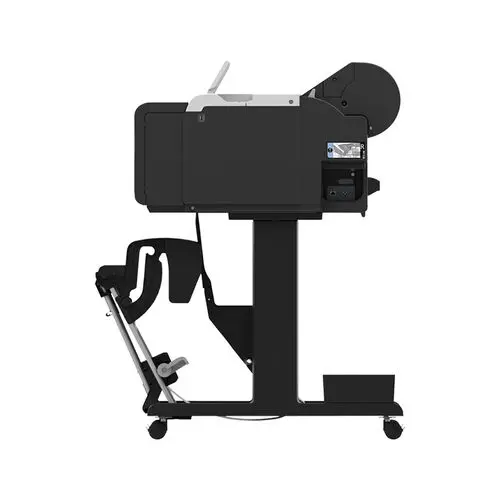
Canon imagePROGRAF TM-350 36" A0 Printer

£1,595.00 ex VAT

£1,914.00 inc VAT

Canon's Best Selling A0 Printer. Ideal for CAD prints and Posters, favoured by Architects, and copy shops.

What’s included:

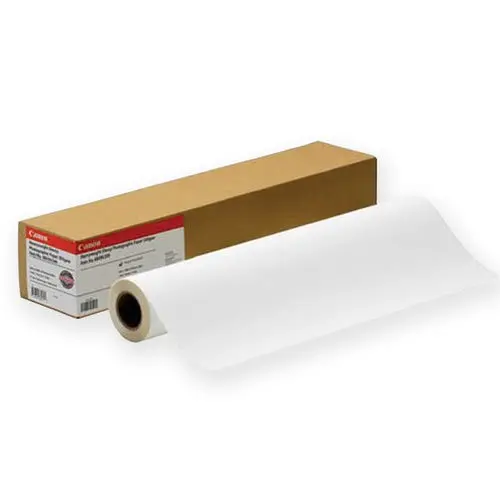
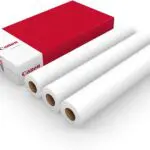
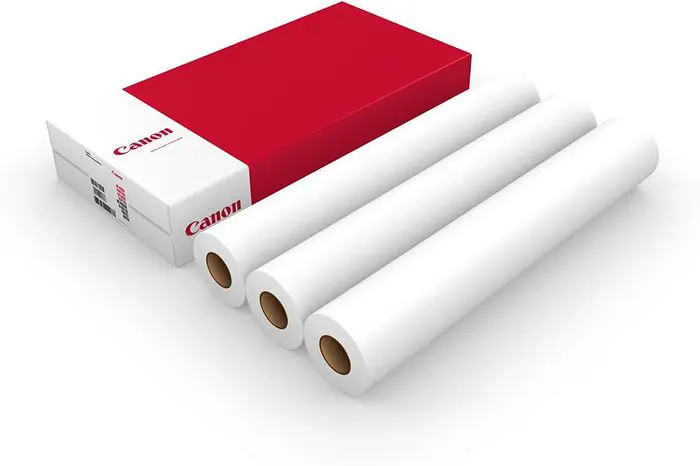
TM-350 Printer, 2 year warranty, Free Delivery & Paper, optional install service, starter ink, 3″ core adapter, set up guide, and user software.

Free express delivery

Learn more about deliveries

Lease options available

Find out more

Canon imagePROGRAF TM-350 A0 Printer – 36″ Large Format CAD and Poster Printer

The Canon imagePROGRAF TM-350 is a mid-range A0 printer designed for fast, CAD printing and due to its pigment inks, vibrant poster production, with the ability to borderless print.

The TM-350 is particularly popular with architects, construction companies, engineering teams, universities and in-house print departments looking for a reliable A0 printer capable of handling regular day-to-day production.

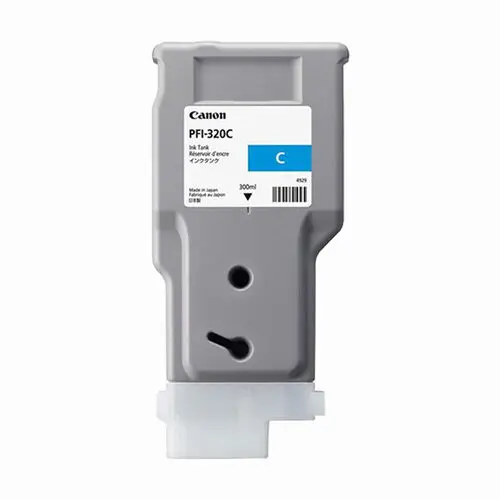
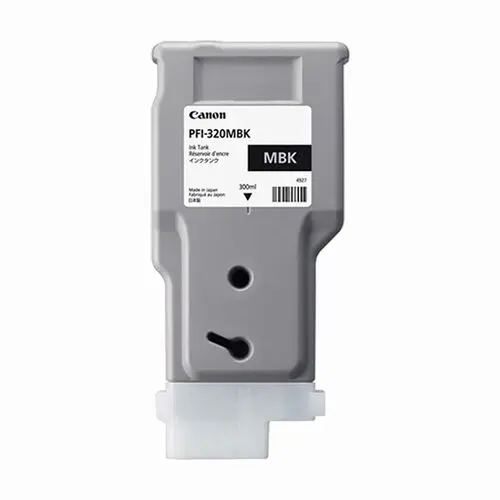
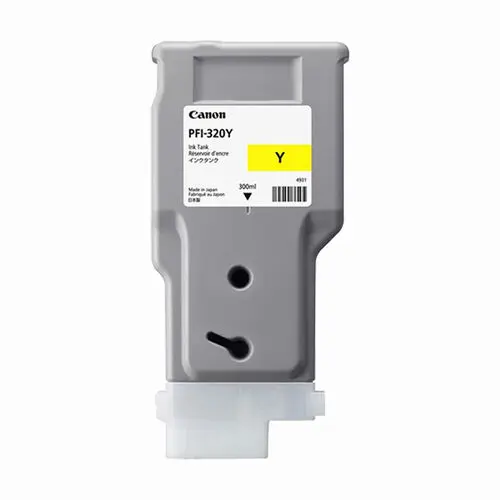
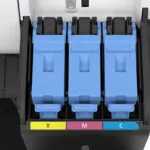
Lower running costs with larger ink tanks

With larger ink tanks, improved productivity and faster output than entry-level models such as the TM-340, the TM-350 is designed for businesses that print frequently and need dependable performance. Ink tanks are available in 130ml & 300ml providing better TCO.

What is it best for?

  • CAD drawings and technical plans
  • Construction and AEC workflows
  • Posters and retail graphics
  • GIS mapping
  • Mid-volume office printing

Who is it for?

  • Architects and engineers
  • Construction and infrastructure teams
  • Retail and print environments
  • Education and universities
  • Businesses with regular A0 printing needs

Perfect for mid-volume users.

High-speed performance & quality

  • A1 CAD print in as little as 17 seconds
  • A1 poster in approximately 22 seconds
  • Fast wake-up from sleep mode
  • Smooth handling of large files
  • 5-colour LUCIA TD pigment ink system, this printer offers professional results across every job
  • Crisp, accurate CAD lines with deep blacks and strong contrast
  • Water and smudge-resistant prints
  • Enhanced magenta for vibrant reds
  • Borderless printing for posters and graphics

Easy, efficient operation

Designed for everyday usability, meaning less downtime and more productivity:

  • 4.3″ colour touchscreen
  • Simple media and ink management
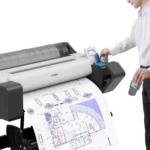
  • Flat-top design for easy roll loading
  • Optional dual roll capability (where configured)

Quiet, office-friendly design

It works without disruption, making it perfect for shared environments:

  • Low noise operation (approx. 39 dB)
  • Compact footprint for A0 printing
  • Clean, modern design

Eco-friendly and sustainable

The TM-350 has been designed with efficiency in mind, meaning it’s better for your business and the envrionment:

  • EPEAT Gold (USA) certified
  • Energy Star certified
  • Reduced power consumption
  • Polystyrene-free packaging

TM-350 vs TM-340 – What’s the difference?

The TM-350 is better suited to:

  • Faster print speeds
  • Larger 300ml ink options
  • Lower running costs over time
  • Improved productivity for busy teams
  • Better suitability for regular poster production

The TM-340 is better suited to:

  • Lower print volumes
  • Occasional A0 printing
  • Smaller offices
  • Budget-conscious buyers

Plot it’s take

At Plot It, we see the TM-350 as the sweet spot in the range. It offers the performance, speed, and efficiency most users actually need, without stepping into higher-cost production models.

For regular A0 printing, it’s a clear step up from entry-level machines.

Why choose the Canon TM-350?

  • 36″ A0 large-format printer for CAD and posters
  • Fast print speeds for high productivity
  • Lower running costs with larger ink tanks
  • High-quality pigment inks with sharp detail
  • Borderless printing for graphics and displays
  • Quiet, office-friendly design

If you need a fast, efficient, and reliable Canon A0 printer, the TM-350 is a proven solution for professional CAD and poster printing.

Technical Specifcations for the Canon imagePROGRAF TM-350 (6246C003AA)

Printer/output specifications

Feature Specification
Print width 914 mm (36-inches)
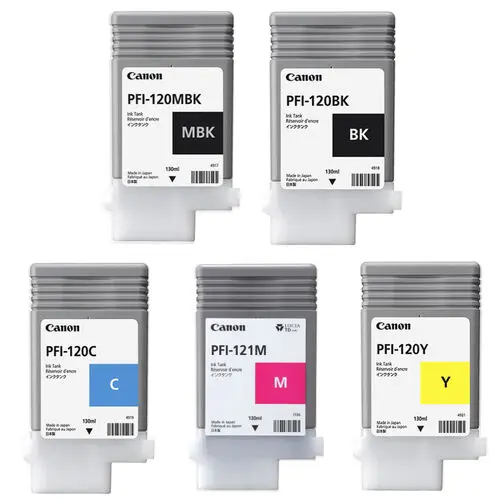
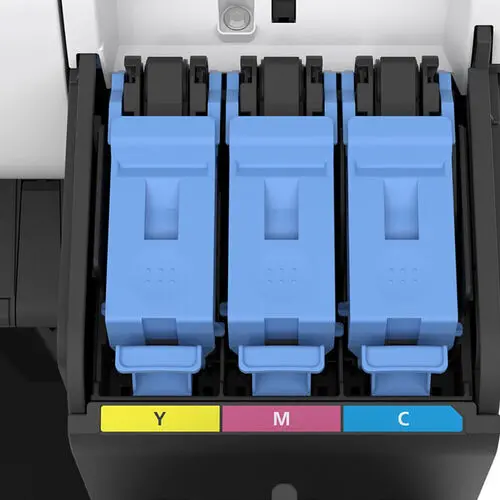
Ink system 5-colour LUCIA TD pigment ink (matte black, black, cyan, magenta, yellow)
Ink tank sizes Starter: MBK 130ml, others 90ml; Replacement: 130ml or 300ml options
Print head PF-06
Droplet size 5 picolitres
Nozzle count 15,360 total (MBK 5,120; others 2,560 each)
Maximum resolution 2400 × 1200 dpi
Print speed (draft) Up to 3.2 A1 prints per minute
First print time Approx. 17 seconds (A1 size)
Media handling Single roll, top-loading, front output, automatic media detection
Media width range 203mm – 917mm
Maximum print length Up to 18.2 metres (depending on file type)
Borderless printing Yes – full roll width supported

Memory, storage. and controller

  • Memory: 2 GB physical RAM + 128 GB virtual memory
  • Operation panel: 5″ colour LCD for job management and settings

Connectivity and interfaces

  • Network: Gigabit Ethernet (10 / 100 / 1000 Base-T)
  • USB: USB 3.0 (backward compatible with USB 2.0) + direct USB drive printing
  • Wireless: Optional Wi-Fi module
  • Supported printer languages: SGRaster, HP-GL/2, HP-RTL, JPEG, PDF, CALS G4

Physical and environmental

  • Dimensions (W × D × H): 1276 × 740 × 1260 mm with stand
  • Weight (printer + stand): Approx. 73 kg
  • Packed dimensions (W × D × H): 1400 × 800 × 1200 mm
  • Packed weight: Approx. 100 kg
  • Power requirements: 100 – 240 V AC (± 10 %), 50 / 60 Hz auto-sensing
  • Power consumption: Max 69 W / Standby 12.4 W / Sleep 0.2 W
  • Operating temperature: 15 °C – 30 °C
  • Operating Humidity: 10 % – 80 % RH (non-condensing)
  • Certifications: ENERGY STAR®, EPEAT Gold, CE, FCC, CB, UL approved

Included items and consumables

  • TM-350 printer with optional stand and fabric basket (depending on model)
  • Starter ink tanks: MBK 130ml, BK/C/M/Y 90ml
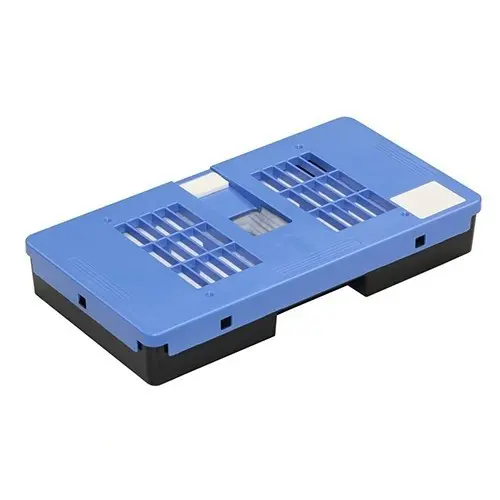
  • PF-06 print head and maintenance cartridge (installed)
  • 2″ core roll holder with 3″ adapters
  • Power cables and setup documentation
  • Software suite: PosterArtist, Free Layout Plus, Direct Print Plus, Accounting Manager, and Device Management Tools

Plot it’s take

The Canon 350 printer is the natural step up from the TM-340 for higher-volume users. It adds larger, more cost-effective 130ml and 300ml ink tanks, which significantly reduce total cost of ownership for frequent printing. Optional features include a stand with fabric basket for efficient workflow, and direct USB or network printing. While the TM-350 shares the same precision and print quality as the TM-340, it’s better suited for teams needing frequent CAD, poster, or signage printing with lower per-page costs.

Delivery and Install Options for the Canon TM-350

We provide flexible delivery and installation packages to suit your needs – from simple courier drop-offs to full professional setups.

We’re an Canon trained service agent with our own in-house installation teams.

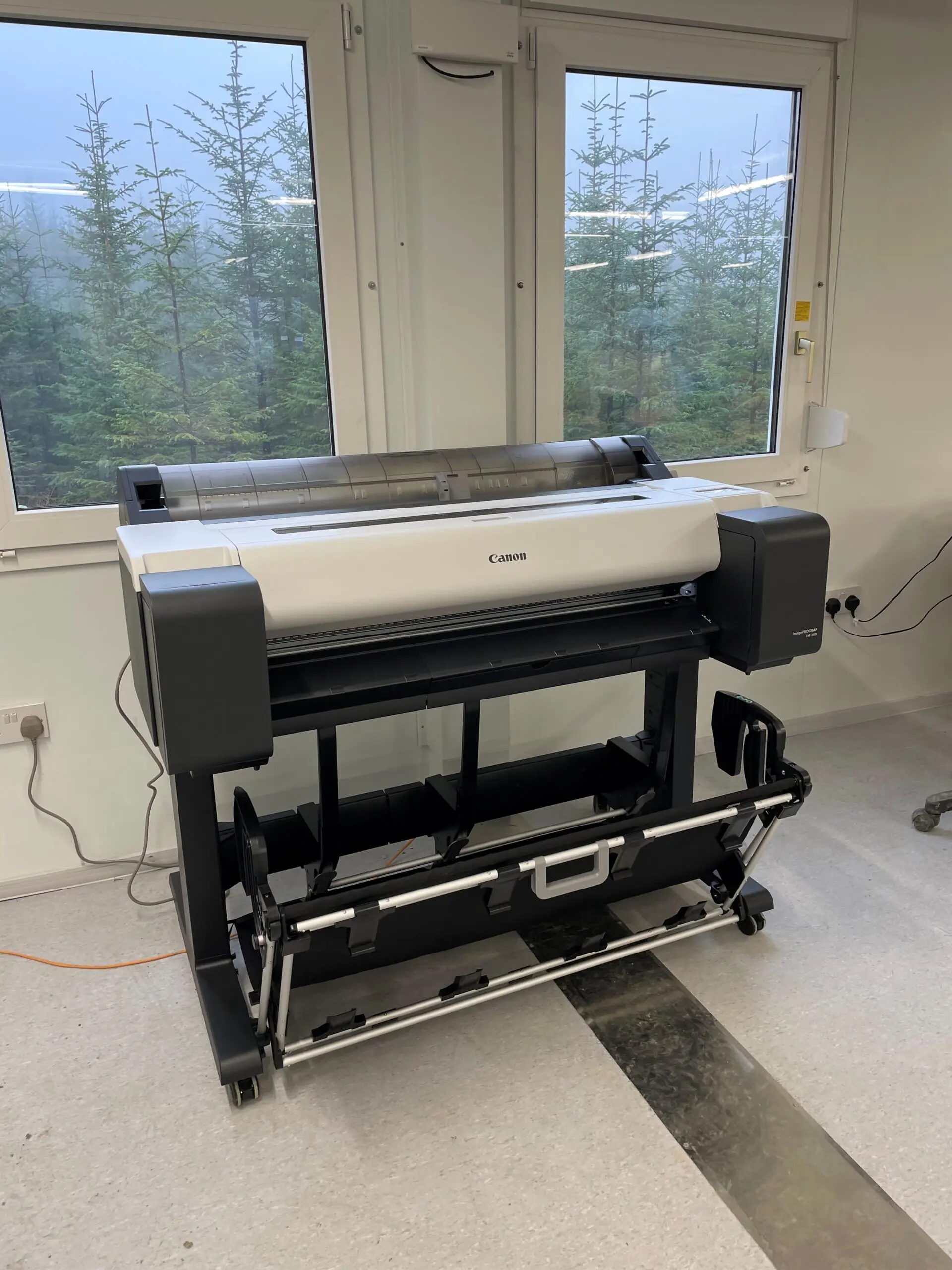
Install picture: Canon TM-350 install, Scottish Highlands

1. Free Standard Delivery (Mainland UK): Delivered by courier to a ground-floor location

  • This is a one-man delivery crew so some assistance may be required to help unload. This is also classed as a kerbside delivery, just like all other providers.
  • Ground floor delivery to door only.
  • You’re responsible for unpacking, assembly, ink loading, and PC/network connection.

Please ensure there is sufficient access for delivery as this is classed as a kerbside delivery. There may be some flexibility, when possible, to use our own transport. Please contact us with your location and any questions you may have. We cover a large proportion of the UK so we may be able to assist with your request.

Mainland UK: Free of charge

Northern Ireland, Scottish Highlands, and Isle of Wight: Advised at checkout

2. Placement Delivery: Delivered to the point of need by a manned crew (ground floor)

  • This option assumes ground floor placement only, or where a suitable, accessible lift is available.
  • Includes stand assembly and machine fitting.
  • Packaging is removed from site.
  • You complete the final setup.

3. Full Delivery and Installation: Complete install (ground floor)

  • This is our most complete service for businesses that want everything handled. Like our other delivery options, this service is ground floor only. More complex installs can be easily arranged.
  • Full placement delivery as above.
  • Complete setup included with inks, heads, media loaded, and test prints carried out.
  • Driver installation included with standard Windows network connection to one PC, or assistance for IT teams.

For complex networks, please contact us to confirm suitability.

4. Bespoke: Tailored Installation (POA)

  • Complex deliveries
  • Multi-machine placements
  • Secure site installations
  • Fleet management
  • Machine relocation
  • Custom training
  • MPS support
  • RAMS and method statements

Why choose us?

  • Nationwide coverage with in-house, manufacturer-trained technicians
  • Wide-format printer specialists
  • ISO9001 registered and Safe Contractor certified
  • Flexible delivery and installation packages to match your needs
Canon TM-350 installation, site office Scottish Highlands

Canon imagePROGRAF TM-350 FAQs

What is the Canon TM-350 used for?

The Canon imagePROGRAF TM-350 is a 36-inch large format printer designed for CAD drawings, GIS maps, technical documents, posters, signage, and in-house marketing materials. It is Canon’s best selling A0 Printer.

Is the Canon TM-350 suitable for architects and engineers?

Yes. Its an ideal A0 plotter, offering fine line quality, and colour renders, making it a popular choice for architects, engineers, surveyors, and construction professionals.

What size can the Canon TM-350 print?

The TM-350 supports media widths up to 36 inches (914 mm) and can print on roll media up to 175 metres long, making it suitable for large-format technical drawings and posters. Supporting both 2″ or 3″ medias, the choice of papers is extensive.

Does the Canon TM-350 print in colour?

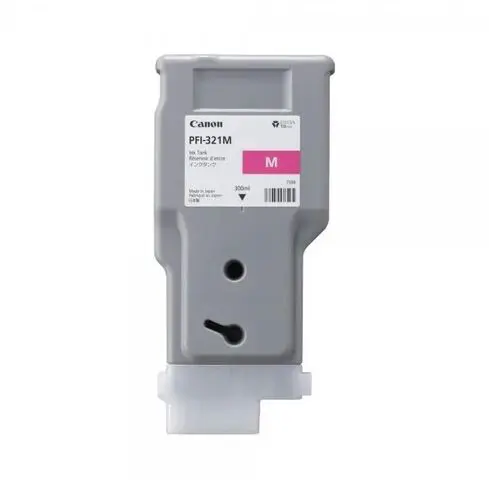
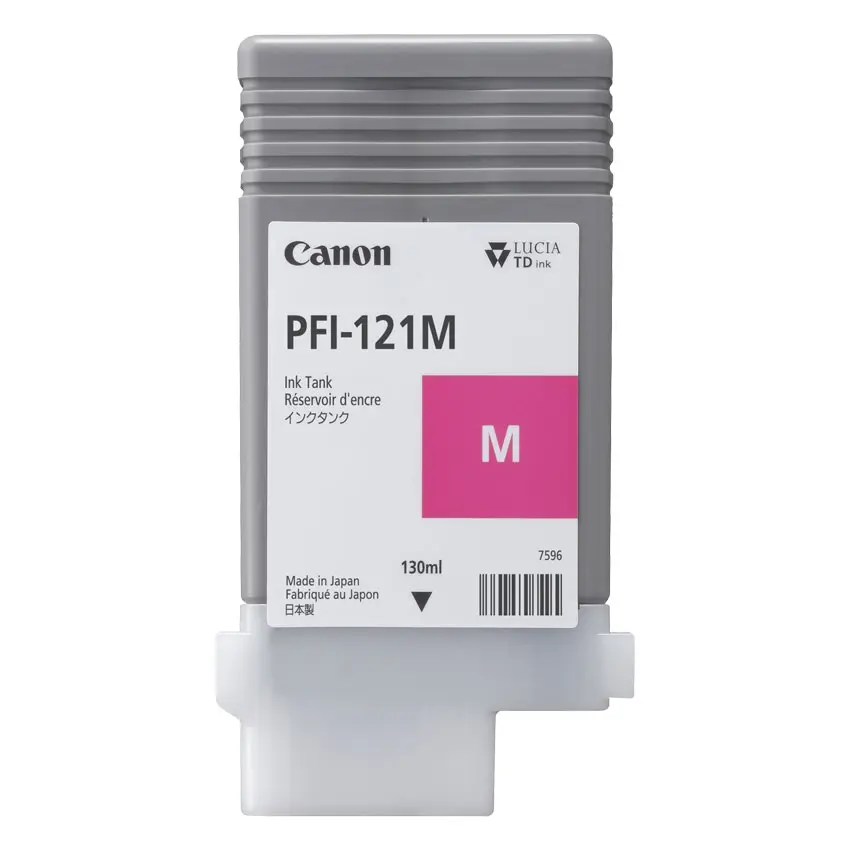
Yes. The TM-350 uses a 5-colour pigment ink system (Matte Black, Black, Cyan, Magenta, and Yellow). The latest PFI-121M, and PFI-321M Magenta inks, produces deeper, more vibrant reds, ideal for posters.

Can the Canon TM-350 Scan, Copy and Print?

The standard TM-350 offers print only, yo can select an Lm36, or Z36 MFP to give this additional functionality.

Does the Canon TM-350 support wireless printing?

Yes. The printer supports Wi-Fi connectivity, allowing users to print from compatible devices without a direct cable connection.

What paper sizes are compatible with the Canon TM-350?

The TM-350 supports a wide range of large-format sizes, including  A2, A1, A0, and custom lengths via the roll-fed media

Can the Canon TM-350 print borderless posters?

Yes. The printer supports borderless printing on selected roll media sizes, making it ideal for posters, presentations, and retail graphics, with no need to trim.

How fast is the Canon TM-350?

The Canon TM-350 can produce an A0 CAD drawing in as little as 32 seconds when using Fast Economy Mode, helping improve productivity in busy environments.

What ink cartridges does the Canon TM-350 use?

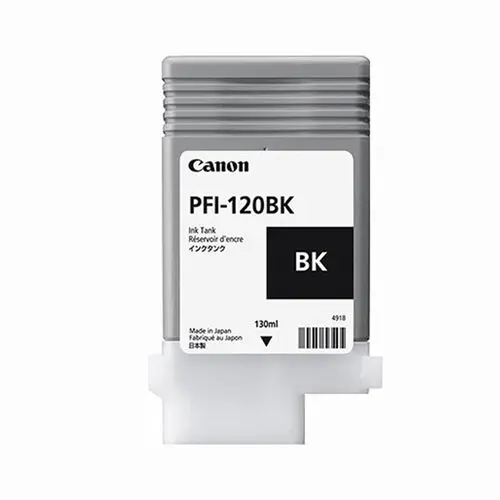
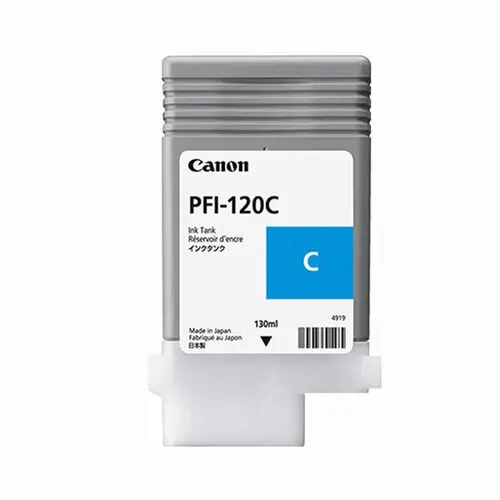
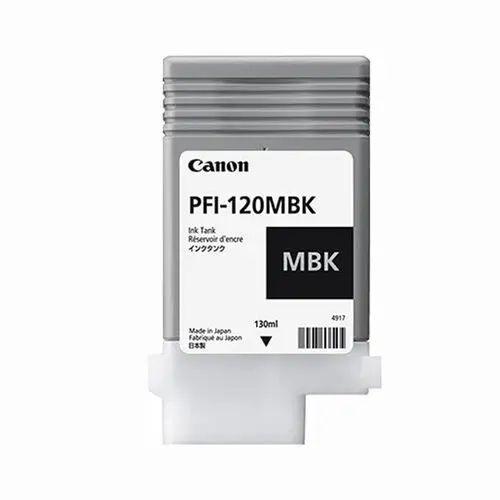
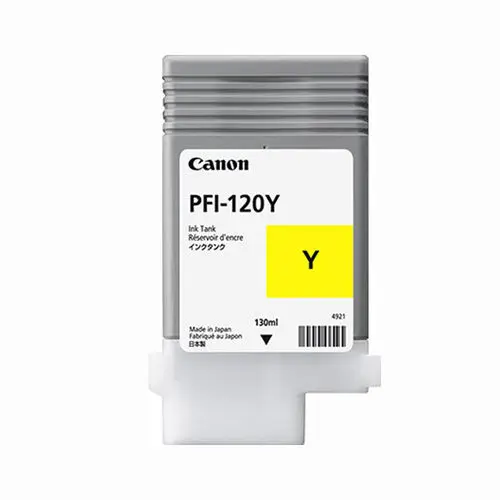
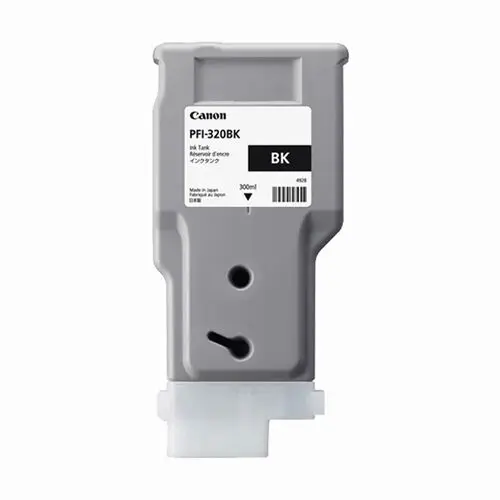
The printer uses Canon PFI-120 and PFI-320 pigment ink tanks, in Cyan, Yellow, Matte Black and Photo Black. The Magenta ink is PFI-121M, and PFI-321M.

Is the Canon TM-350 suitable for poster and display printing?

Yes. The TM-350 is designed for both technical and promotional graphics, producing vibrant posters, point-of-sale displays, educational materials, and signage. Capable of printing on Photo matte, gloss, and satin paper, as well as Polypropylene, Scrim Banner and Self-adhesive materials.

Can the Canon TM-350 print from a USB drive?

Yes. Depending on the workflow and file format, the TM-350 supports direct printing options and integrates with Canon’s workflow software tools.

What operating systems are compatible with the Canon TM-350?

The Canon TM-350 supports both Windows and macOS operating systems through Canon’s printer drivers and software suite.

Does the Canon TM-350 require a stand?

The standard TM-350 model is supplied with a printer stand, and print collection basket, providing  convenient media handling.
What is the difference between the Canon TM-350 and TM-355?

The TM-355 includes an integrated HDD for additional workflow benefits, such as quicker processing times and direct print functionality.
What is the difference between the Canon TM-350 and TM-340?

The TM-340 uses smaller 55ml inks, making the cost per print more expensive, but remains a good choice for very low volume users. It is marginally slower, and does not ship with the optional 3-inch core adpaters.

Light shape background
Bricsys
C300
Canon
Canson
CAD Plot
Clustarack
Colortrac
Contex
Epson
Es-te
Gateway
Gera
GOframe
Goldline
Hahnemühle
HP
Innova
JetMaster
Kodak
Linex
Oce
Olmec
Neolt
Onyx
Plot it
Neschen
Ricoh
SiHL
Stratasys
Summa
Tervakoski
UltiMaker
Vistaplan
Xativa
Xerox
3M
Bricsys
C300
Canon
Canson
CAD Plot
Clustarack
Colortrac
Contex
Epson
Es-te
Gateway
Gera
GOframe
Goldline
Hahnemühle
HP
Innova
JetMaster
Kodak
Linex
Oce
Olmec
Neolt
Onyx
Plot it
Neschen
Ricoh
SiHL
Stratasys
Summa
Tervakoski
UltiMaker
Vistaplan
Xativa
Xerox
3M
Quote icon

We’ve had great reviews

We like new customers to make their purchase decisions on other buyers experiences, as such we partner with Trustpilot and actively seek reviews. Read more on Trustpilot….

Shape background

Sign up to our newsletter to get the latest news, special offers & exclusive deals.

You can unsubscribe any time, we will use your information in accordance with our Privacy Policy

Sign up

Privacy Policy | Terms & Conditions | Sitemap

© Copyright 2026 Plot It. All rights reserved. Company No. 06576578 Registered in England & Wales. Website by Fifteen.co.uk