







BricsCAD Lite V25 - Single User Upgrade Lite V23 to Lite V25 (LIT-SU-PER-UPG-V23-1Y) - Plot it Skip to Main Content

Your bag 0 items

Your bag is empty.

Delivery

Free standard delivery

Learn more about deliveries

Subtotal

£0.00 ex VAT

Bricsys
BricsCAD Lite V25 - Single User Upgrade Lite V23 to Lite V25 (LIT-SU-PER-UPG-V23-1Y)

£109.00 ex VAT

£130.80 inc VAT

What’s included:

**PROMOTIONAL PRICING AVAILABLE UNTIL 31ST DECEMBER 2025**

Free express delivery

Learn more about deliveries

BricsCAD Lite is highly compatible with AutoCAD®

BricsCAD Lite V25 – Single User Upgrade Lite V23 to Lite V25 (LIT-SU-PER-UPG-V23-1Y):

One-time upgrade for users holding a perpetual licence for BricsCAD Lite V23, enabling users to transition to the latest BricsCAD Lite V25 version with lifetime access. This upgrade provides users with advanced 2D drafting capabilities, enhanced .dwg file compatibility, and optimised performance for a seamless and efficient workflow, ideal for design and drafting professionals in fields such as architecture and engineering.

By upgrading to BricsCAD Lite V25, users gain access to the latest tools, features, and improvements that make drafting tasks faster and more precise. This option is perfect for those who want to modernise their software while retaining a perpetual licence structure, eliminating the need for recurring payments. It’s a valuable solution for V23 Lite perpetual licence holders looking to enhance their design capabilities and maintain long-term access to a robust and up-to-date CAD platform.
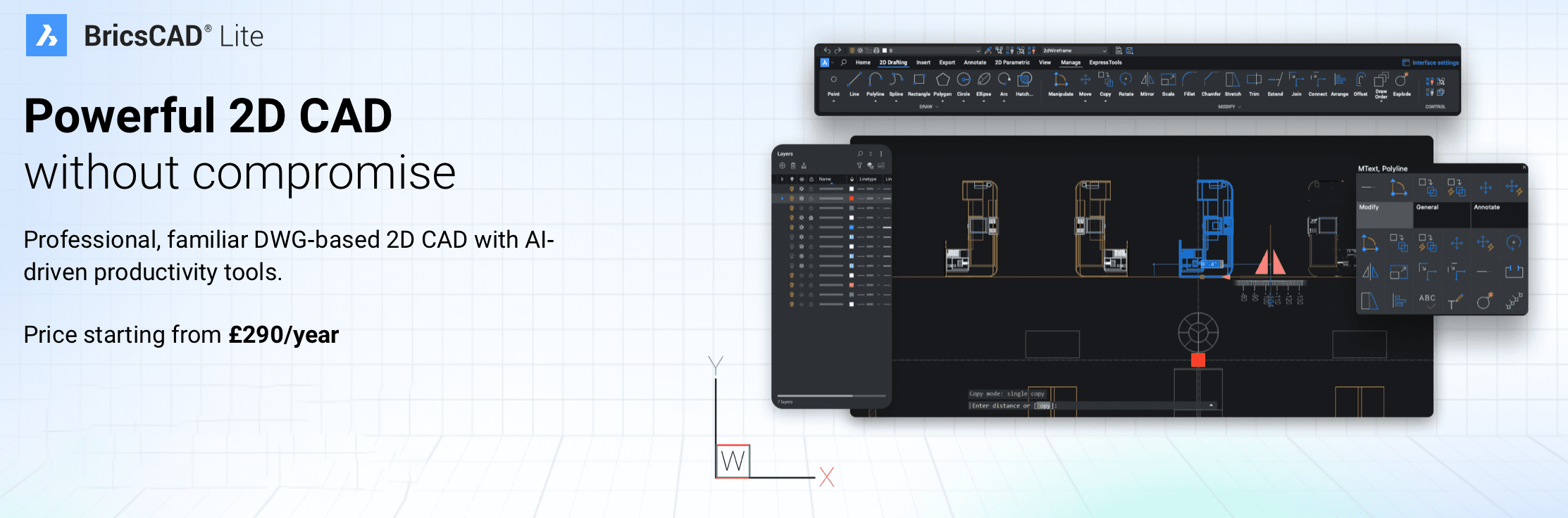
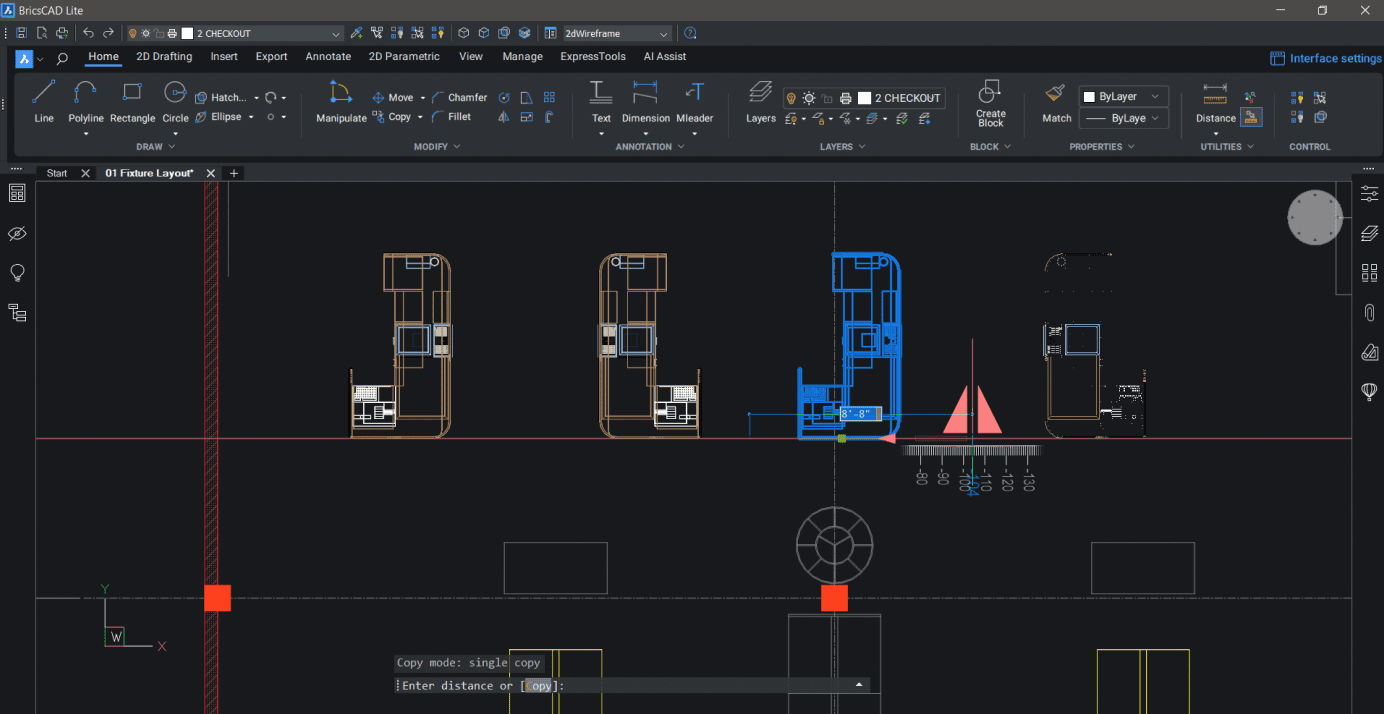
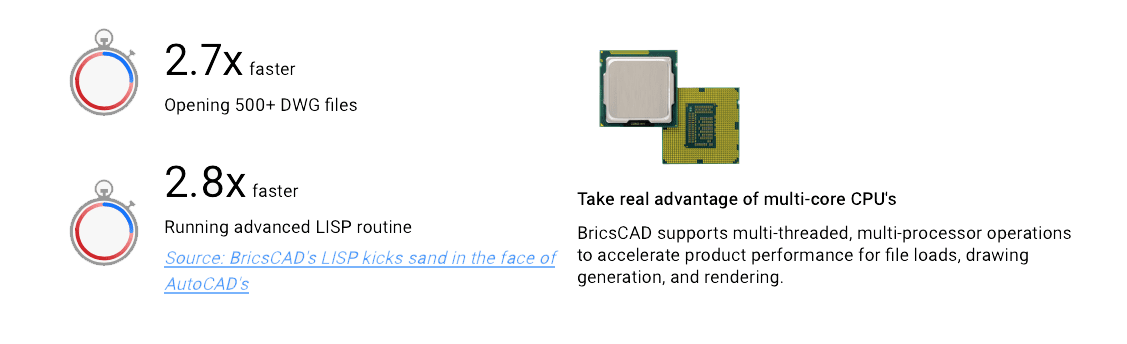
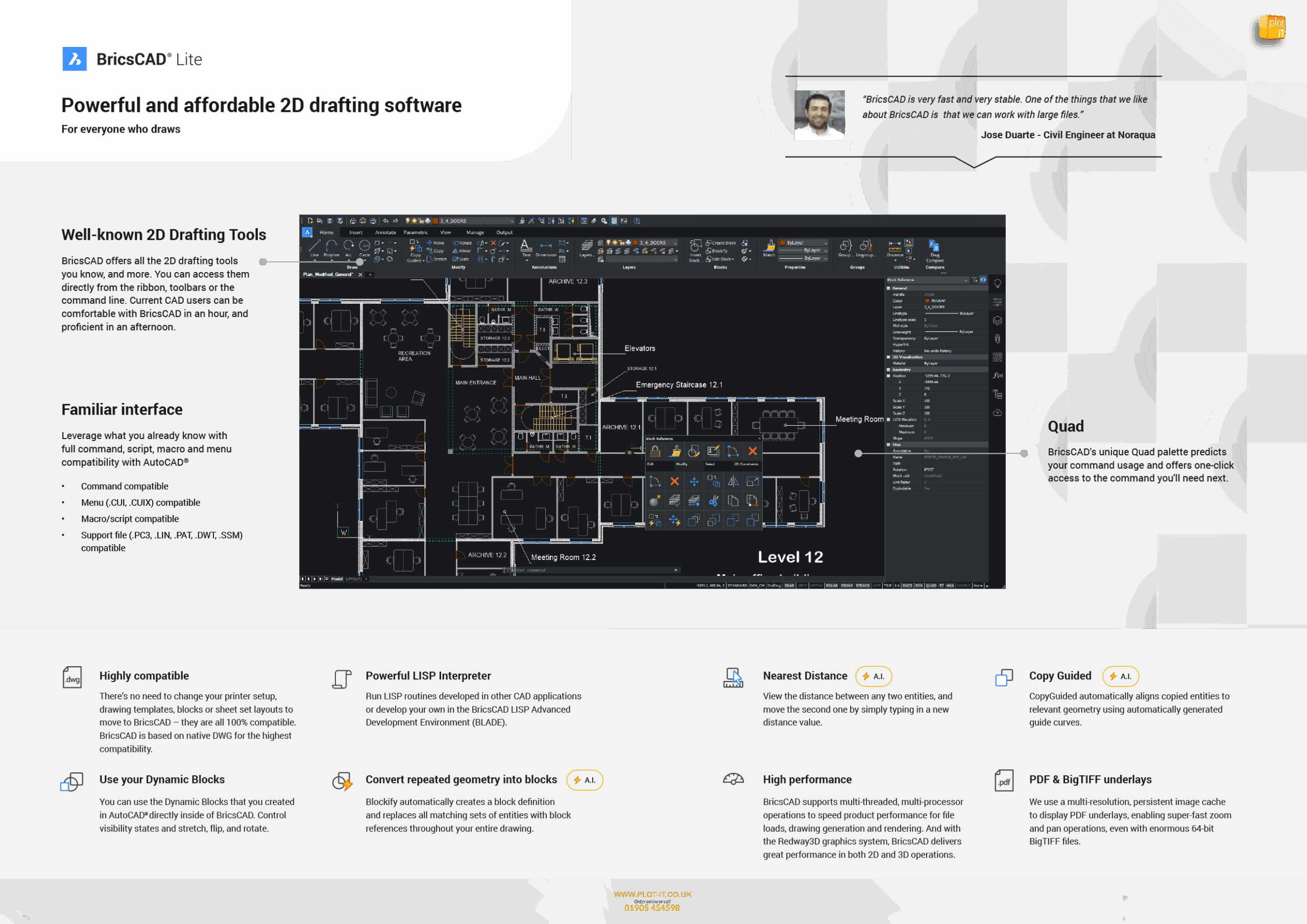
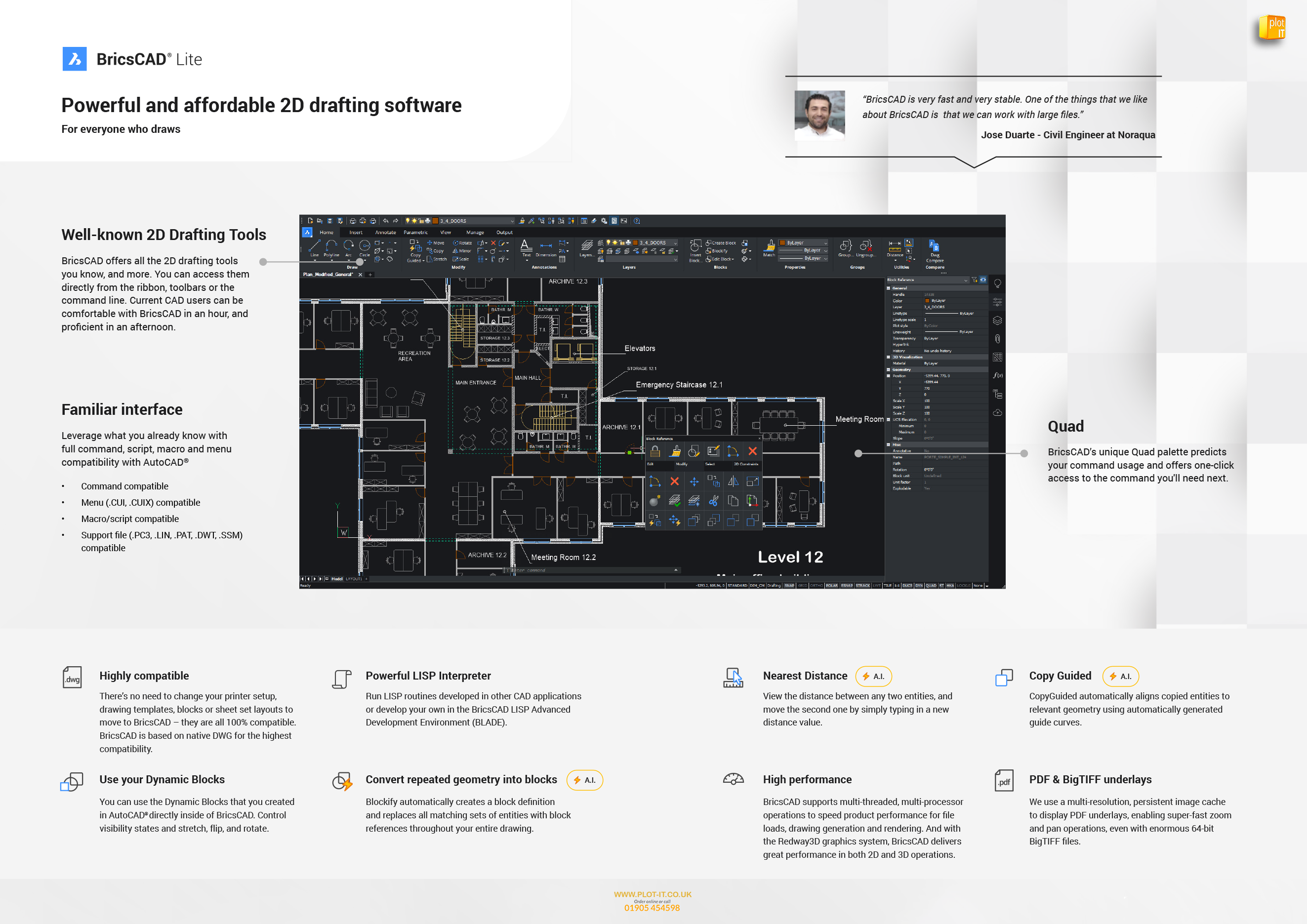
BricsCAD Lite is compatible with existing AutoCAD® workflows, allowing users to transition seamlessly and continue working with their existing customisations. The software also supports LISP routines, enabling the automation of repetitive tasks to improve efficiency.

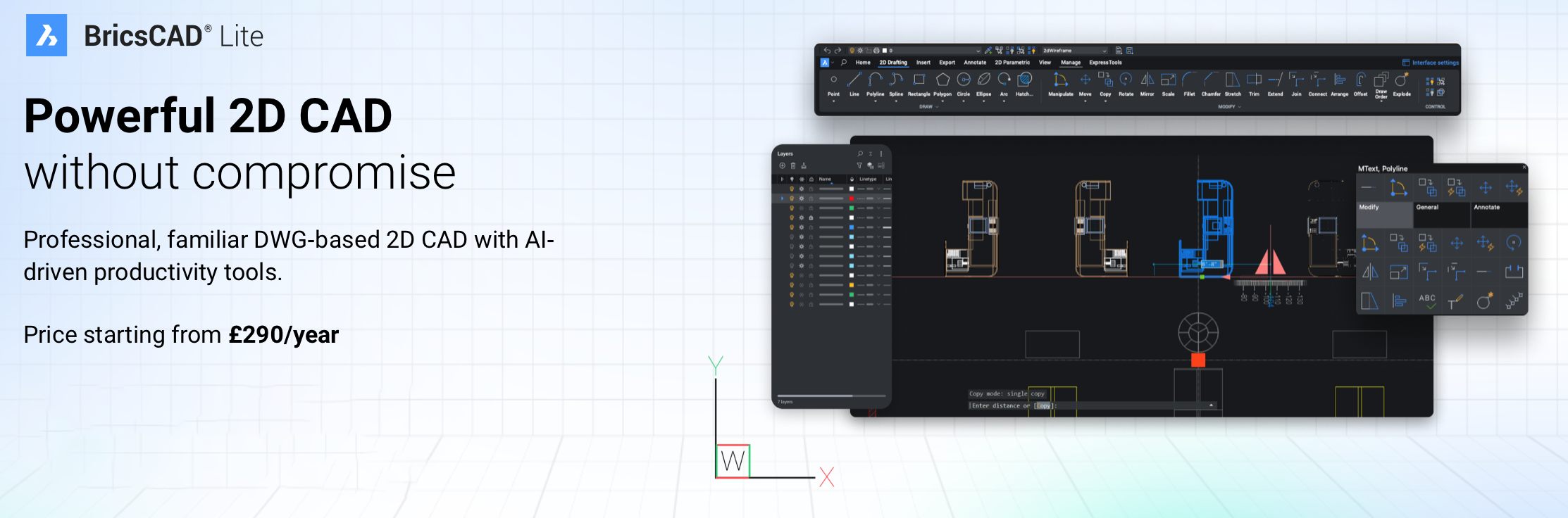
Ideal for professionals in architecture, engineering, and construction, BricsCAD Lite delivers powerful 2D drafting capabilities at an affordable price.
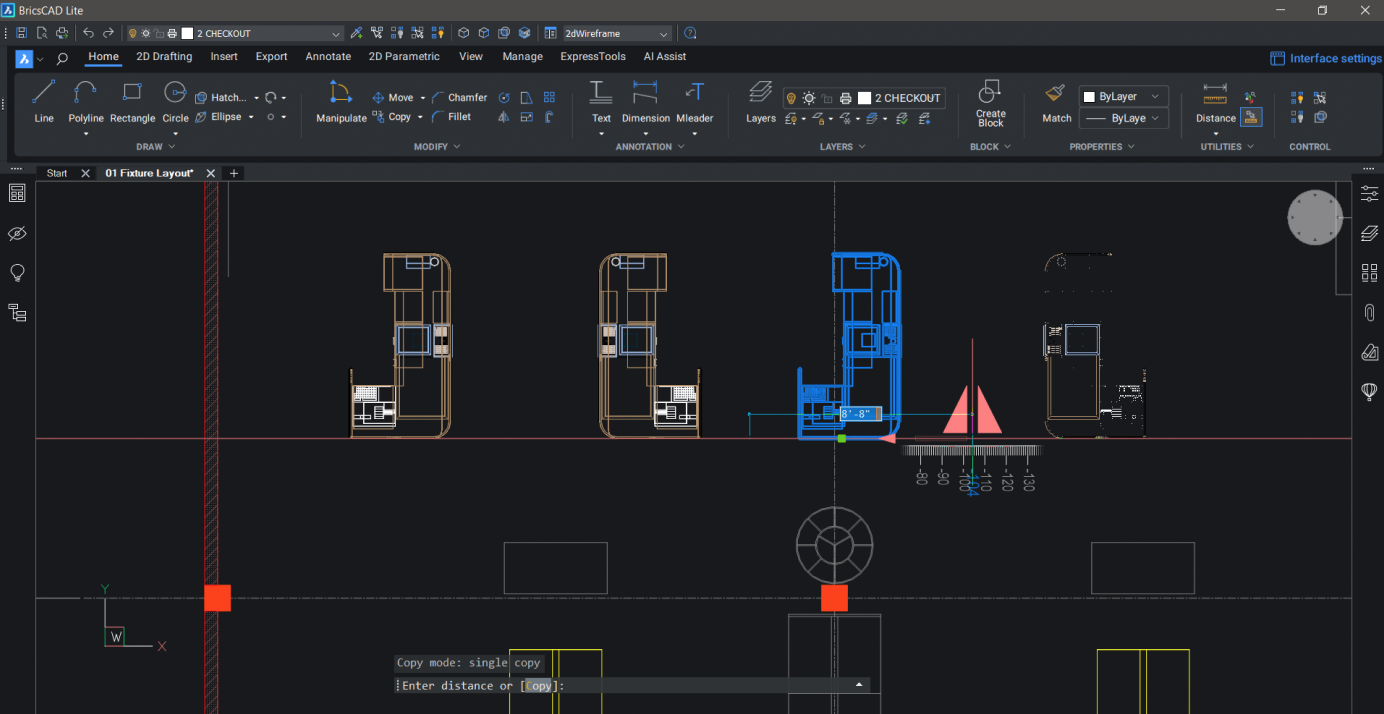


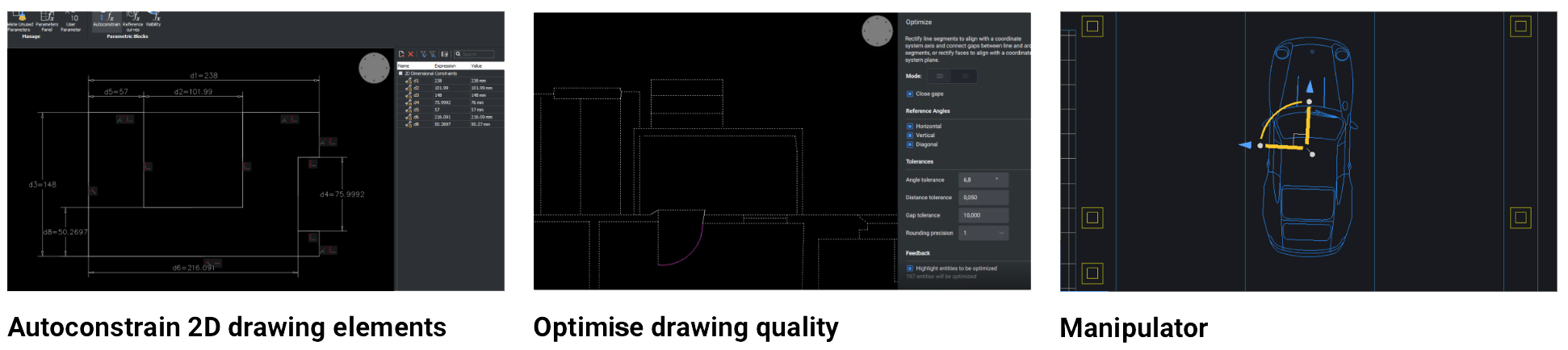
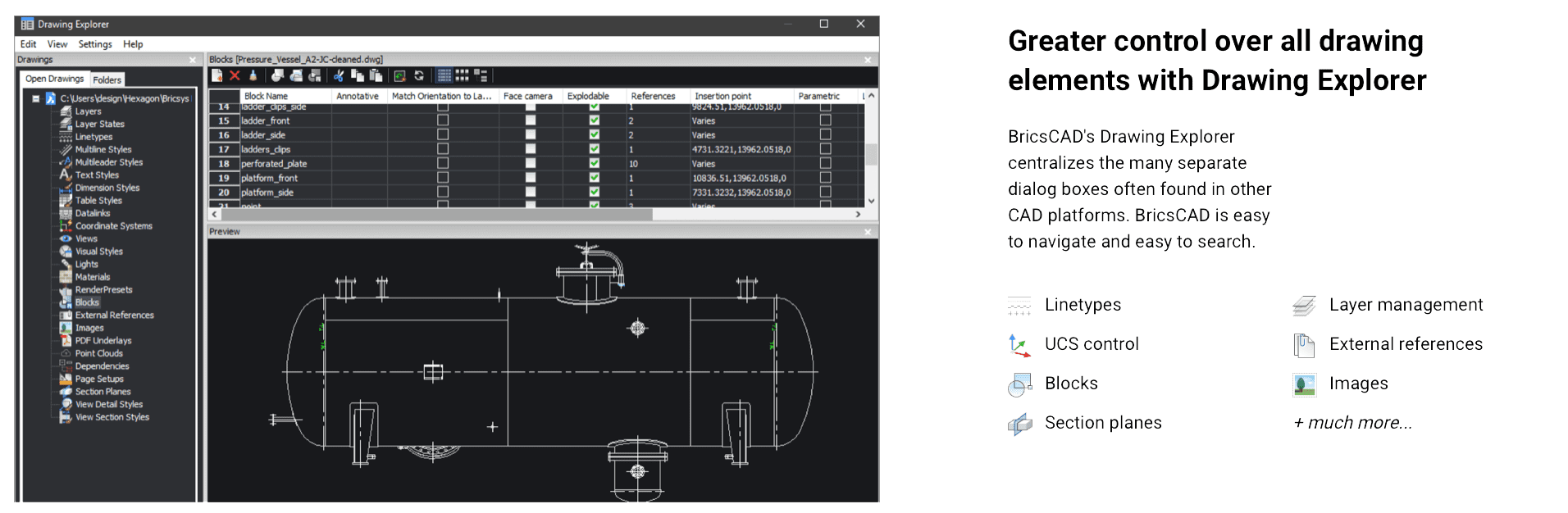
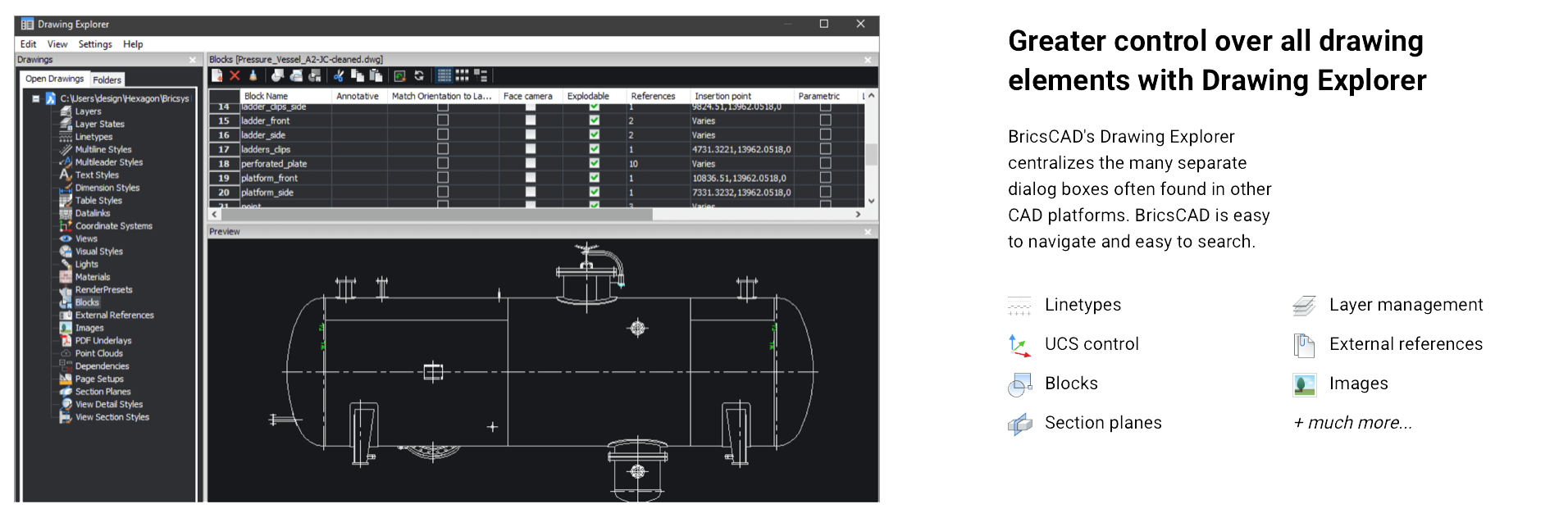
BricsCAD Lite V25 is designed to optimise 2D drafting with enhanced efficiency and compatibility features for AutoCAD users, offering robust support for the DWG format, command compatibility, and familiar tools. Key features include new machine learning-driven commands that improve task automation, such as the BLOCKIFY tool, which identifies repeated geometry and converts it to blocks, reducing file size. The COPYGUIDED function enables precise alignment when copying entities, and the Drawing Explorer centralises drawing management for easier navigation across layers, blocks, and external references.
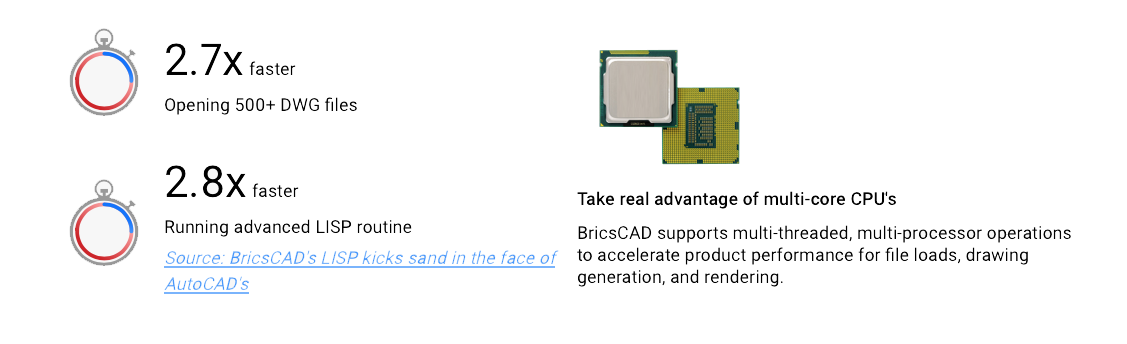
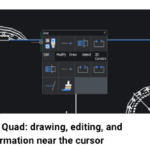
The latest update also introduces an enhanced Sheet Set Manager for improved collaboration, particularly useful in multi-user environments. Additionally, the Lite version includes the updated Quad cursor menu, offering predictive command options to speed up workflow and reduce manual input. Interoperability is bolstered by full LISP compatibility, so existing AutoCAD routines can be utilized, and custom automation can be developed efficiently.
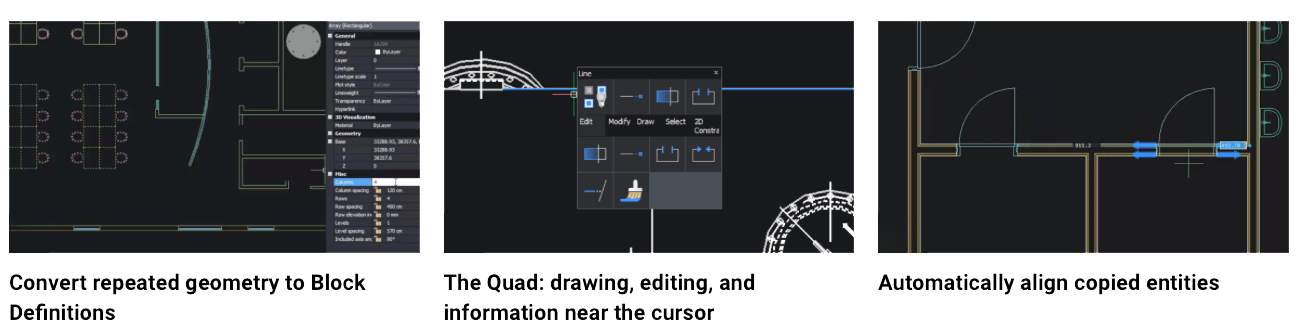
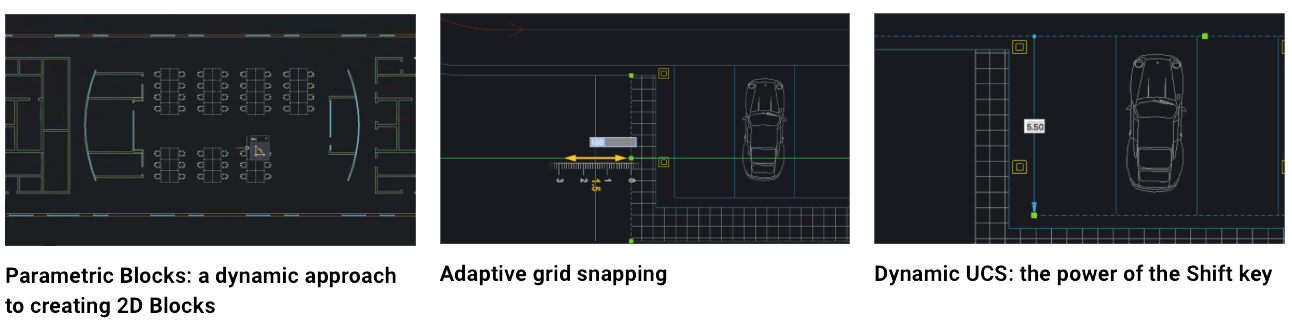
The platform is built to support both traditional drafting and more complex workflows, making it a flexible solution for professionals seeking a cost-effective alternative to AutoCAD without sacrificing functionality or speed. For users transitioning from AutoCAD, BricsCAD Lite provides familiar tools and a seamless experience with no need to adjust existing DWG-based workflows.
 

BricsCAD LITE OVERVIEW


USER INTERFACE – CUI SHORTCUTS *ENHANCED*:
Improved search for missing attachments and better panel status updates.

BUILT-IN PARAMETRIC, 2D & 3D BLOCKS LIBRARY *ENHANCED*:
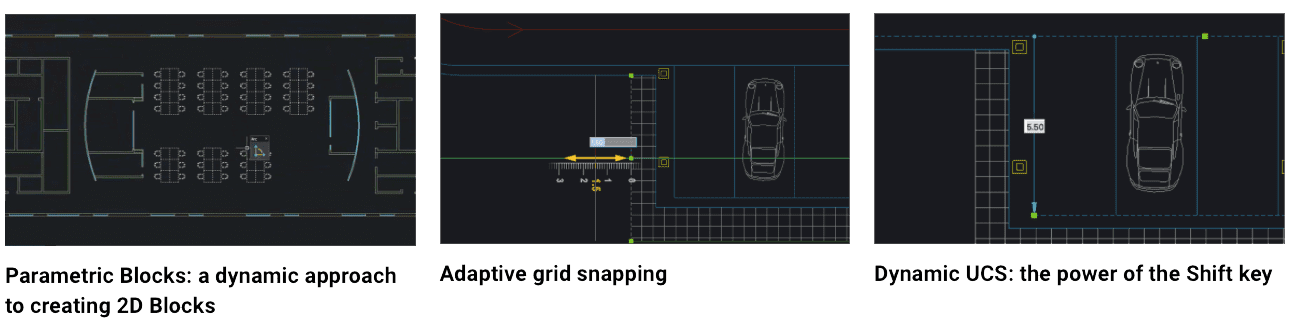
Work with familiar features in your workflows with the enhanced Blocks Library.

ETRANSMIT *ENHANCED*:
Users can now choose between binding or inserting external references directly from the ETRANSMIT dialog.

INPUT HISTORY *NEW*:
Now access and re-use input history from the command line and command context menus.

SELECTION CYCLING *NEW*:
Selection Cycling makes selecting overlapping entities simple in BricsCAD.

TRIM *ENHANCED*:
TRIM now features better boundary detection, quick mode, trim on hatch, and other usability enhancements.

2D REFERENCE PARAMETERS *NEW*:
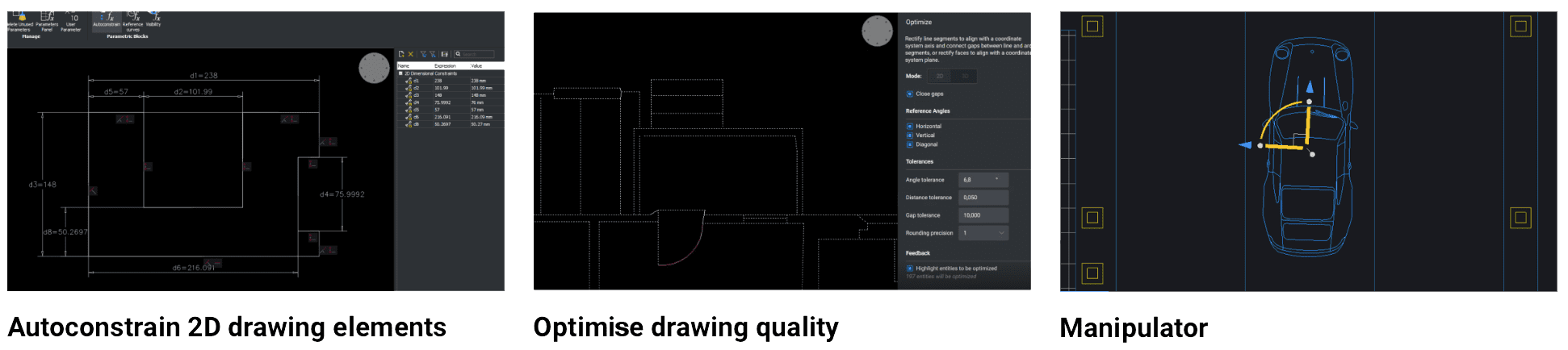
BricsCAD now supports AutoCAD® style 2D reference parameters.

ATTACHMENTS *ENHANCED*:
Improved search for missing attachments and better panel status updates.

COLOURBOOKS *ENHANCED*:
Encrypted coloUr books are now supported in BricsCAD V25.

CURSORMODE *NEW*:
Choose to switch the cursor to a solid color mode for better legibility hovering over raster imagery.

DIMJOGGED / DIMJOGLINE *NEW*:
New DIMJOGGED and DIMJOGLINE commands are available in BricsCAD V25.

EXPORTTOAUTOCAD *NEW*:
Creates a new version of a drawing file with AEC entities converted into BLOCKs.

MIRROR *NEW*:
MIRROR now retains temporary tracker graphics to improve the overall user experience.

PEDITEX *ENHANCED*:
Implemented a streamlined method for modifying PLINEs (Polylines).

QUICKCALC *ENHANCED*:
The calculator is now available for use in the numeric fields of the Properties Panel.

SCALE *NEW*:
SCALE now offers a dynamic preview when dragging the mouse cursor to set an entity’s scale factor.

TABLE – AUTOFILL *ENHANCED*:
Now easily click and drag to autofill TABLE cells.

TABLE – ROW & COLUMN SECTION *ENHANCED*:
Now select rows and columns by selecting the column heading or the row number.

VPSCALE *ENHANCED*:
Viewport scale controls added to the Status Bar for setting the layout scale simply.

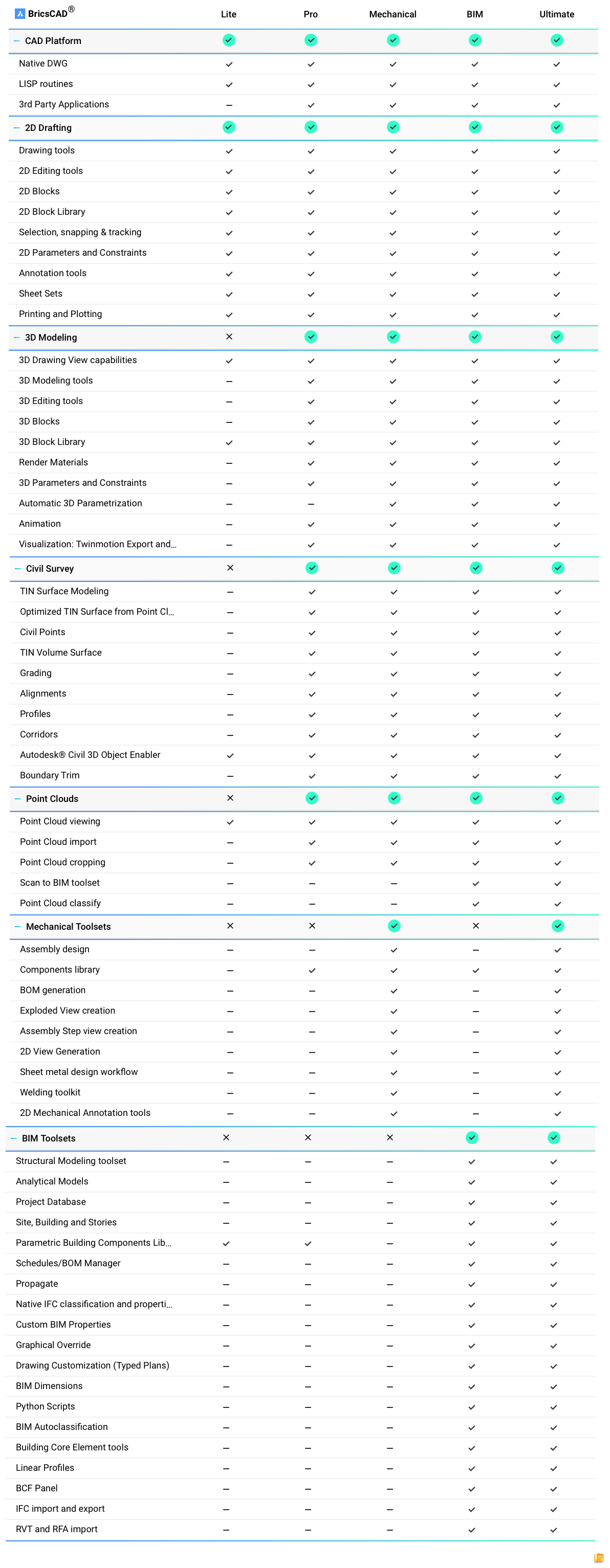
BRICSCAD COMPARISON CHART

V25 LAUNCH:

What's New in BricsCAD® V25 │ Breakout Session

Light shape background
Bricsys
C300
Canon
Canson
CAD Plot
Clustarack
Colortrac
Contex
Epson
Es-te
Gateway
Gera
GOframe
Goldline
Hahnemühle
HP
Innova
JetMaster
Kodak
Linex
Oce
Olmec
Neolt
Onyx
Plot it
Neschen
Ricoh
SiHL
Stratasys
Summa
Tervakoski
UltiMaker
Vistaplan
Xativa
Xerox
3M
Bricsys
C300
Canon
Canson
CAD Plot
Clustarack
Colortrac
Contex
Epson
Es-te
Gateway
Gera
GOframe
Goldline
Hahnemühle
HP
Innova
JetMaster
Kodak
Linex
Oce
Olmec
Neolt
Onyx
Plot it
Neschen
Ricoh
SiHL
Stratasys
Summa
Tervakoski
UltiMaker
Vistaplan
Xativa
Xerox
3M
Quote icon

We’ve had great reviews

We like new customers to make their purchase decisions on other buyers experiences, as such we partner with Trustpilot and actively seek reviews. Read more on Trustpilot….

Women using a printer.
Shape background

Sign up to our newsletter to get the latest news, special offers & exclusive deals.

You can unsubscribe any time, we will use your information in accordance with our Privacy Policy

Sign up

Privacy Policy | Terms & Conditions | Sitemap

© Copyright 2026 Plot It. All rights reserved. Company No. 06576578 Registered in England & Wales. Website by Fifteen.co.uk