












BricsCAD Lite is highly compatible with AutoCAD®
BricsCAD Lite V25 – Single User Upgrade from V22 Lite to V25 Lite (LIT-SU-PER-UPG-V22-1Y):
One-time upgrade for users currently holding a perpetual licence for BricsCAD Lite V22. This upgrade moves users to BricsCAD Lite V25, giving them permanent access to the latest version with enhanced 2D drafting tools and improved .dwg compatibility, designed for precise drafting and design work.
BricsCAD Lite V25 includes new features and performance optimisations, making it ideal for users who require efficient, streamlined workflows in industries such as architecture, engineering, and drafting. By upgrading from V22 to V25, users can take advantage of BricsCAD’s most recent developments without needing to repurchase a new licence, maintaining perpetual access to this advanced CAD software version.
This upgrade is a valuable option for users of BricsCAD Lite V22 who want to modernise their tools and workflows, securing lifetime use of the latest features offered in V25.
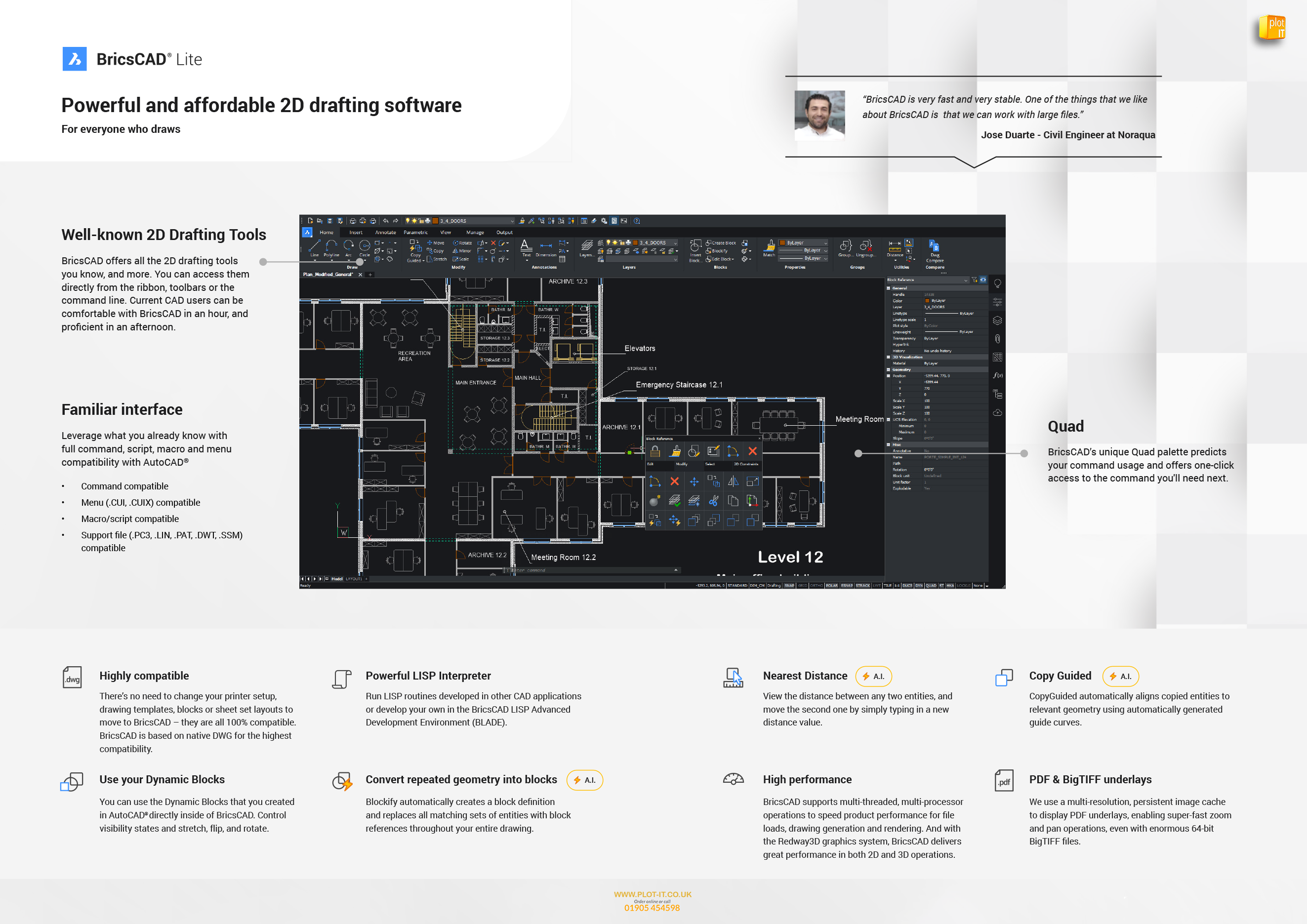
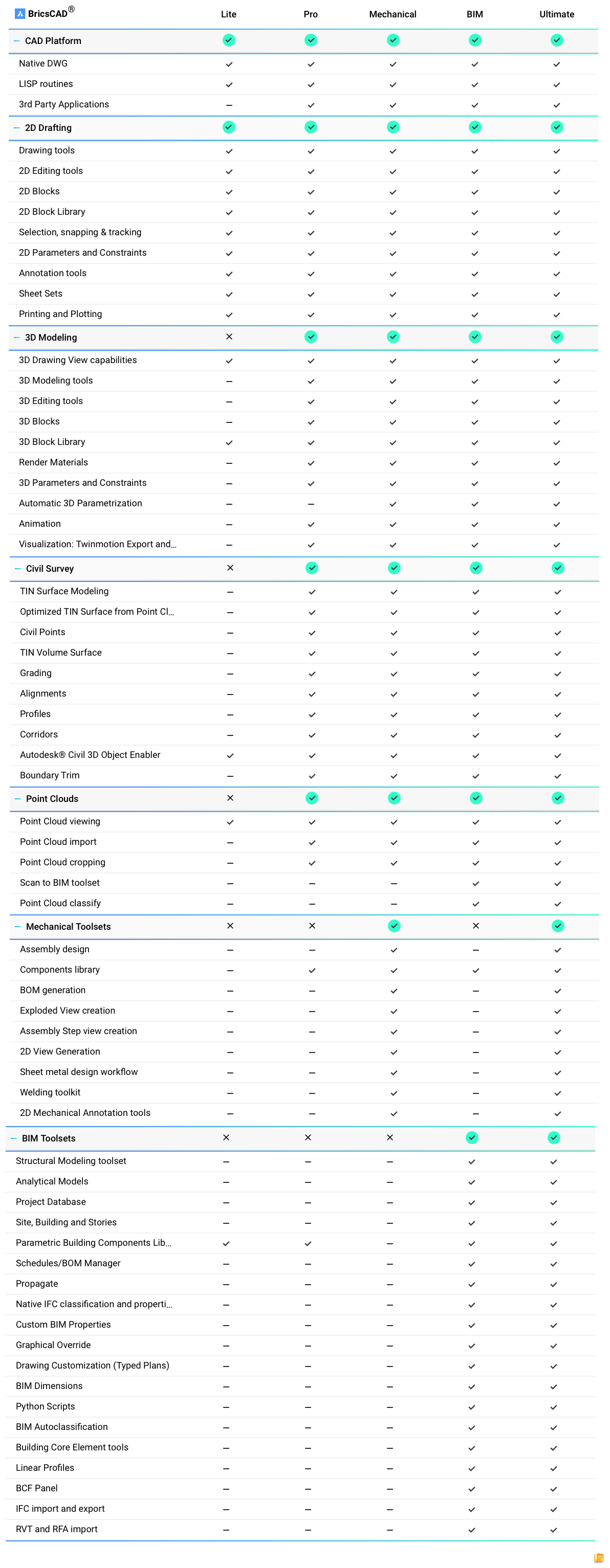
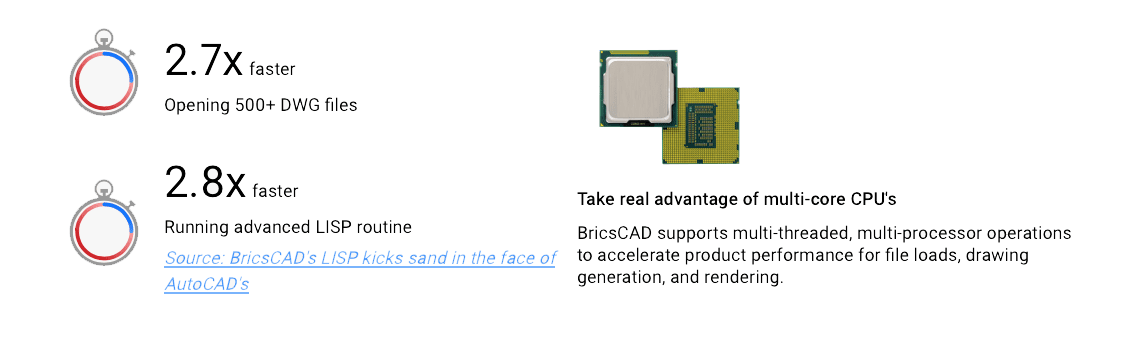
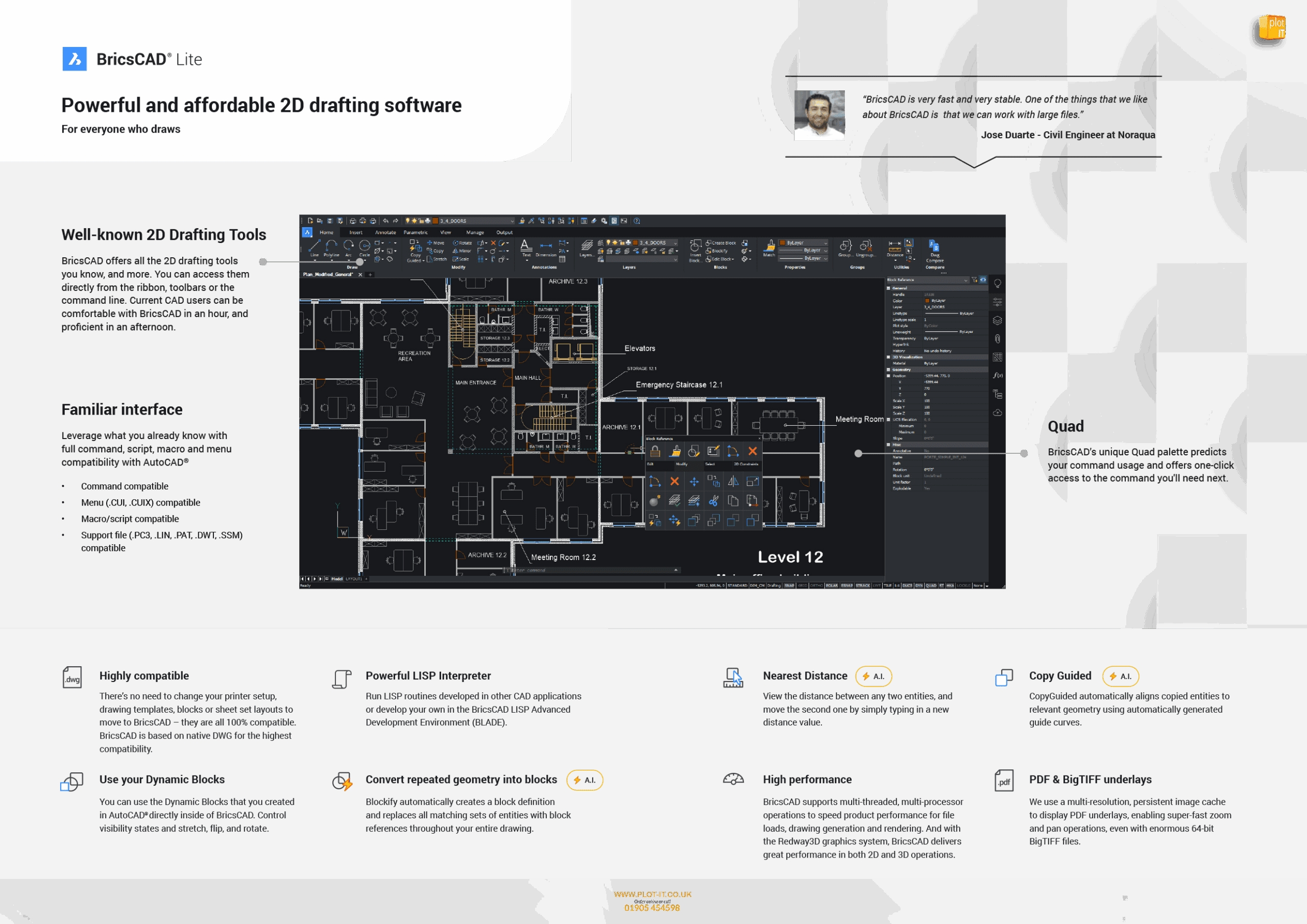
BricsCAD Lite is compatible with existing AutoCAD® workflows, allowing users to transition seamlessly and continue working with their existing customisations. The software also supports LISP routines, enabling the automation of repetitive tasks to improve efficiency.
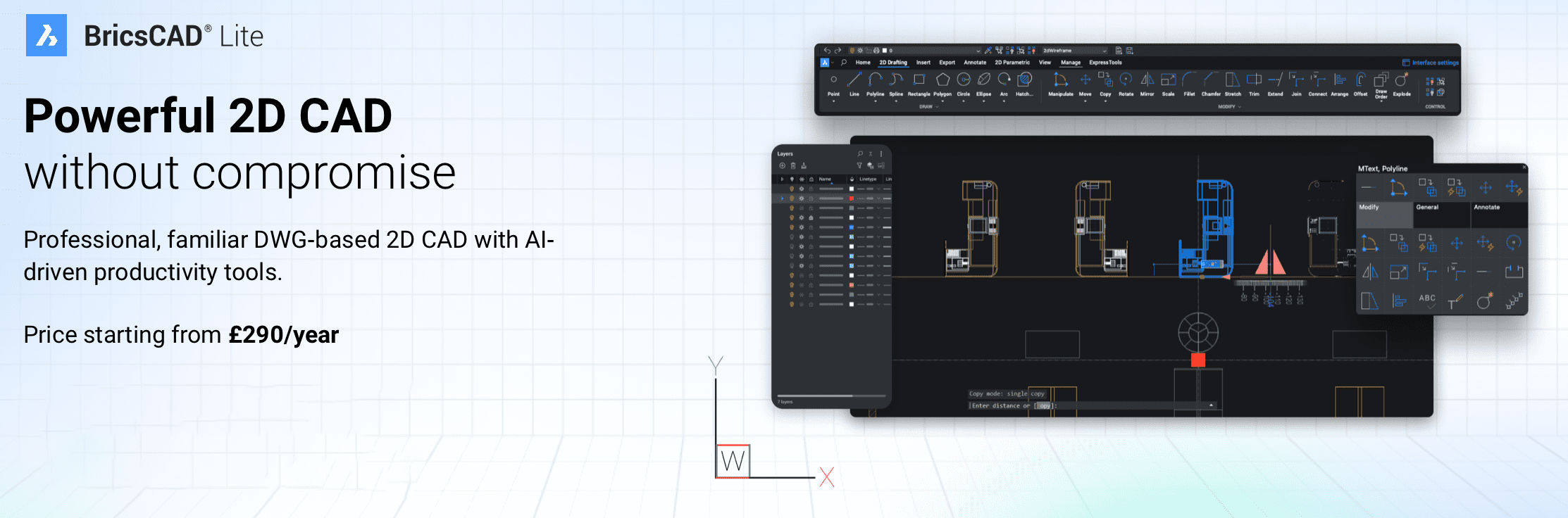
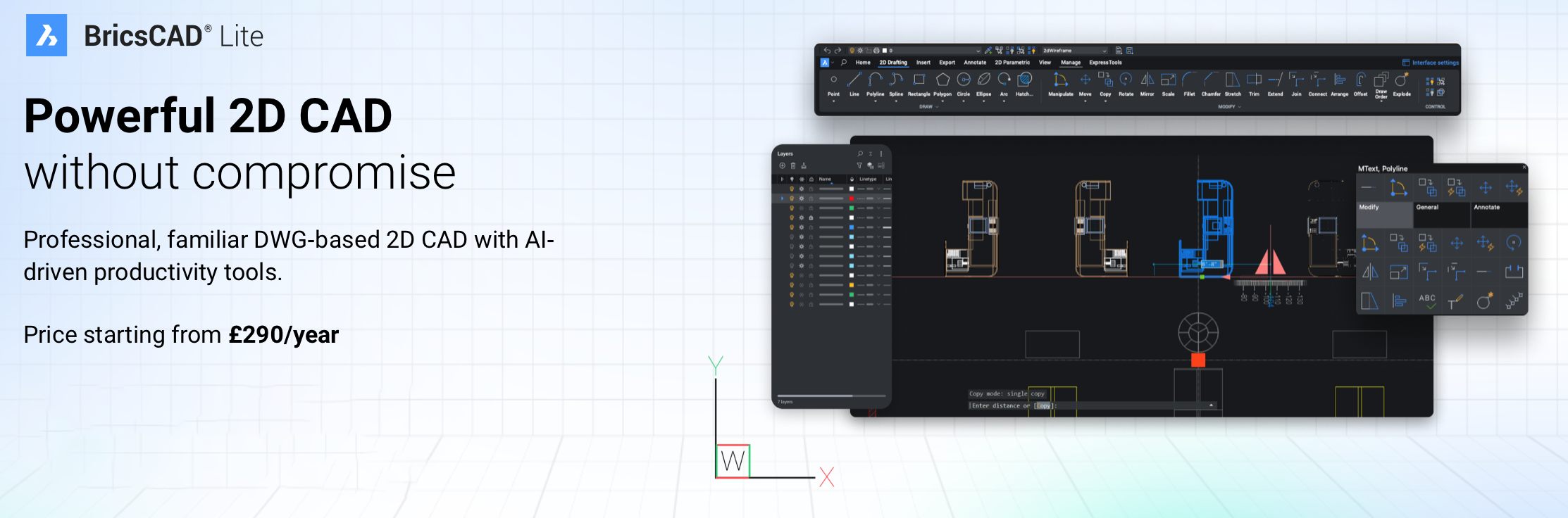
Ideal for professionals in architecture, engineering, and construction, BricsCAD Lite delivers powerful 2D drafting capabilities at an affordable price.
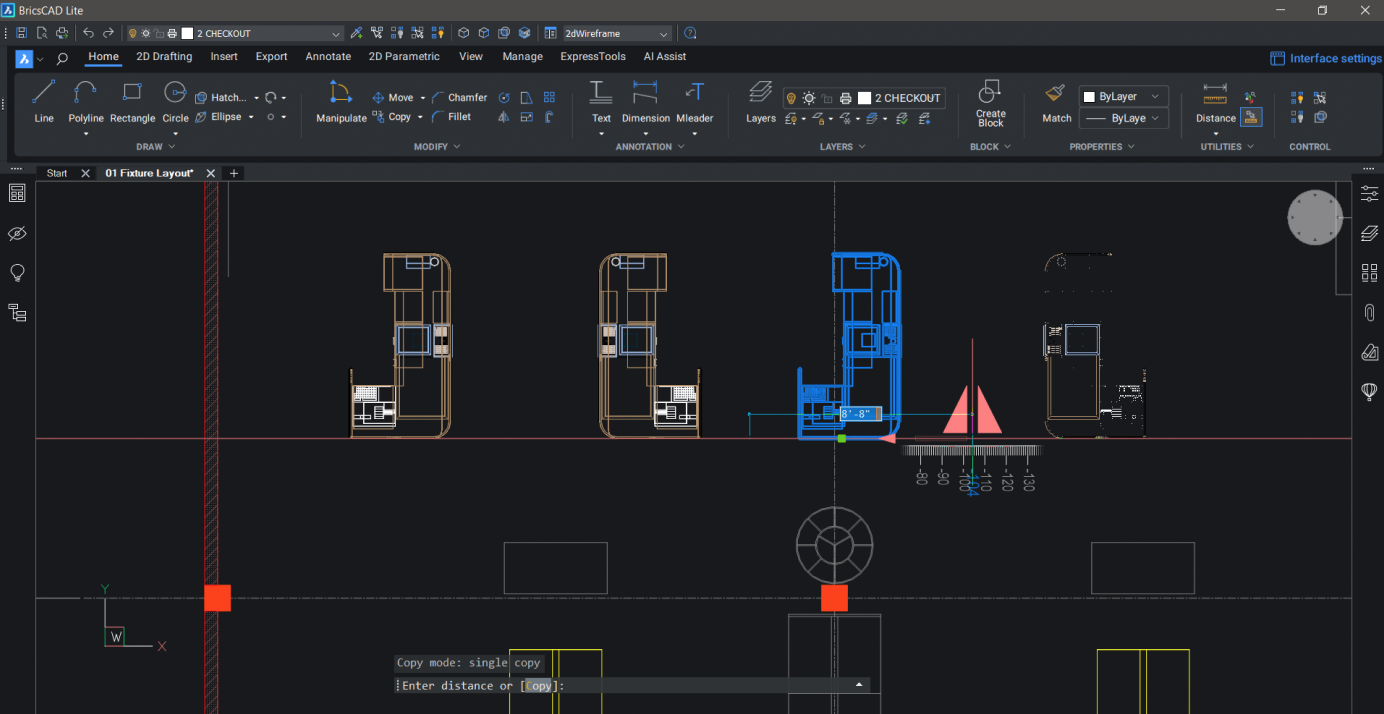
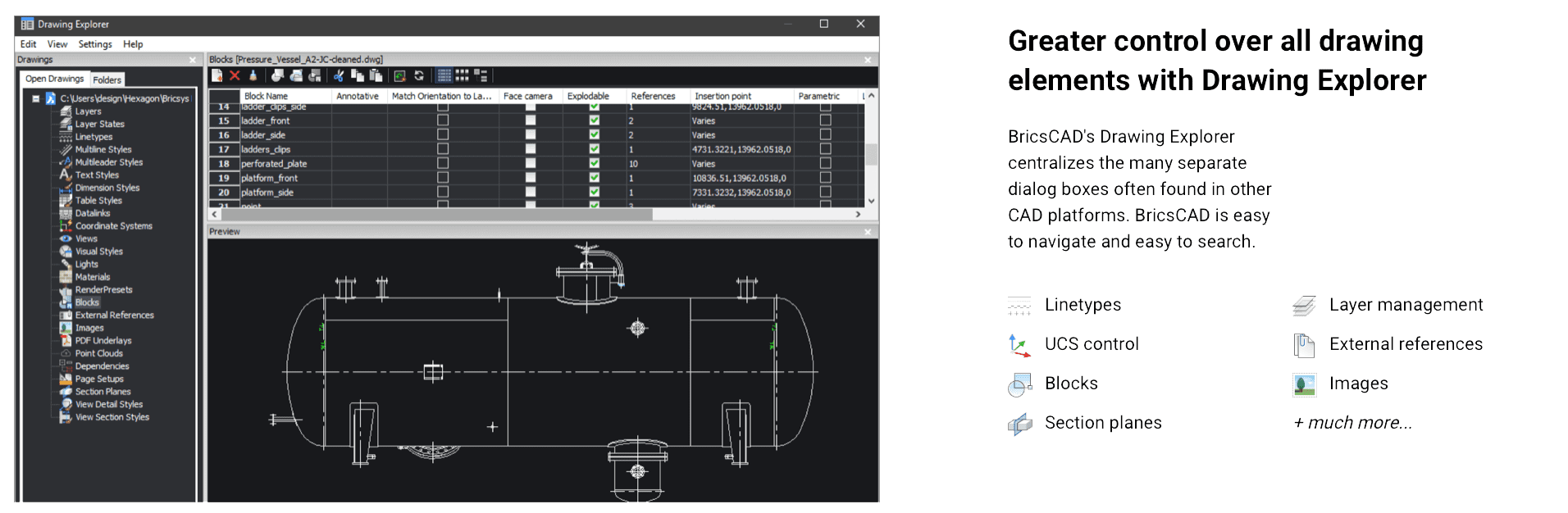
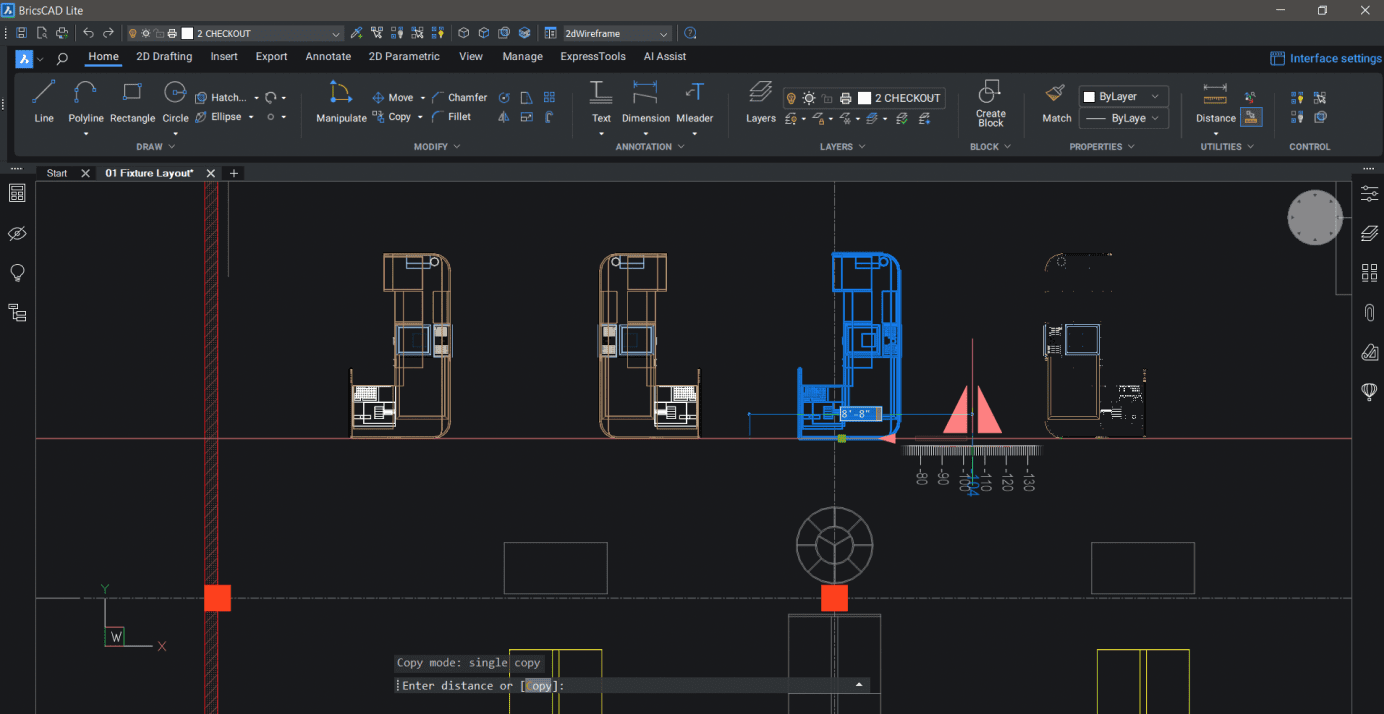
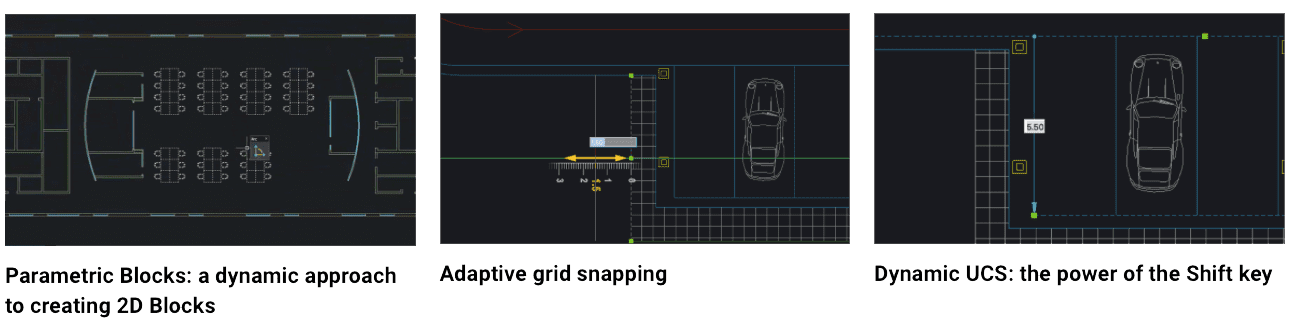
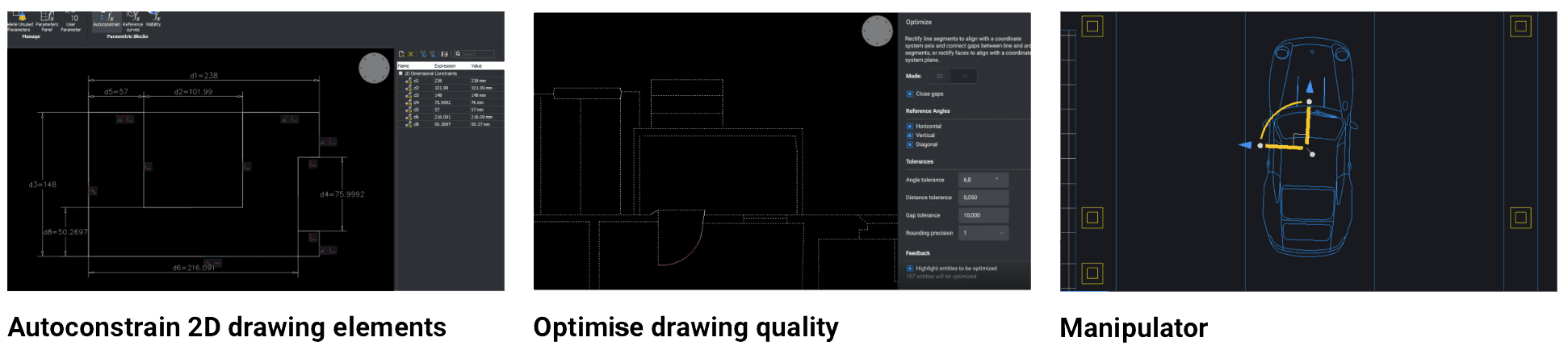
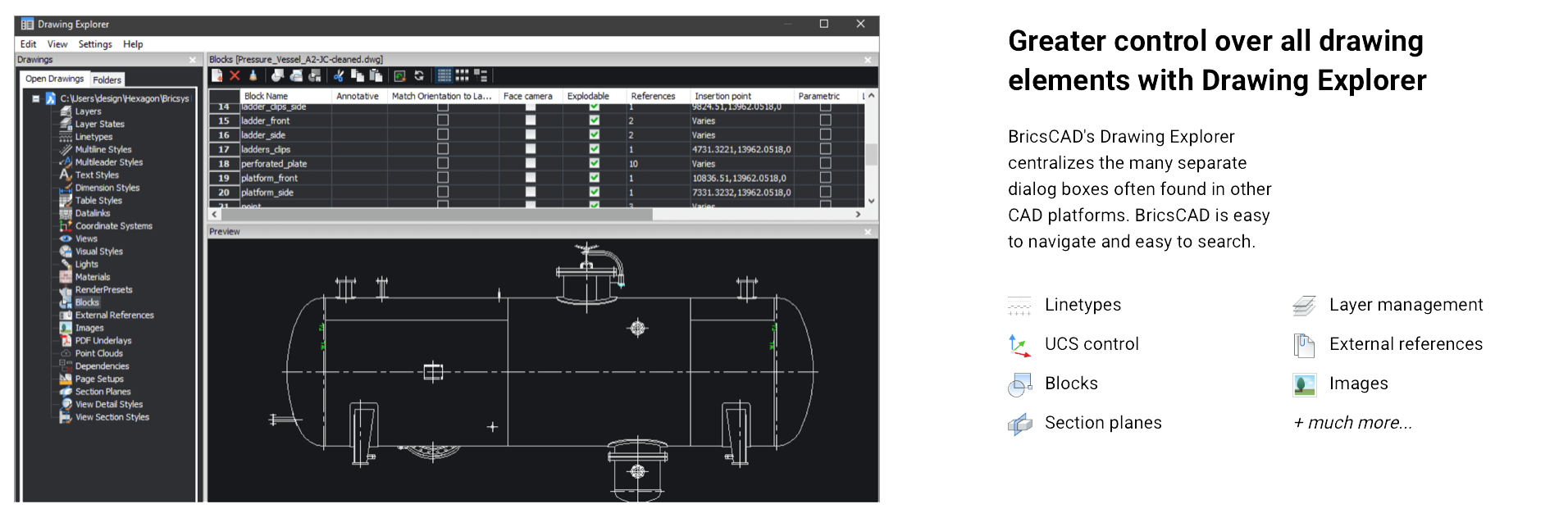
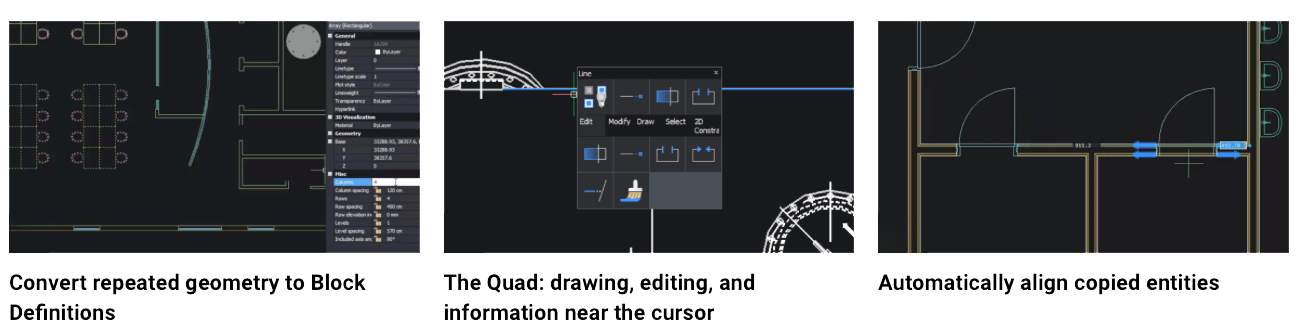
BricsCAD Lite V25 is designed to optimise 2D drafting with enhanced efficiency and compatibility features for AutoCAD users, offering robust support for the DWG format, command compatibility, and familiar tools. Key features include new machine learning-driven commands that improve task automation, such as the BLOCKIFY tool, which identifies repeated geometry and converts it to blocks, reducing file size. The COPYGUIDED function enables precise alignment when copying entities, and the Drawing Explorer centralises drawing management for easier navigation across layers, blocks, and external references.
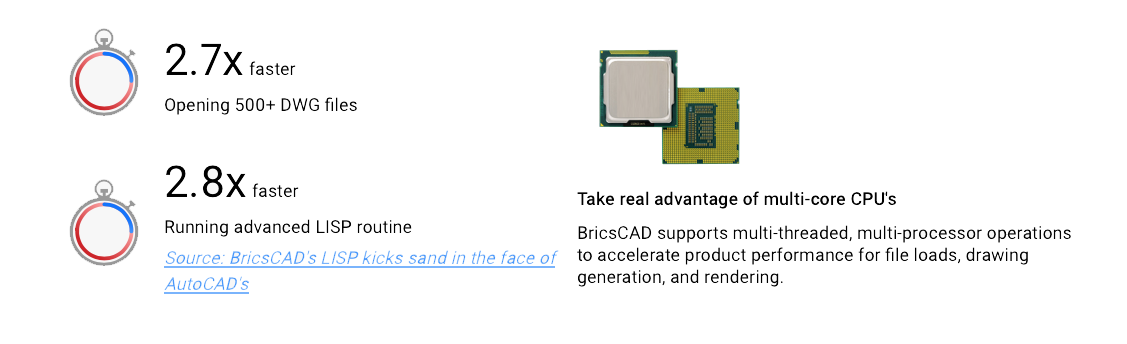
The latest update also introduces an enhanced Sheet Set Manager for improved collaboration, particularly useful in multi-user environments. Additionally, the Lite version includes the updated Quad cursor menu, offering predictive command options to speed up workflow and reduce manual input. Interoperability is bolstered by full LISP compatibility, so existing AutoCAD routines can be utilized, and custom automation can be developed efficiently.
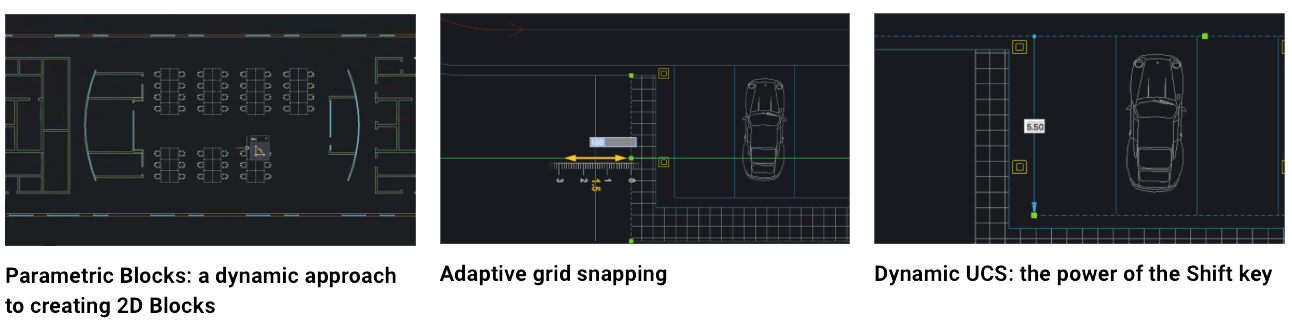
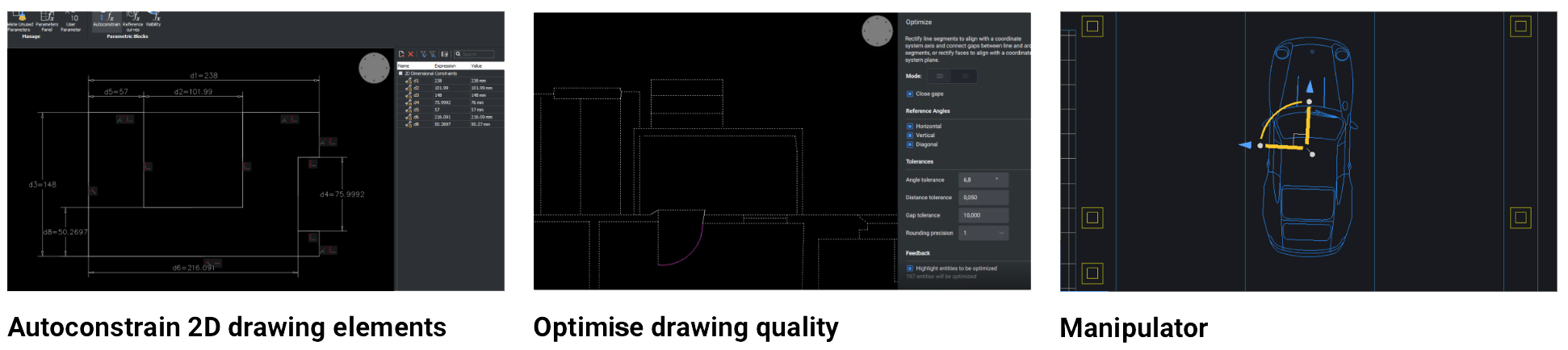
The platform is built to support both traditional drafting and more complex workflows, making it a flexible solution for professionals seeking a cost-effective alternative to AutoCAD without sacrificing functionality or speed. For users transitioning from AutoCAD, BricsCAD Lite provides familiar tools and a seamless experience with no need to adjust existing DWG-based workflows.