











BricsCAD Lite is highly compatible with AutoCAD®
BricsCAD Lite V25 – Network License Upgrade from Lite V22 or older to Lite V25 (LIT-NW-PER-UPG-V22-1Y):
Offers organisations using BricsCAD Lite V22 or earlier versions the ability to upgrade to BricsCAD Lite V25 with a perpetual network licence. This upgrade allows multiple users within a networked environment to share access to BricsCAD Lite V25, which includes advanced 2D drafting tools and improved .dwg compatibility, making it ideal for professionals in design, architecture, and engineering who need efficient, collaborative drafting capabilities.
This network licence upgrade ensures long-term access to the latest features and performance enhancements introduced in BricsCAD Lite V25, allowing teams to work more productively with optimised workflows. The perpetual licence structure means no recurring payments are necessary, making this a cost-effective solution for organisations seeking to modernise their drafting software. This upgrade is perfect for teams using older BricsCAD versions who wish to maintain a reliable, shared-access environment that leverages the latest innovations BricsCAD has to offer.
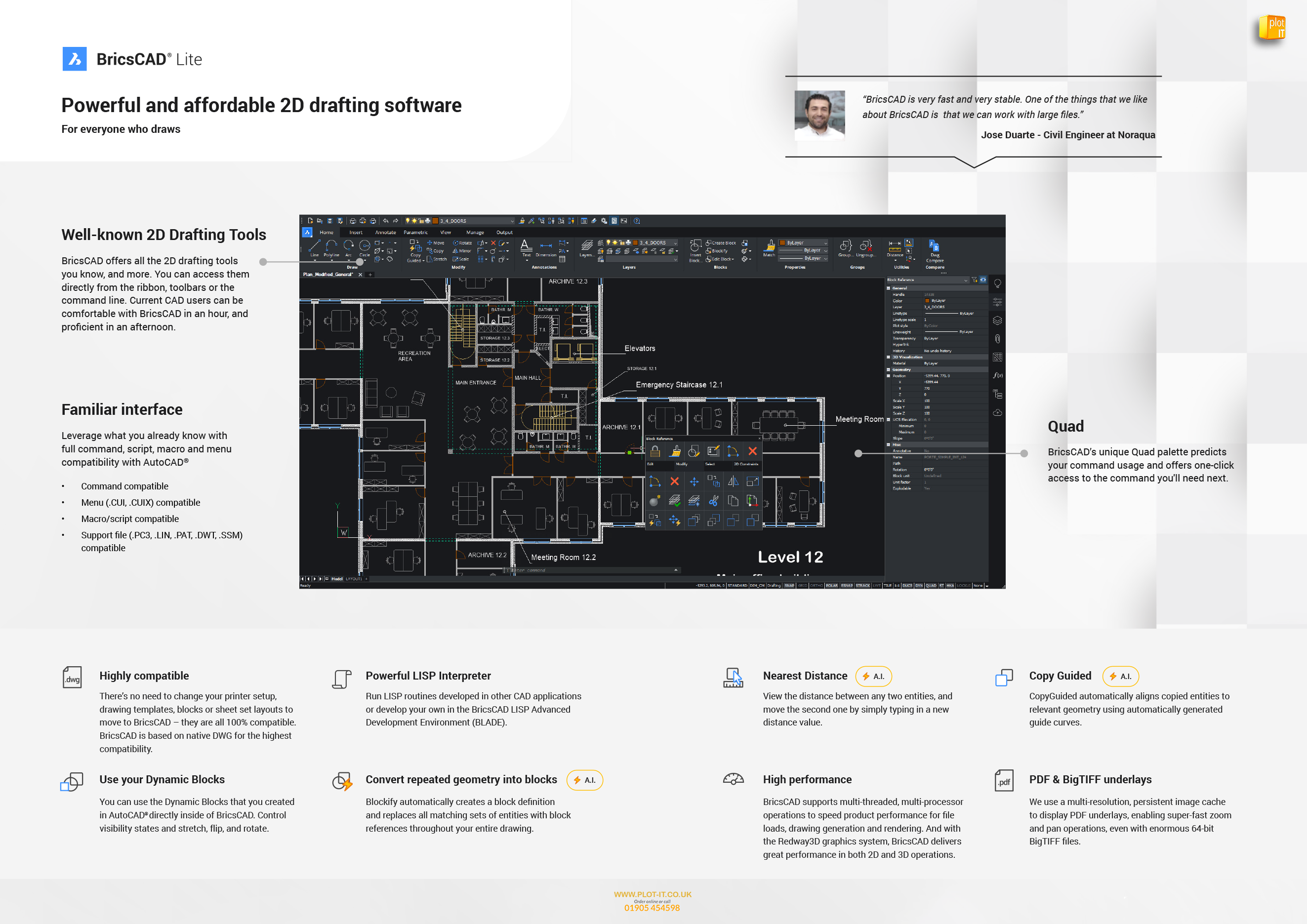
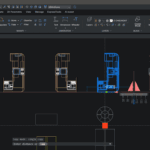
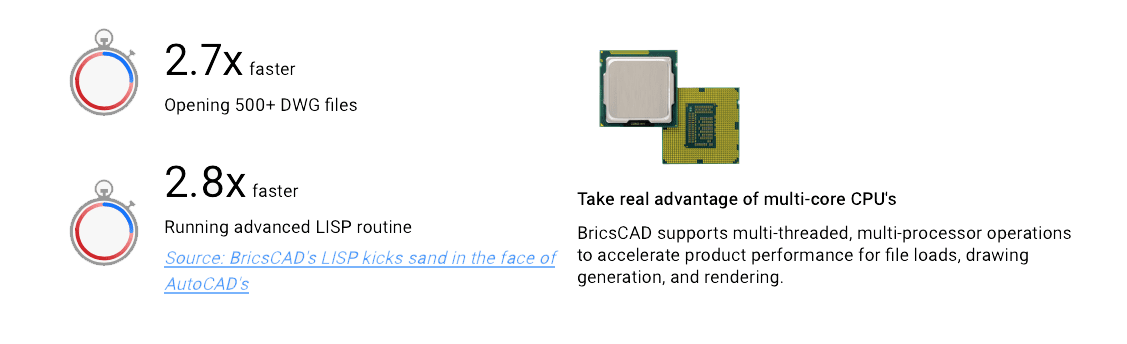
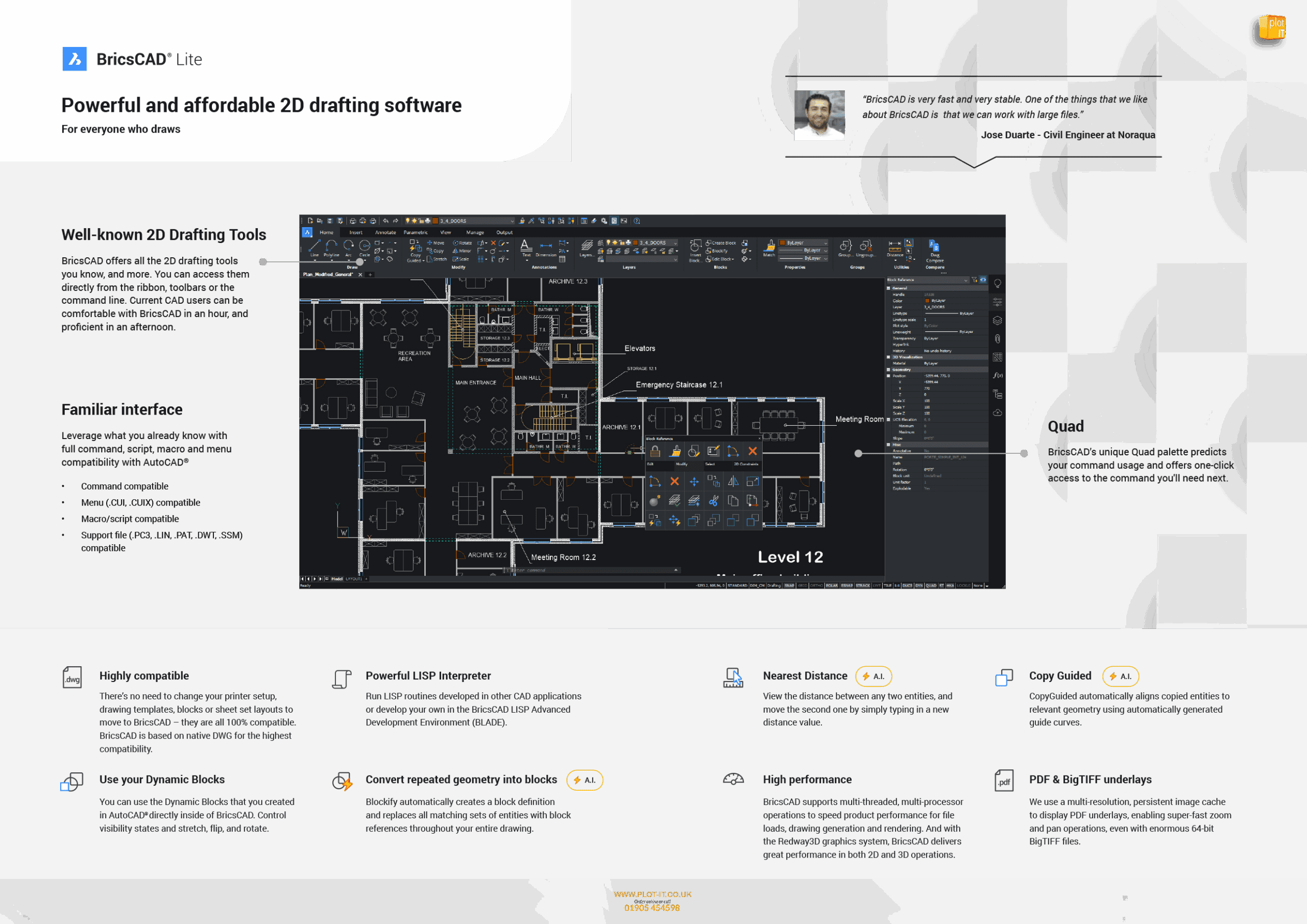
BricsCAD Lite is compatible with existing AutoCAD® workflows, allowing users to transition seamlessly and continue working with their existing customisations. The software also supports LISP routines, enabling the automation of repetitive tasks to improve efficiency.
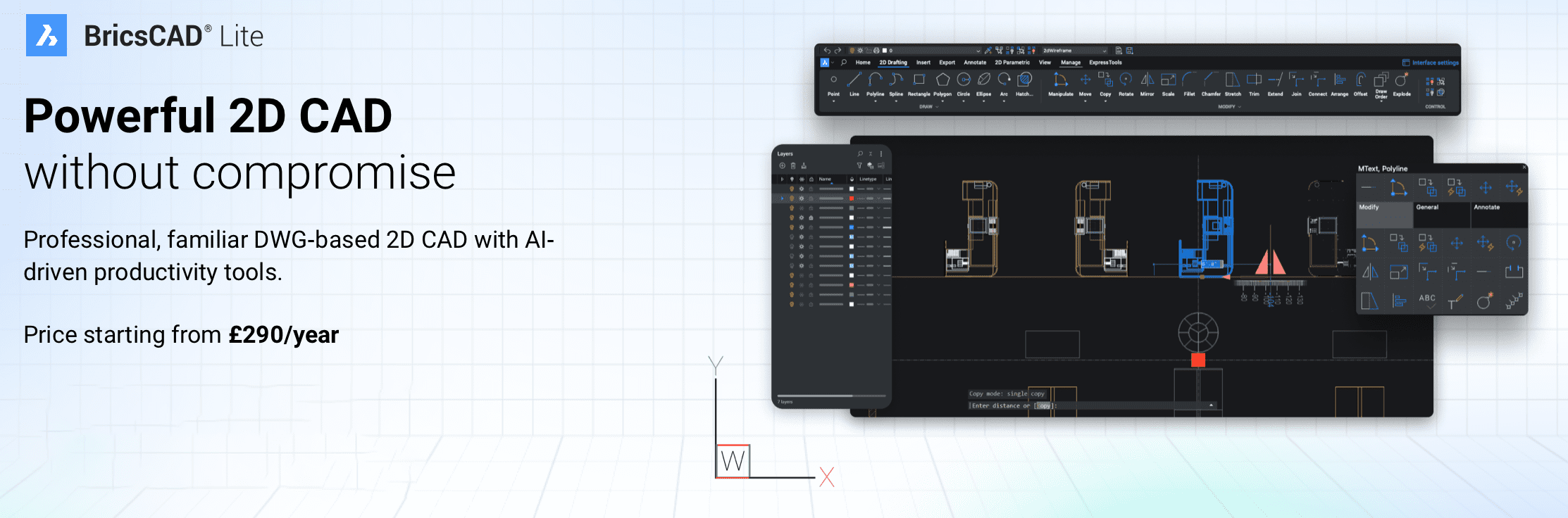
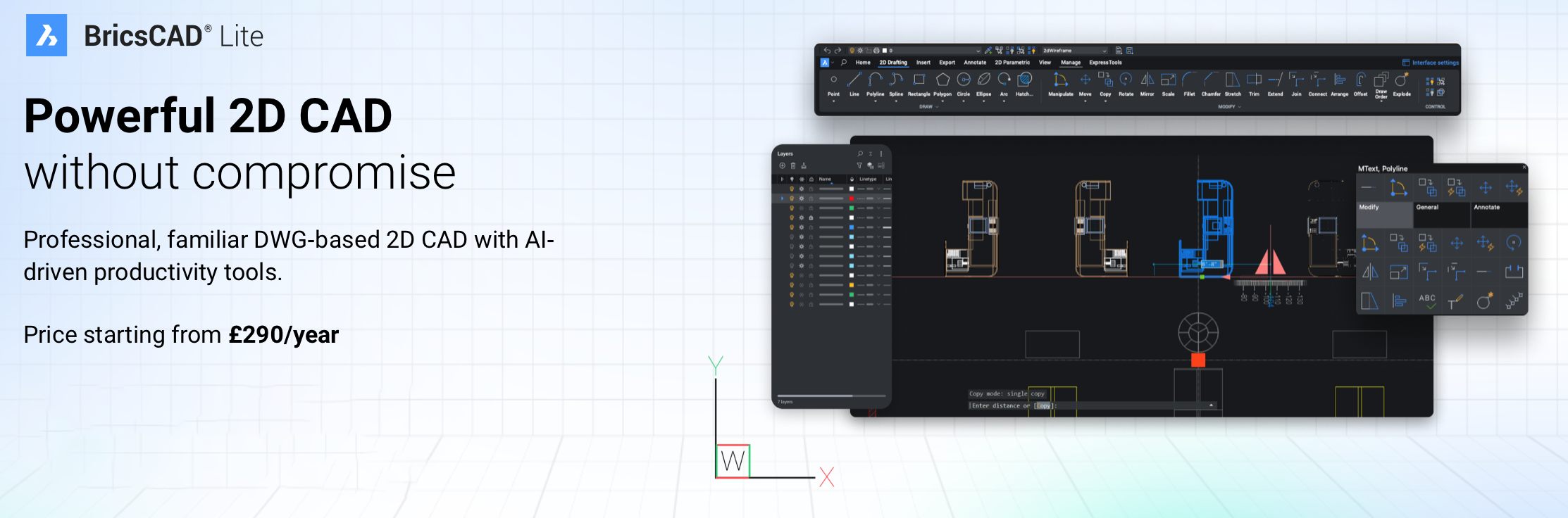
Ideal for professionals in architecture, engineering, and construction, BricsCAD Lite delivers powerful 2D drafting capabilities at an affordable price.
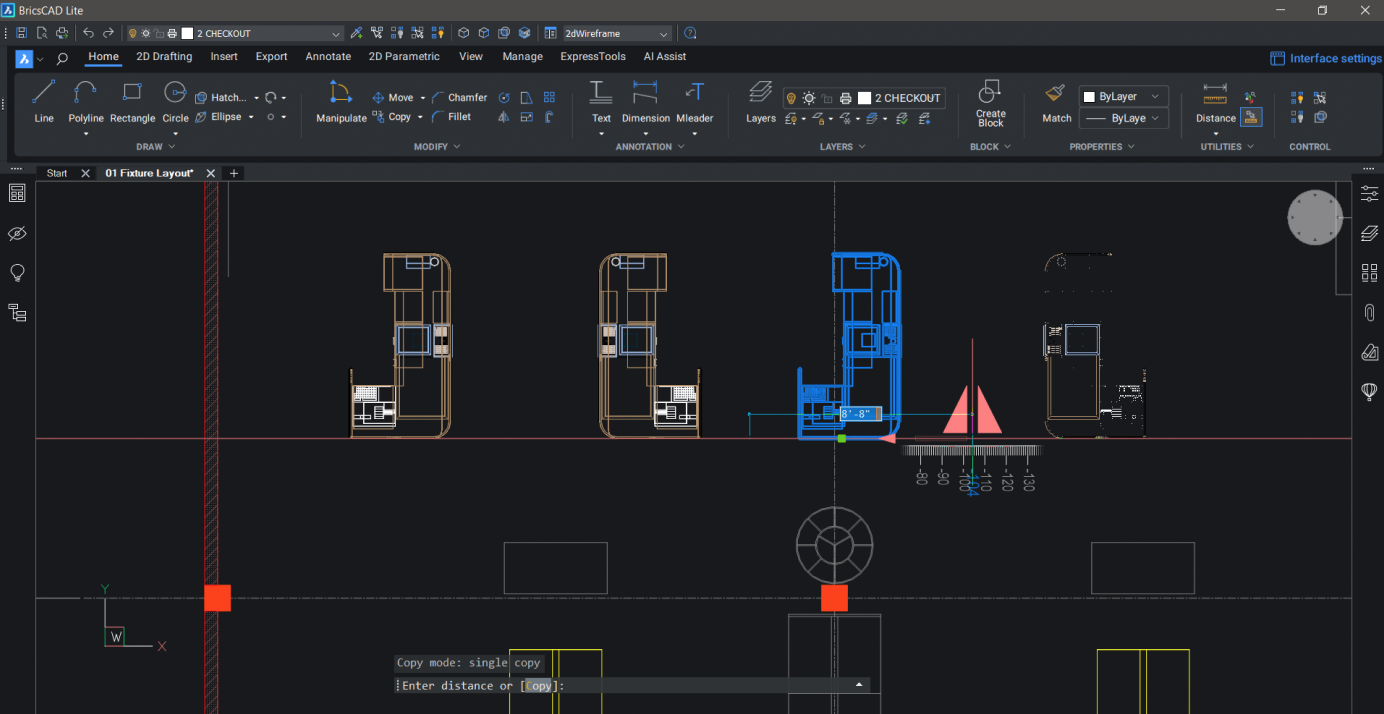
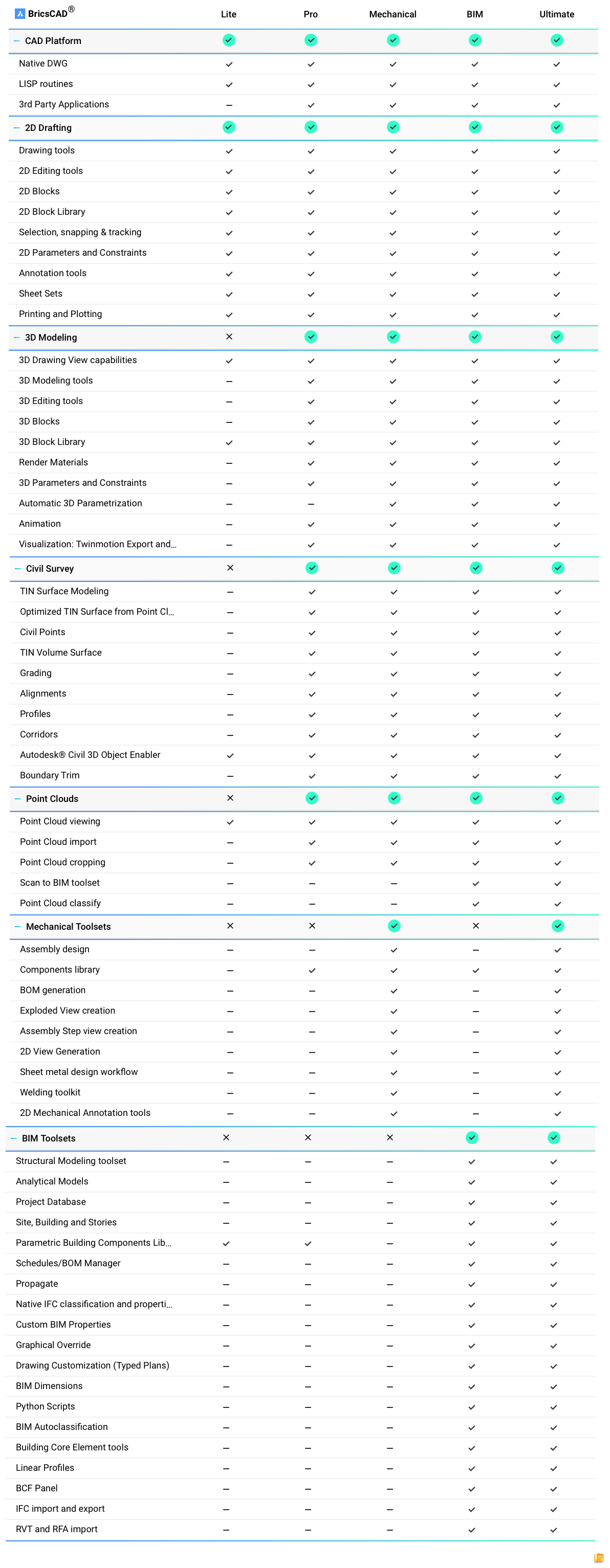
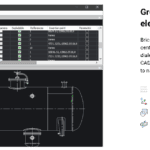
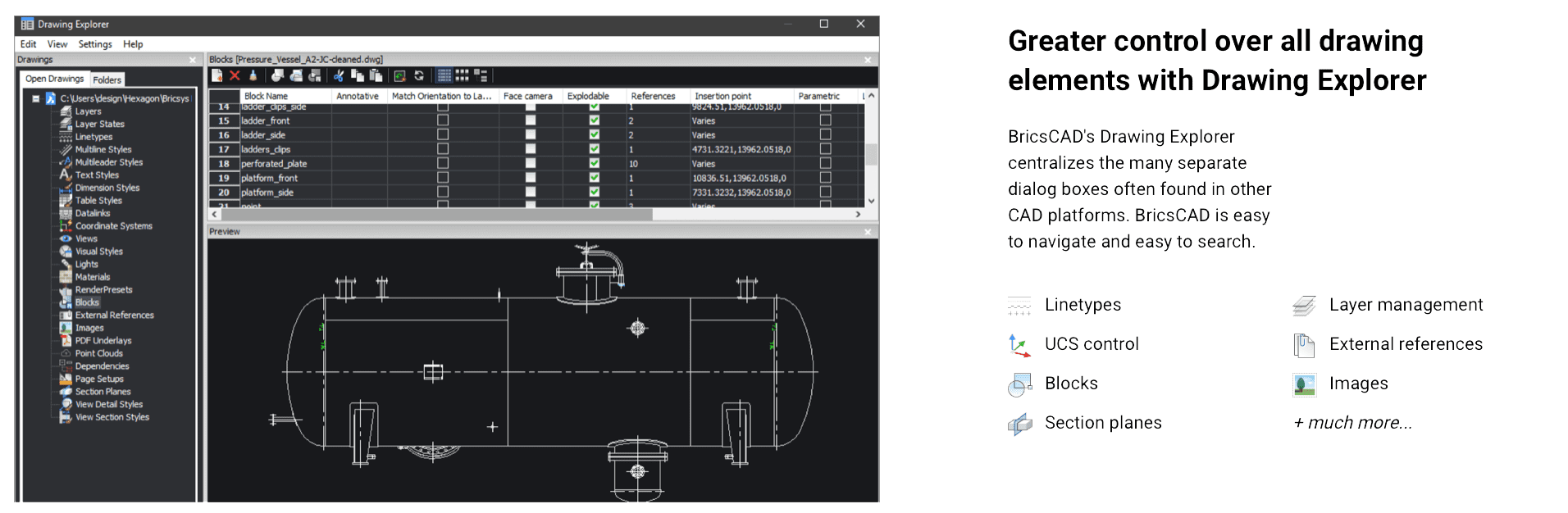
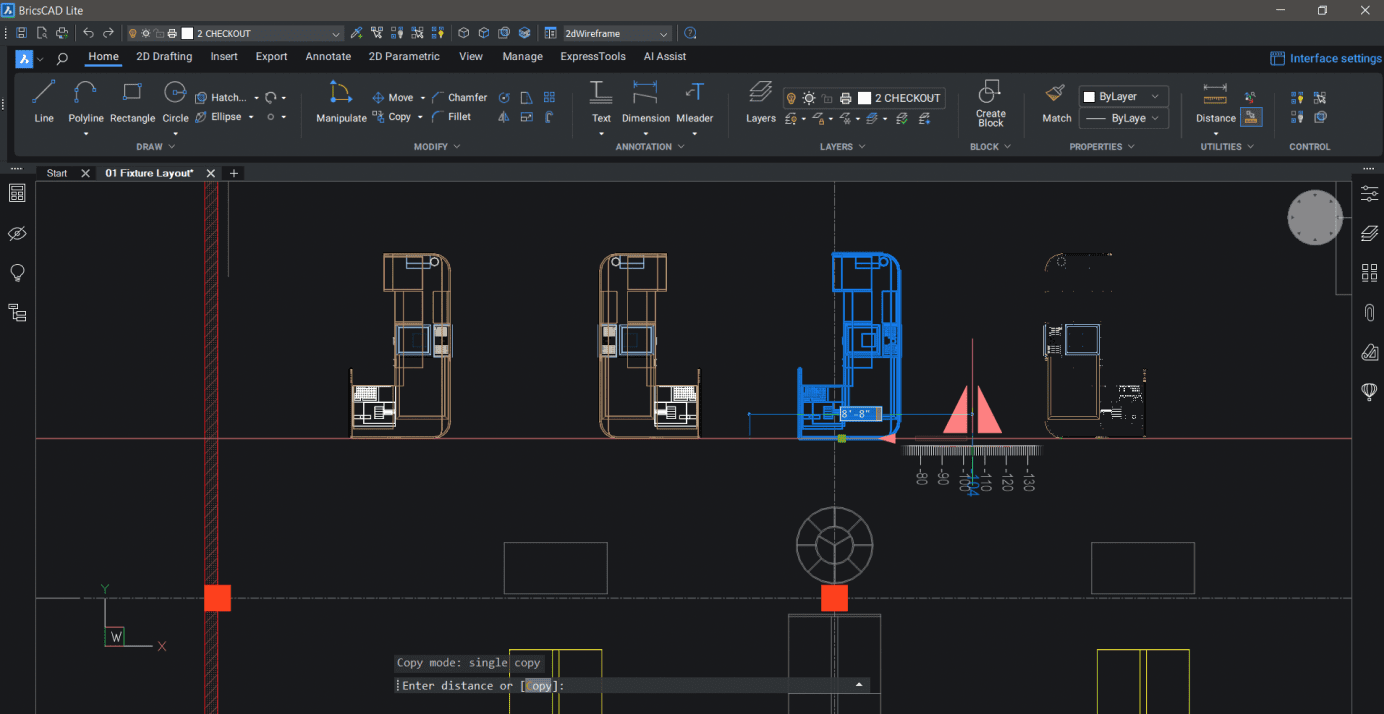
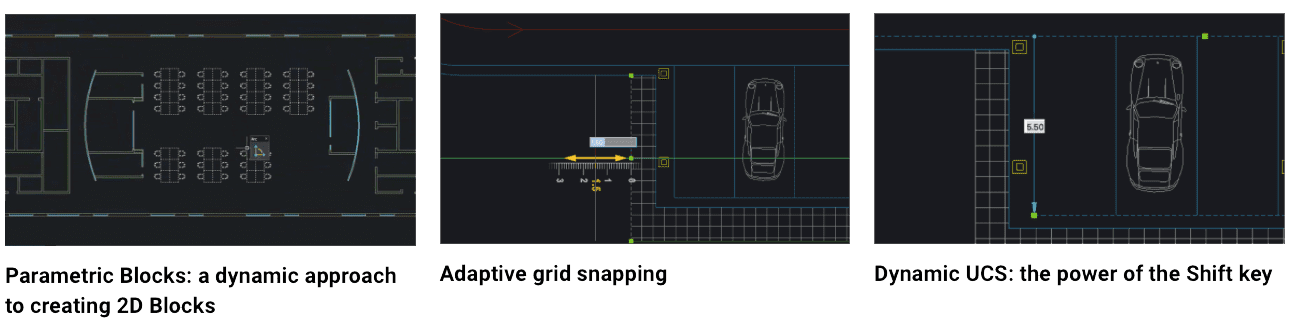
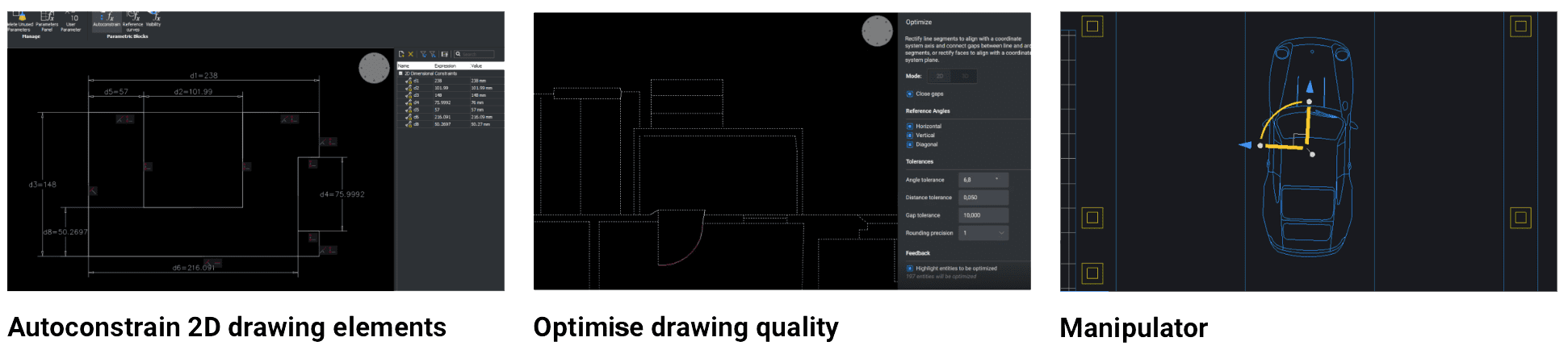
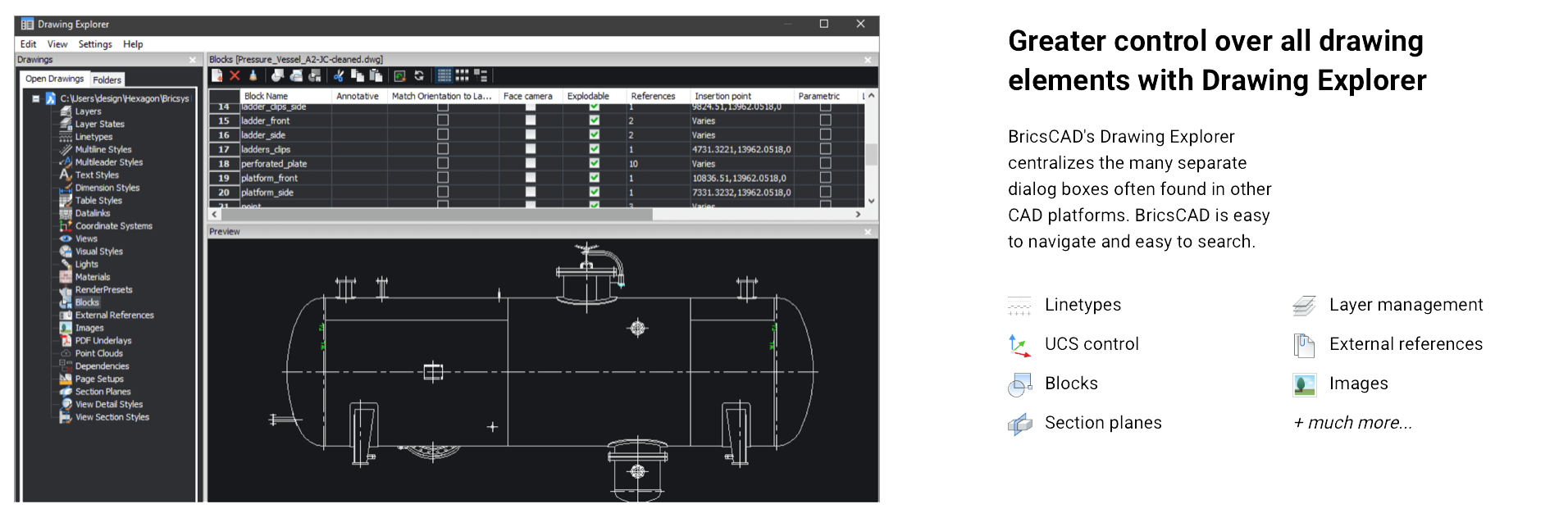
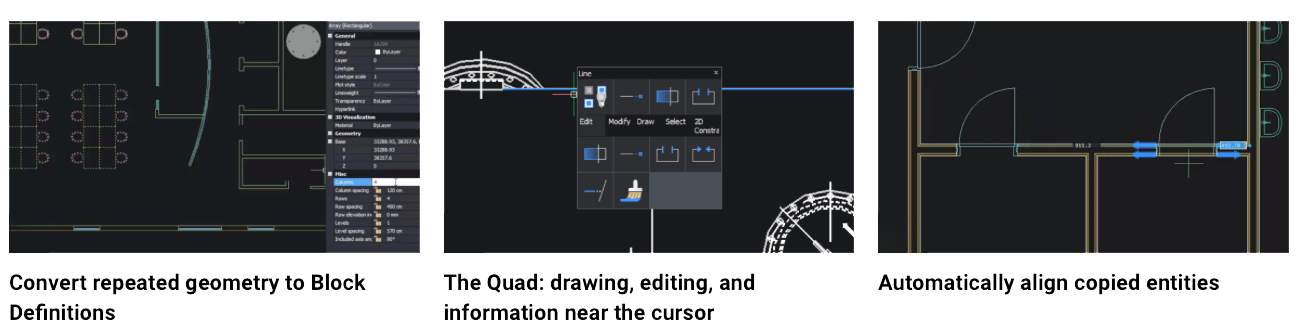
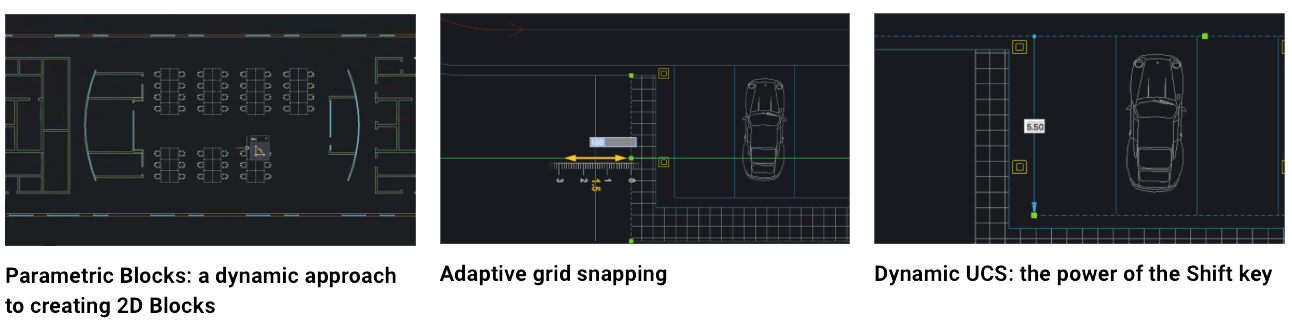
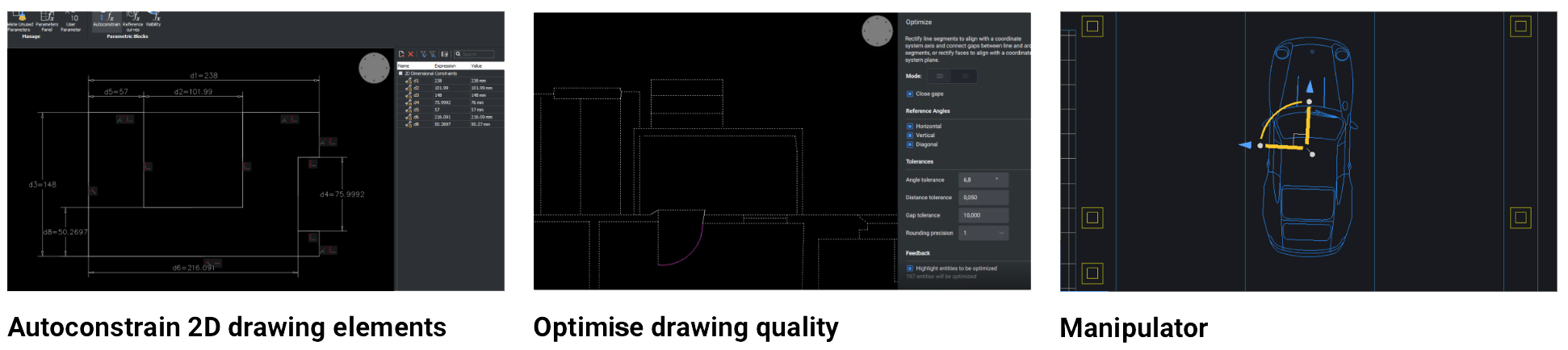
BricsCAD Lite V25 is designed to optimise 2D drafting with enhanced efficiency and compatibility features for AutoCAD users, offering robust support for the DWG format, command compatibility, and familiar tools. Key features include new machine learning-driven commands that improve task automation, such as the BLOCKIFY tool, which identifies repeated geometry and converts it to blocks, reducing file size. The COPYGUIDED function enables precise alignment when copying entities, and the Drawing Explorer centralises drawing management for easier navigation across layers, blocks, and external references.
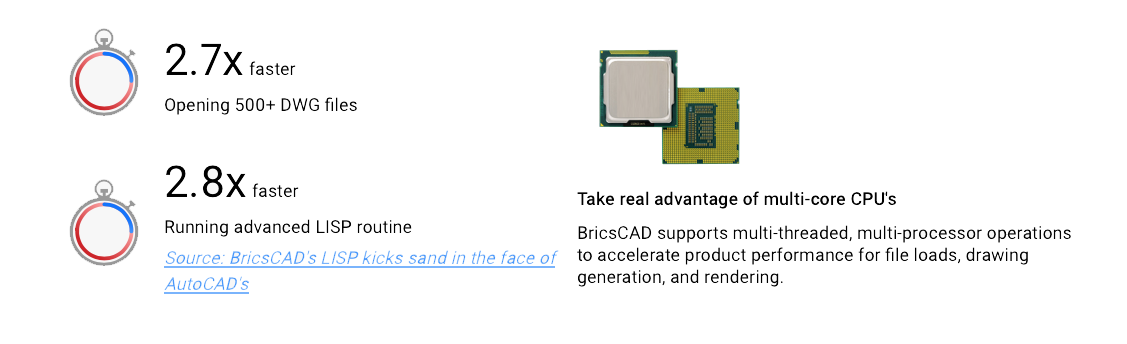
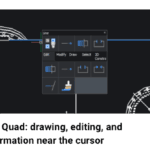
The latest update also introduces an enhanced Sheet Set Manager for improved collaboration, particularly useful in multi-user environments. Additionally, the Lite version includes the updated Quad cursor menu, offering predictive command options to speed up workflow and reduce manual input. Interoperability is bolstered by full LISP compatibility, so existing AutoCAD routines can be utilized, and custom automation can be developed efficiently.
The platform is built to support both traditional drafting and more complex workflows, making it a flexible solution for professionals seeking a cost-effective alternative to AutoCAD without sacrificing functionality or speed. For users transitioning from AutoCAD, BricsCAD Lite provides familiar tools and a seamless experience with no need to adjust existing DWG-based workflows.