Understanding Plotter Paper Sizes & Types for your Large Format Printer
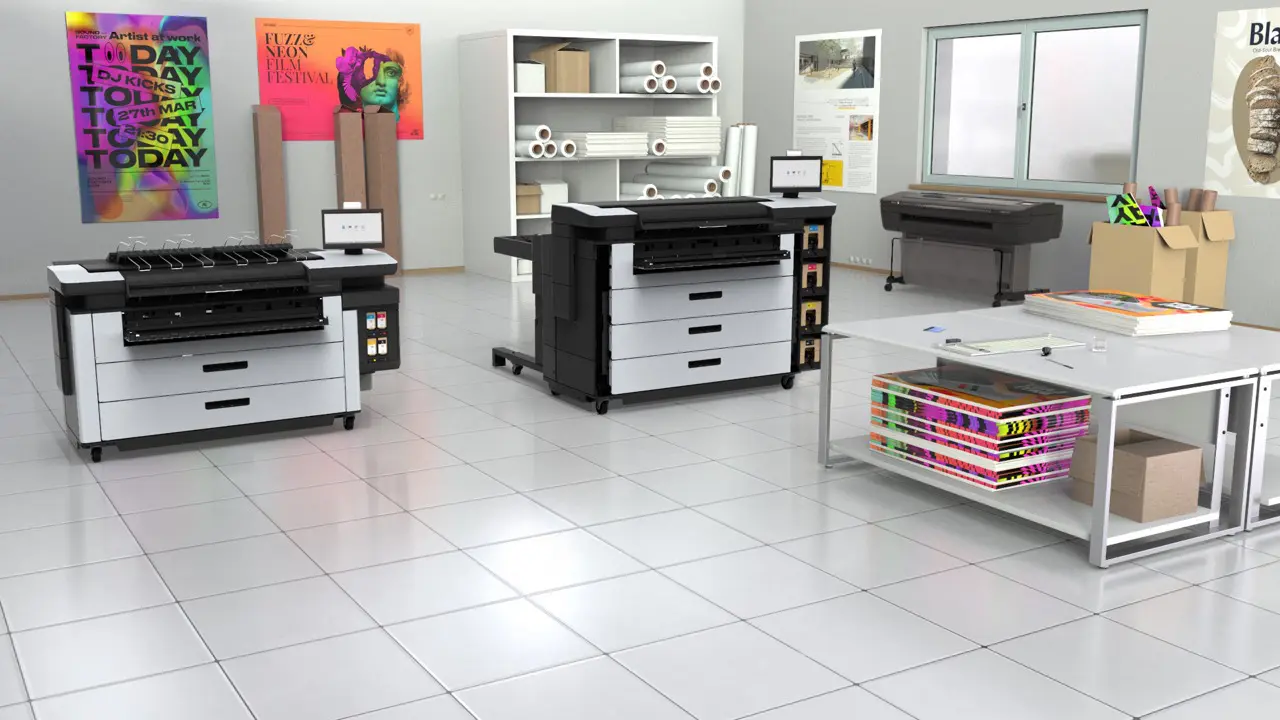
Why Choosing the Right Paper Matters – Not all wide-format printers are the same, and even plotters from the same manufacturer could have a variance on which plotter paper rolls they can accept. You must pick the right paper in terms of finish, weight, and dimensions. The guide below will help you to understand which media suits your printer and avoid costly errors by purchasing badly.
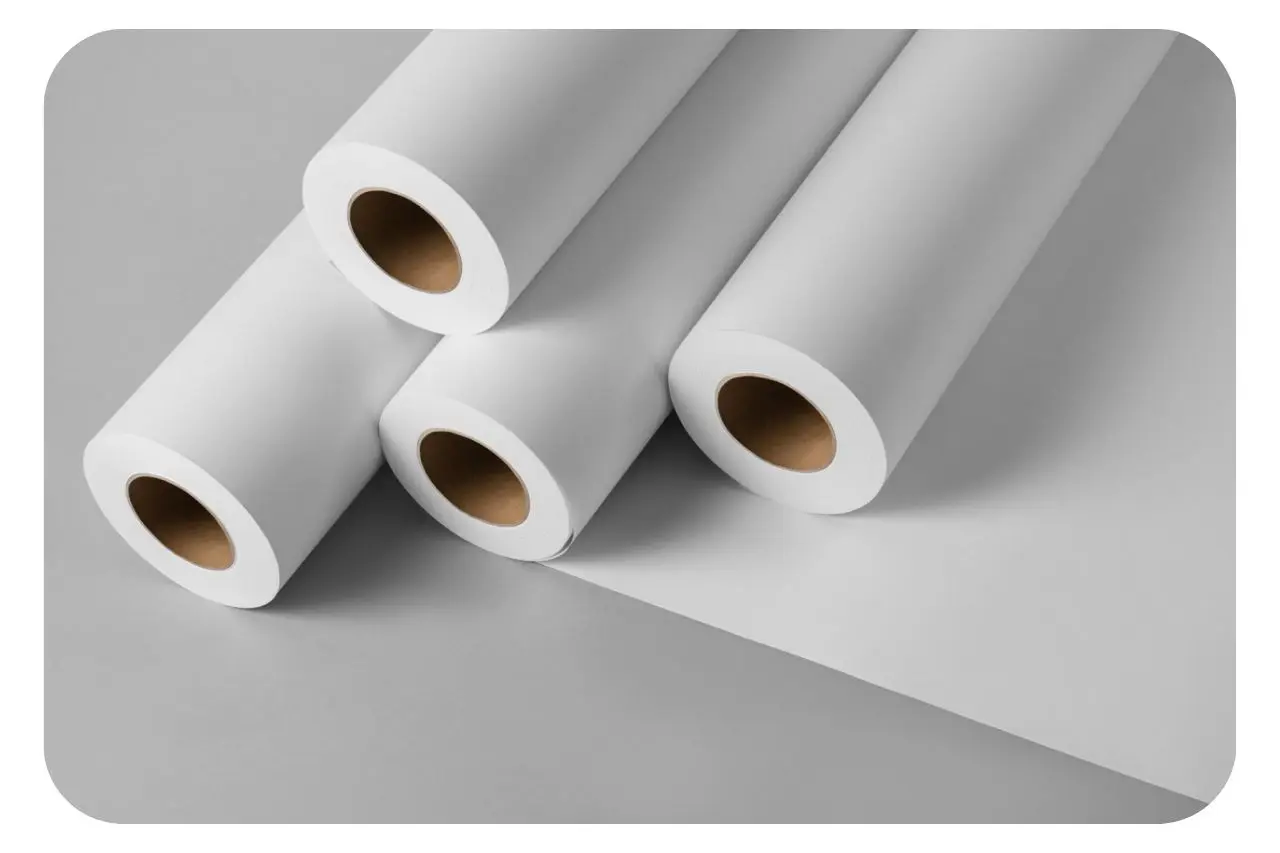
Firstly, lets clear up some terminology – Printer or Plotter? – There is no right or wrong answer here. This dates back to the 50s & 60s when machines used an arm with a pen that moved over paper to ‘plot’ lines. People still use the term ‘plotter’ out of habit.
Matching Paper to Your Printer Type – You might assume that owning an A0 36” plotter simply means purchasing 36” (914mm) paper, but it’s not that straightforward. You need to choose Length, Width & Core size.
Length

You’ll commonly see Plotter Paper in 45m lengths. For 80gsm or 90gsm papers you could choose 50m instead, as typically this is better value and you will change the roll less. Some mid-volume inkjet plotters take 90m or 91m lengths as well as 110m and 175m which again saves media changes for high-volume users. Do check your machine spec before purchasing.
Width
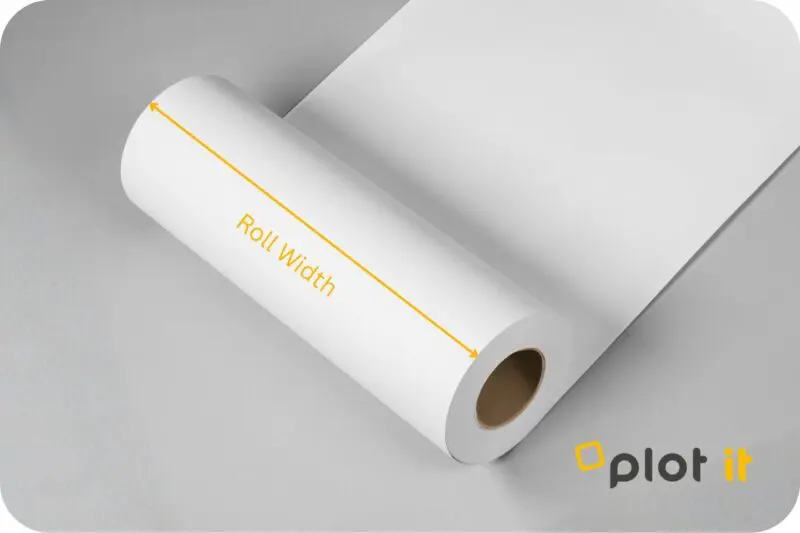
Typically, plotters are 24”, 36”, 42” and 44” wide, with wide-format graphics printers also available in 17”, 60” and 64”. Apologies for this being imperial, but all the manufacturers follow this convention as standard drawing sizes in the US are slightly larger than metric regions. Rather confusingly, paper roll widths are described using millimetres!
A1 / 24” Printers
- Prints A1 Portrait, and A2 Landscape
- To achieve standard ISO paper sizes, you should purchase 594mm Inkjet Paper Rolls.
- Oversized 610mm width is also available in standard CAD Paper and Graphic choices.
- If you only want to print A2 and A3 then pick 420mm width paper.
A0 / 36” Printers
- Prints A0 Portrait, and A1 Landscape
- For ISO paper sizes then purchase 841mm Inkjet Paper Rolls. Again 2” core is pretty much standard but also some longer paper rolls are on 3” cores for higher volume A0 printers.
- Oversized 914mm width is also available in standard CAD Paper and Graphic choices. You will find that many A0 plotters are dual / twin roll, meaning two rolls online at the same time so you can mix up paper types or for busy users, have both A0/A1 and A1/A2 rolls loaded simultaneously.
A selection of media and papers for toner plan printers such as the Canon Plotwaves are also available and these follow the same conventions above – simply match your length, width and core size to your printer.
Core Size
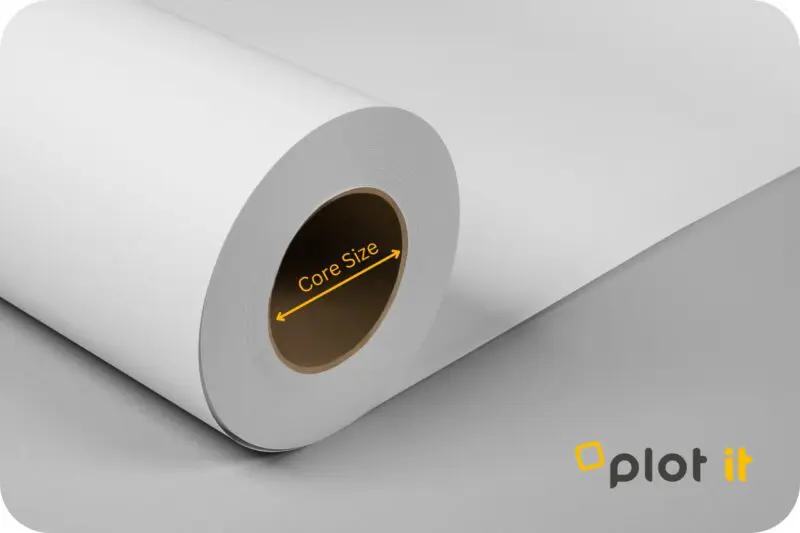
First, you need to check the spindle depth, which can be either 2” or 3” & the roll’s cardboard core size must match this (some wide-format printers include a 3” adapter, or you can purchase one separately with selected models).
2” core media which is mostly standard for CAD inkjet plotters such as HP DesignJet, Canon imagePROGRAF and EPSON SC-T2100 – 5100
Production Printers such as HP PageWide XL and DesignJet XL3800, Canon Colorwave & Plotwave, imagePROGRAF TX & TZ and selected EPSON products use 3” core and 175m length rolls which are typically 75, 80 or 90gsm. These are volume production printers and can take these heavier more bulky rolls.
Roll diameter matters as a 3” core results in a fatter roll which won’t fit some printers. Many entry-level A0 and A1 inkjet printers have a maximum capacity of 50 meters of 90gsm paper. If the manufacturer states a maximum length of 50m or 45m, this is for 80/90gsm paper. For heavier media such as 120gsm + then 30m would be the maximum.
Common Plotter Paper Types Explained
Bond Inkjet Plotter Paper – If you’re plotting CAD drawings then typically Bond Paper is used, it’s not necessary to use a Matt Coated paper unless you’re doing client presentations and or desire a brighter white and a little bulkier media is required. For site/working drawings then 90gsm bond is our go-to but equally, you could use 80gsm paper which is lower in cost. Most 80gsm papers are however closer to 75gsm so you will notice a difference between this and 90.
Matt coated is great for fully rendered drawings to prevent cockling of ink-saturated areas, given a flat even surface this is the go-to choice for GIS and Architectural renders as well as Graphic Design where a photo finish isn’t required. Choose from 90gsm up to 300gsm (check printer compatibility) with 120, 140, 180 and 230gsm being the most popular weights.
Satin gives you a semi-gloss finish and is most popular for Photos, Posters, POS, Exhibition Displays and Graphic Design as it gives a photo-like finish without the same bounce-back reflection you get with a Gloss finish.
Gloss does as it’s described – Hi-Gloss finish for stand-out Photos or Posters where you want a punchy stand-out image.
Niche Large Format CAD Printing Media
Drafting Film – Yes, we still sell semi-translucent draughting films for plotters on 2” cores in 24, 33 and 36” widths. These Double Matt films are perfect for black and white schematics where longevity of prints is required, popular in Aerospace, Automotive and Railways.
Polyprop – A matt white film that, due to its tear-proof nature and water resistance (when used with the right ink) is ideal for anyone needing robust drawings. We supply manufacturers who want tough drawings for shop floors, Architectural, Engineering & Construction companies (great for rainy days on site but not foldable), customers producing fire alarm schematics & emergency exit maps in large buildings – the list goes on!
Supplied on either 2 or 3” cores in a range of widths and lengths.
Template Paper – lightweight 23gsm to 60gsm papers for the garment industry loved by sewing pattern producers and seamstresses alike. We have 2” core rolls in a variety of widths and 3” core in 150m rolls for volume producers.
Tracing Paper – Yes we still provide Tracing paper for various types of creative industries in 24”, 33” (841mm) and 36” on 2” cores.
Best Value CAD Plotter Paper
Click here for a selection from the CAD Plot brand. These are our best-value papers with lots of options in bond and matt coated.
You may be interested in
 4 minute read