

Key takeaways
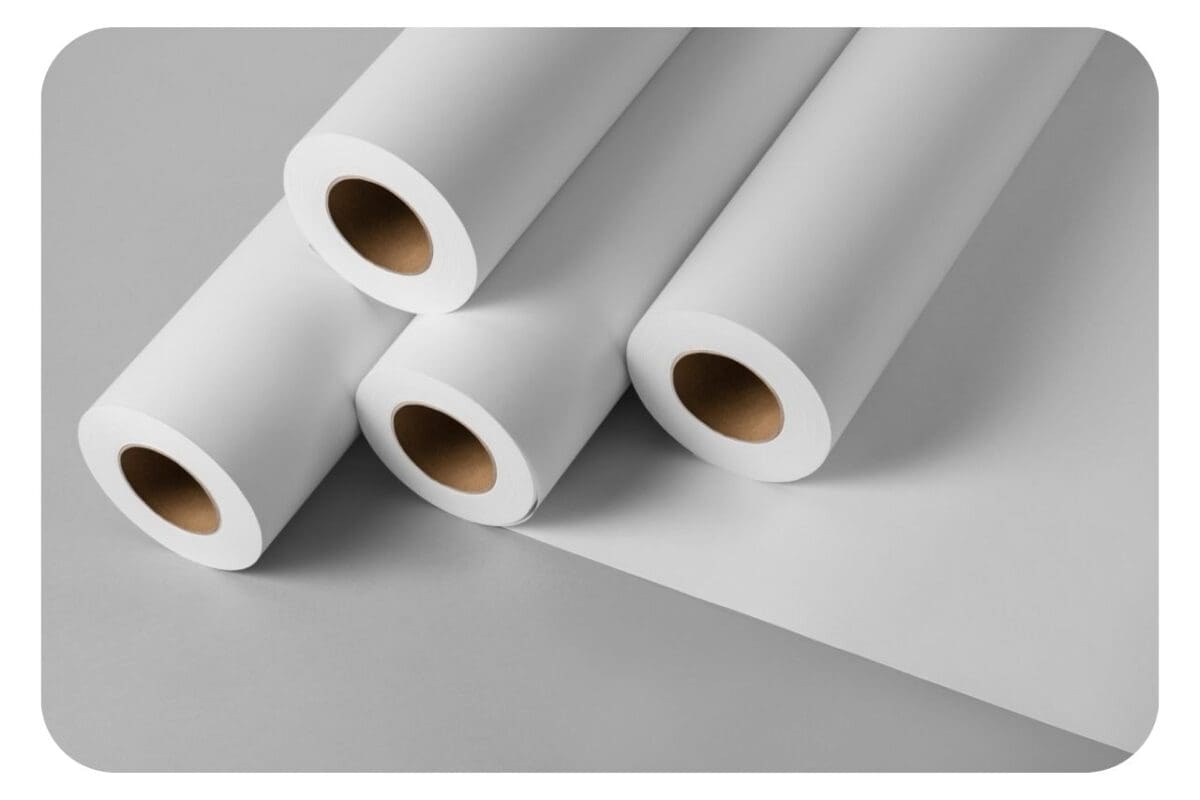
- To buy the right plotter paper, match three things to your printer: the roll width, the roll length and the core size.
- A1 / 24-inch plotters take 594mm rolls for ISO sizes; A0 / 36-inch plotters take 841mm rolls, with oversized options available.
- Most CAD inkjet plotters use 2-inch cores, while production printers use 3-inch cores and 175-metre rolls.
- For everyday CAD drawings, 90gsm bond is our go-to; choose matt coated paper for renders, GIS and presentations.
Choosing plotter paper comes down to three things: width, length and core size – and getting any of them wrong means a roll that won't fit. Not all wide format printers are the same, and even plotters from the same manufacturer can accept different rolls. This guide explains plotter paper sizes and types so you can pick the right finish, weight and dimensions first time.
Printer or plotter?
First, let’s clear up some terminology – there’s no right or wrong answer here. The term dates back to the 1950s and 60s, when machines used an arm with a pen that moved over paper to “plot” lines. People still say “plotter” out of habit.
Matching paper to your printer
You might assume that owning an A0 36-inch plotter simply means buying 36-inch (914mm) paper, but it’s not that straightforward. You need to choose the right length, width and core size.
Length
You’ll commonly see plotter paper in 45-metre lengths. For 80gsm or 90gsm papers you could choose 50 metres instead, which is typically better value and means fewer roll changes. Some mid-volume inkjet plotters take 90m or 91m rolls, and some take 110m and 175m, which again saves media changes for high-volume users. Do check your machine’s specification before buying.
Width
Plotters are typically 24, 36, 42 and 44 inches wide, with wide format graphics printers also available in 17, 60 and 64 inches. Apologies for the imperial measurements, but all the manufacturers follow this convention, as standard drawing sizes in the US are slightly larger than in metric regions. Rather confusingly, paper roll widths are described in millimetres.
A1 / 24-inch printers
- Print A1 portrait and A2 landscape
- For standard ISO sizes, buy 594mm inkjet paper rolls
- Oversized 610mm width is also available in standard CAD paper and graphics choices
- If you only want to print A2 and A3, choose 420mm paper
A0 / 36-inch printers
- Print A0 portrait and A1 landscape
- For ISO sizes, buy 841mm inkjet paper rolls. A 2-inch core is pretty much standard, but some longer rolls for higher-volume A0 printers are on 3-inch cores
- Oversized 914mm width is also available in standard CAD paper and graphics choices
- Many A0 plotters are dual roll, so you can have two rolls loaded at once – mixing paper types or, for busy users, having both A0/A1 and A1/A2 rolls ready
Media for toner plan printers such as the Canon PlotWave follow the same conventions – simply match your length, width and core size to your printer.
Core size
First, check the spindle size, which can be 2 or 3 inches – the roll’s cardboard core must match it. Some wide format printers include a 3-inch adapter, or you can buy one separately for selected models.
- 2-inch core media is standard for most CAD inkjet plotters, such as HP DesignJet, Canon imagePROGRAF and the Epson SC-T2100 to T5100
- 3-inch core media in 175-metre rolls, typically 75, 80 or 90gsm, is used by production printers such as HP PageWide XL and DesignJet XL 3800, Canon ColorWave and PlotWave, imagePROGRAF TX and TZ, and selected Epson models. These volume printers can take heavier, bulkier rolls
Roll diameter matters too: a 3-inch core makes a fatter roll that won’t fit some printers. Many entry-level A0 and A1 inkjet printers take a maximum of 50 metres of 90gsm paper. When a manufacturer states a maximum length of 50m or 45m, that’s for 80/90gsm paper – for heavier media of 120gsm and above, 30 metres is usually the maximum.
Plotter paper sizes at a glance
- A1 / 24in printers
- 594mm rolls (ISO) or 610mm oversized
- A0 / 36in printers
- 841mm rolls (ISO) or 914mm oversized
- A2 and A3 only
- 420mm rolls
- Standard core
- 2in for most CAD inkjet plotters
- Production core
- 3in, usually in 175m rolls
- Entry-level max
- 50m of 90gsm, or 30m of 120gsm+
Common plotter paper types explained
Bond inkjet plotter paper is typically used for CAD drawings. You don’t need matt coated paper unless you’re producing client presentations or want a brighter white, slightly bulkier media. For site and working drawings, 90gsm bond is our go-to, though 80gsm is lower in cost. Most 80gsm papers are closer to 75gsm, however, so you will notice a difference compared with 90gsm.
Matt coated paper is great for fully rendered drawings, as its flat, even surface prevents cockling in ink-saturated areas. It’s the go-to choice for GIS and architectural renders, and for graphic design where a photo finish isn’t needed. Weights run from 90gsm up to 300gsm (check your printer’s compatibility), with 120, 140, 180 and 230gsm the most popular.
Satin gives a semi-gloss finish and is most popular for photos, posters, point-of-sale, exhibition displays and graphic design. It gives a photo-like finish without the reflective bounce-back of gloss.
Gloss does as described – a high-gloss finish for photos or posters where you want a punchy, stand-out image.
Niche large format CAD printing media
- Drafting film – yes, we still sell semi-translucent drafting films for plotters on 2-inch cores in 24, 33 and 36-inch widths. These double matt films are perfect for black-and-white schematics where prints need to last, and are popular in aerospace, automotive and rail.
- Polypropylene – a matt white film that’s tear-proof and water resistant (with the right ink), ideal for robust drawings. We supply manufacturers who want tough drawings for shop floors, AEC companies (great for rainy days on site, though not foldable), and customers producing fire alarm schematics and emergency exit maps for large buildings. Supplied on 2 or 3-inch cores in a range of widths and lengths.
- Template paper – lightweight 23gsm to 60gsm papers for the garment industry, loved by sewing pattern producers and seamstresses alike. We have 2-inch core rolls in a variety of widths, and 3-inch core 150-metre rolls for volume producers.
- Tracing paper – we still provide tracing paper for creative industries in 24, 33 (841mm) and 36-inch widths on 2-inch cores.
Best-value CAD plotter paper
Our CAD Plot range is our best-value paper, with lots of options in bond and matt coated. You can also browse all our CAD plotter paper.
Bond or matt coated?
Choose bond paper for…
- CAD, site and working drawings
- Black-and-white or line-based plots
- The lowest cost per drawing – 90gsm is our go-to
Choose matt coated paper for…
- Fully rendered architectural drawings and GIS maps
- Client presentations that need a brighter white
- Graphic design where a photo finish isn’t needed
Plot-It tip: if your plotter takes them, switch from 45-metre to 50-metre rolls of 80 or 90gsm bond. They're typically better value per metre, and you'll change rolls less often.