

Canon imagePROGRAF TM Series: New TM-500 and TM-600 Plotters Explained
Canon has built on the success of its hugely popular imagePROGRAF TM series with generation three of the range with eight new A0 and A1 printers, shipping from the end of October 2026. This guide from the Plot it team explains what has changed, how the models differ, and which Canon imagePROGRAF TM is the right fit for your workload.
The naming convention is easy to follow. The TM-500, TM-510 and TM-515 are A1 24-inch printers, with the TM-510M adding an integrated scanner. The TM-600, TM-610 and TM-615 are the A0 36-inch equivalents, with the TM-610M as the A0 multifunction model.
Every model in the TM series is a true multipurpose wide-format printer. They are equally at home with CAD drawings, building plans and engineering documents as they are with graphic applications such as posters, banners, backlits and films, across a wide range of papers and substrates.
One clear differentiator from competing plotters is media handling. Every TM series printer takes longer rolls than the equivalent products on the market, and all of them accept 3″ core media – giving you greater choice of plotter paper and media, and a lower running cost.


What’s new in the third-generation Canon TM series
Common to all models is a newly formulated high-density matte black ink, delivering sharper fine lines, crisper text and cleaner technical detail, with denser blacks. The magenta ink introduced in the previous generation remains. These two colours are underpinned by the tried and tested photo black, cyan and yellow, and combined with improved image processing they lift colour reproduction across satin and gloss papers – with a particularly noticeable gain on plain uncoated plotter paper.
The new line-up also includes, for the first time, MFP models with integrated scanners developed by Canon rather than a bolt-on solution from Colortrac. These scanners offer improved image capture and, importantly, sit within the printer’s own footprint.
One of our key takeaways is the class-leading starter ink included out of the box on every model in the new Canon ink line-up for the TM range.
Browse all A0 wide-format printers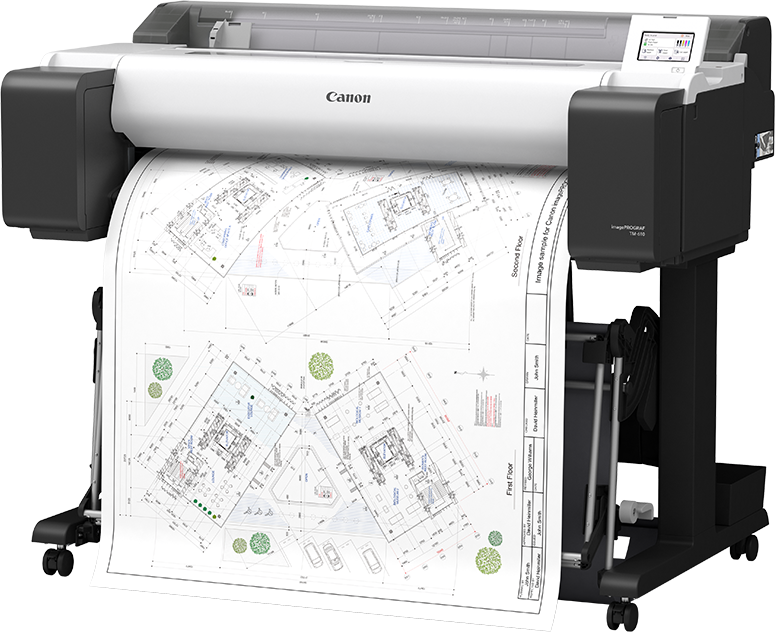
Which Canon imagePROGRAF TM printer is right for you?
Every model in the range is multipurpose and capable of the same breadth of wide-format output, so the choice comes down to print volume, ink capacity and workflow. The sections below give a snapshot of how to pick the right unit.
Canon TM-500 (A1) and TM-600 (A0) – best in class for low-volume users
These options are aimed at lower-volume environments: ideal for occasional print needs where quality and instant at-elbow printing still matter. They benefit from the same print flexibility as the rest of the range at a lower capital cost, and we expect them to be hugely popular with low-volume CAD users.
Both ship with “best in class” starter ink – 300ml straight out of the box. Compared with the HP DesignJet T230, T250, T630 or T650, that is an extra 175ml of ink, which changes the upfront investment considerably because you do not need to buy extra ink immediately. The new models also use a larger 80ml matte black cartridge, up from the 55ml fitted to the outgoing TM-240 and TM-340 they replace.
The A1 Canon TM-500 is our preference even over the budget A1 Canon TC-21, as running costs are lower and you get a much more refined printer for your money. In A0, the same logic applies to the Canon TM-600.
View the Canon imagePROGRAF TM-500 A1 printer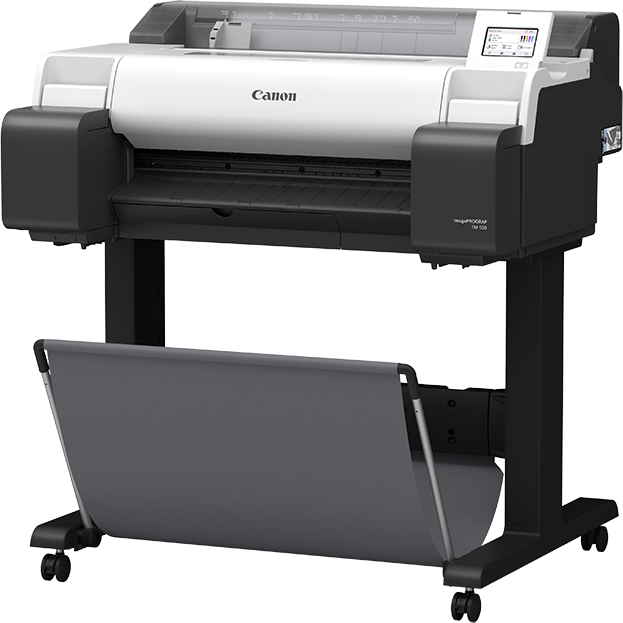
Canon TM-510 (A1) and TM-610 (A0) – our number one choice
Firmly at number one in both A1 and A0 sizes, the Canon TM-510 and Canon TM-610 add the flexibility of larger inks – 130ml and high-capacity 300ml. Those options really keep print costs down and offer far better value per ml. CAD users can mix and match the most widely used ink, the 300ml matte black, with 130ml colours; for graphic output you can do the same across the colour set.
Like their entry-level counterparts, these printers ship with class-leading starter ink – a massive 490ml, which offers a lot of printing before you have to buy another cartridge. With the optional 3″ media adapters you can immediately load up to a 175m roll of bond, or 60m of photo paper and 3″ core films for graphics work, which is not possible on the equivalent HP DesignJet T850 or T870.
These models are also faster than the entry-level products and the market alternatives, at three A1 CAD prints per minute in fast economy mode.
Canon TM-515 (A1) and TM-615 (A0) – for complex files and USB printing
Uplifting the above, the TM-515 and TM-615 add a 256GB SSD and extra processing power, which helps users printing complex larger files or frequent graphics work. They also benefit from direct printing from USB, including PDF, via a dedicated port. For a small additional cost, they are worth serious consideration.
View the Canon imagePROGRAF TM-610 A0 plotter
Canon TM-510M and TM-610M: large-format scanning brought in-house
The new Canon imagePROGRAF TM-510M and TM-610M integrate professional large-format scanning directly into the printer, combining print, scan and copy in a single compact footprint. Canon’s new CIS scanner uses dual-sided LED illumination to minimise shadows and deliver more consistent scans of technical drawings, plans and other large-format documents.
With 600 × 600 dpi optical resolution and scan speeds of up to 5 inches per second in colour and 10 inches per second in monochrome, these MFDs are designed for efficient scan-to-print workflows. Documents can be scanned to JPEG or PDF and sent to USB, email or SMB network locations.
For organisations that regularly copy, digitise and reproduce large-format documents, this integrated approach removes the need for a separate wide-format scanner, control panel, power supply and network connection: the Canon houses all of this in one convenient footprint.
Download the Canon official Comparison Guide
Need a demo, sample files or more information? Contact the Plot it team today.
Author: Get your questions directly answered by the author Matthew Perkins
View the Canon imagePROGRAF TM-610M A0 multifunction printer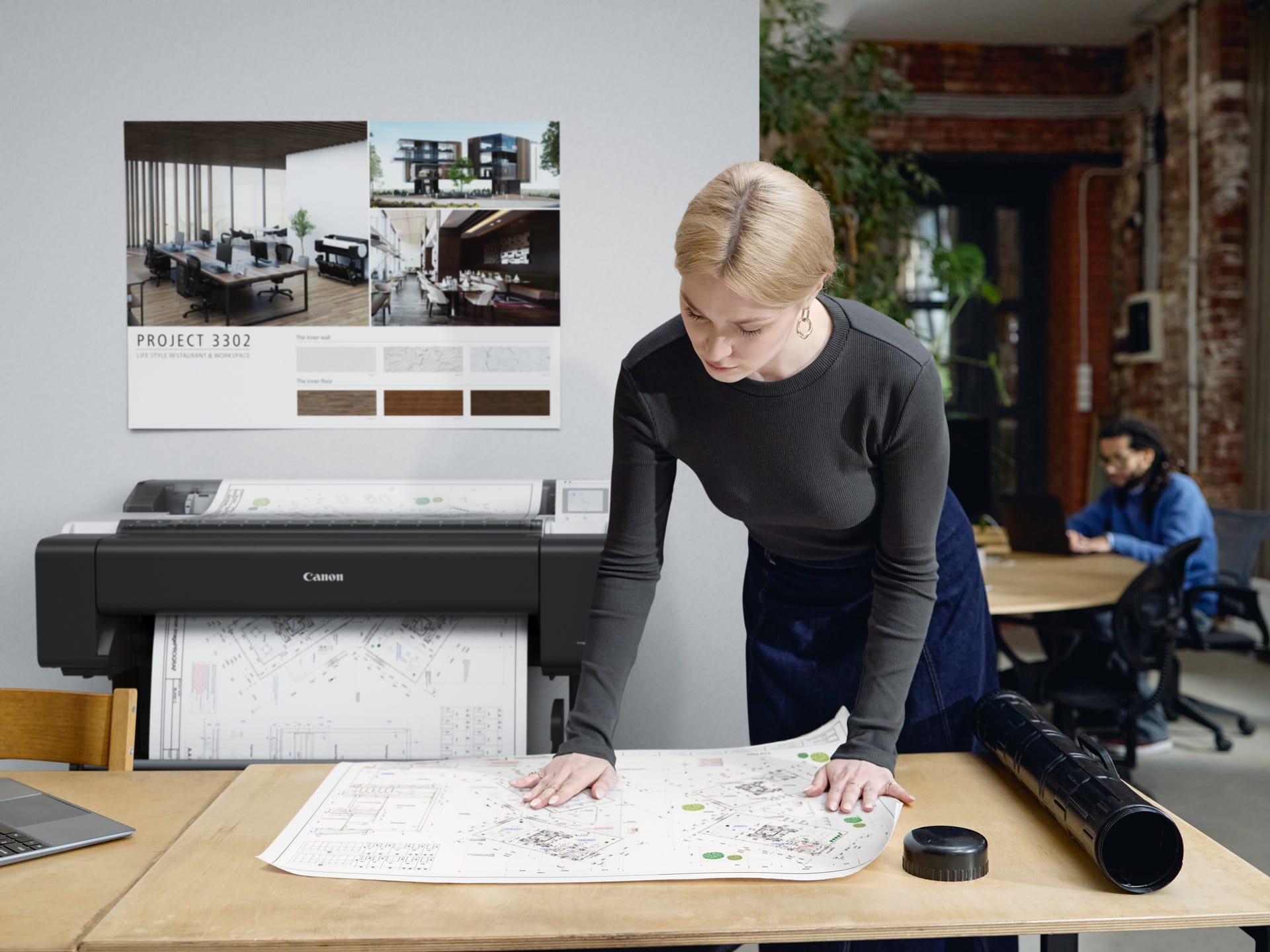
Canon imagePROGRAF TM series comparison at a glance
Use the table below to compare the eight new Canon TM series models side by side. All eight share the same five-colour pigment ink set, the same new high-density matte black and the same media flexibility – including 3″ core support – so the differences come down to ink capacity, processing power and whether you need an integrated scanner.
| Model | Print width | Ink cartridge options | Starter ink included | Integrated scanner | Best suited to |
|---|---|---|---|---|---|
| Canon TM-500 | A1 / 24″ | 55ml, 80ml matte black | 300ml | No | Low-volume CAD and occasional at-elbow printing |
| Canon TM-510 | A1 / 24″ | 130ml and 300ml | 490ml | No | Our number one A1 choice for CAD and graphics |
| Canon TM-515 | A1 / 24″ | 130ml and 300ml | 490ml | No | As TM-510, plus 256GB SSD and USB direct print |
| Canon TM-510M | A1 / 24″ | 130ml and 300ml | 490ml | Yes – integrated | A1 print, scan and copy in one footprint |
| Canon TM-600 | A0 / 36″ | 55ml, 80ml matte black | 300ml | No | Low-volume A0 CAD and occasional graphics |
| Canon TM-610 | A0 / 36″ | 130ml and 300ml | 490ml | No | Our number one A0 choice |
| Canon TM-615 | A0 / 36″ | 130ml and 300ml | 490ml | No | As TM-610, plus 256GB SSD and USB direct print |
| Canon TM-610M | A0 / 36″ | 130ml and 300ml | 490ml | Yes – integrated | A0 print, scan and copy in one footprint |

Canon introduced the third-generation imagePROGRAF TM series in October 2026, with the eight new A0 and A1 models starting to ship from the end of October 2026. Speak to the Plot it team if you need one of the first units, a demo or sample prints.
The A1 TM-500 replaces the Canon TM-240 and the A0 TM-600 replaces the Canon TM-340. Both new models move from a 55ml to an 80ml matte black cartridge and use the new high-density matte black ink.
Only the A1 TM-510M and the A0 TM-610M. Both use Canon’s own CIS scanner with dual-sided LED illumination, 600 × 600 dpi optical resolution and scan speeds of up to 5 inches per second in colour and 10 inches per second in monochrome, scanning to JPEG or PDF and sending to USB, email or SMB network locations.
Yes. Every model in the TM series accepts 3″ core media. With the optional 3″ media adapters, the TM-510 and TM-610 and above will load up to a 175m roll of bond, or 60m of photo paper and 3″ core films for graphics work – which is not possible on the equivalent HP DesignJet T850 or T870.
The TM-500, TM-510, TM-515 and TM-510M are A1 24-inch printers; the TM-600, TM-610, TM-615 and TM-610M are the A0 36-inch equivalents. Aside from maximum media width, the models are matched feature for feature across the two sizes.

Privacy Policy | Terms & Conditions | Sitemap
© Copyright 2026 Plot It. All rights reserved. Company No. 06576578 Registered in England & Wales. Website by Fifteen.co.uk